To personalize your workflow tasks in Nintex Automation Cloud, you’ll need to do the following:
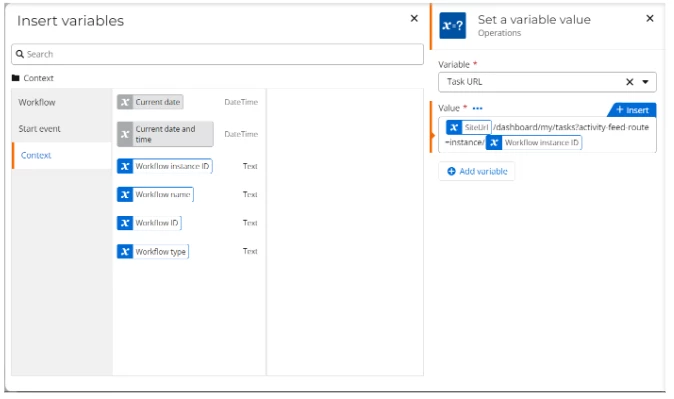
- Add a Set a Variable Value action in your workflow.
- Create a variable to store the URL value.
- In the value field add the SiteURL/dashboard/my/tasks?activity-feed-route=instance/ Workflow Instance ID.
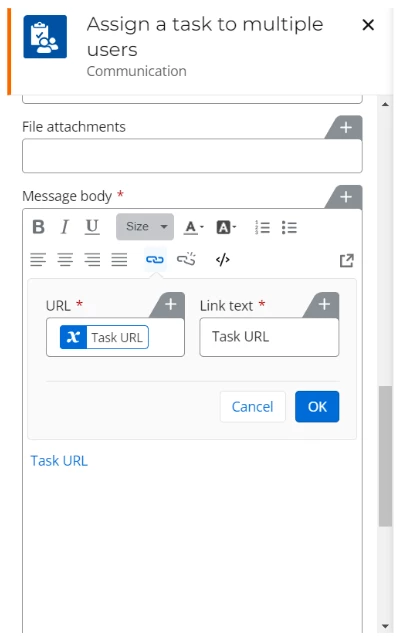
- In the Assign a task configuration, add the variable you created for the task where it is required. For example, if it’s required in the ‘click here’ hyperlink, then add the variable in the URL text box of the link.