


When updating items action is a mass action, if you want to update all items with the save value this is an effective way of doing do with a single action.
You can use the Update Items to update the records.
For example, if you are updating the Item on SharePoint based on the Task form Approval, you can now add the Update Item Action after the Task form, which will update the SharePoint item with the decision made on the Task Form.
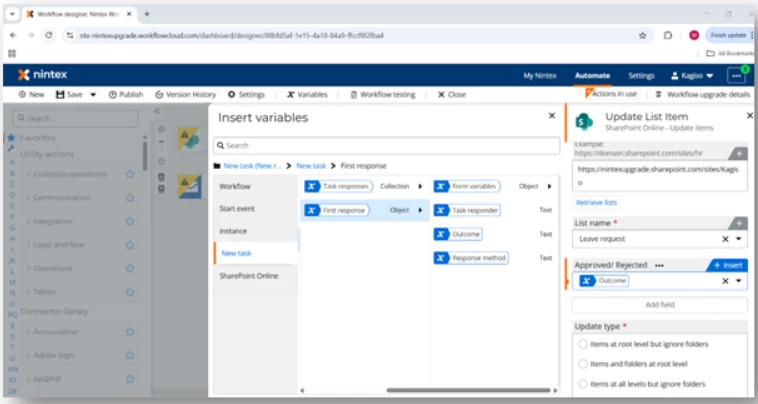
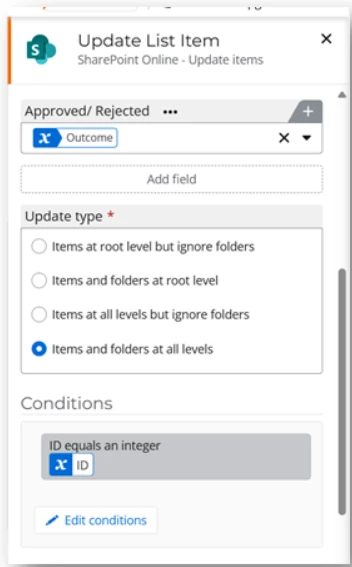
Ensure that you have a condition on this record for the item to be updated on SharePoint.
If you need to update the collection then we can use the Loop for Each action, which will have conditions based on what we need to update on the records or items in SharePoint.
Updating the Task Forms
To update the Task form, click on Edit Form, which will open the Task form. You can then add any new columns or rules.
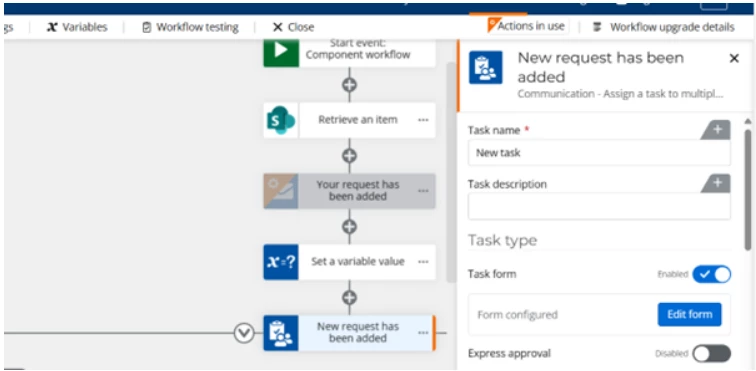
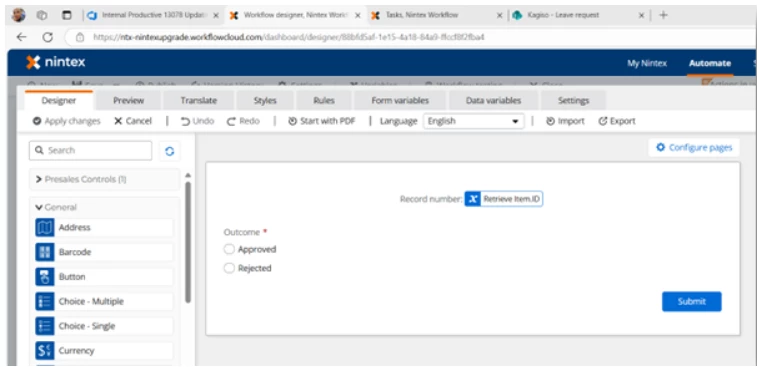
This should assist with updating any task form or actions.