

Nintex Community Menu Bar
Question

problem initializing a component of type skuid__labelInput: Cannot read property 'neccesityAddendum'

  • July 11, 2024
  • 10 replies
  • 85 views
  • Translate All

Forum|alt.badge.img+14

There were 1 problems with this Skuid Page.

1: There was a problem initializing a component of type skuid__labelInput: Cannot read property ‘neccesityAddendum’ of undefined

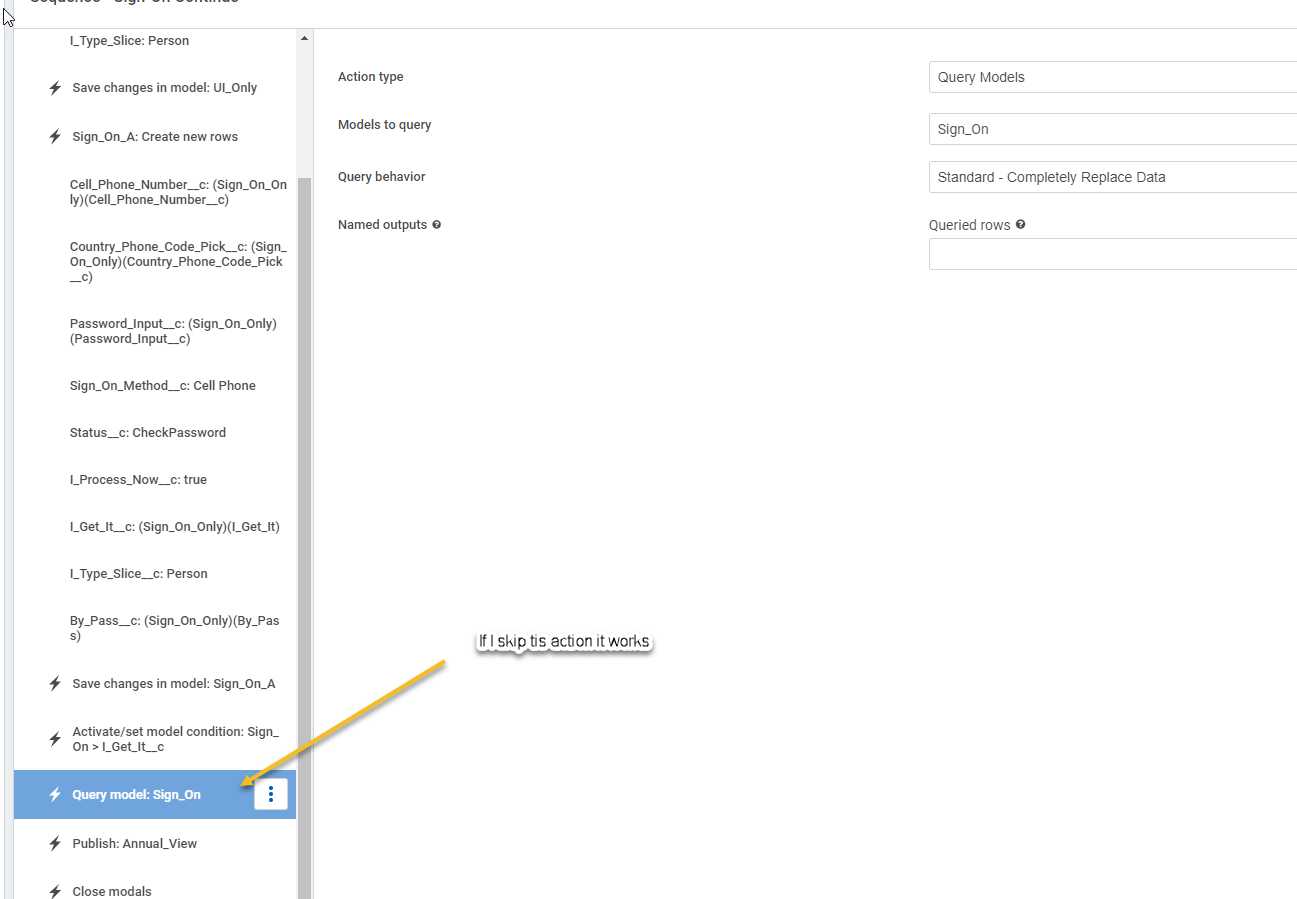
This error occurs when I query an object. If I skip the action Query Model I do not get the error. The page works as designed in my sandbox but fails in production. Which leads me to believe something is wrong production object.
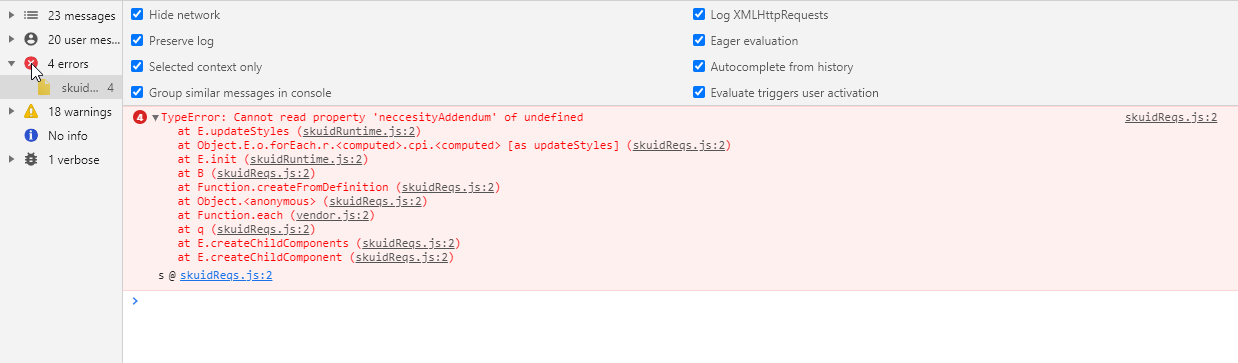
4skuidReqs.js:2 TypeError: Cannot read property ‘neccesityAddendum’ of undefined

at E.updateStyles (skuidRuntime.js:2)

at Object.E.o.forEach.r..cpi. [as updateStyles] (skuidReqs.js:2)

at E.init (skuidRuntime.js:2)

at B (skuidReqs.js:2)

at Function.createFromDefinition (skuidReqs.js:2)

at Object. (skuidReqs.js:2)

at Function.each (vendor.js:2)

at q (skuidReqs.js:2)

at E.createChildComponents (skuidReqs.js:2)

at E.createChildComponent (skuidReqs.js:2)

s @ skuidReqs.js:2
Any ideas?

10 replies

annajosephine
Nintex Employee
Forum|alt.badge.img+18

Hi Bill! Our product team is currently investigating this issue.

Affects: Form style variants created using the “clone” button when a required field is present at runtime

Workarounds: Use the default style variant, or a new variant created using the “add” button rather than the clone button.

Sorry for the inconvenience and we’ll let you know when the issue is resolved.

Translate

Forum|alt.badge.img+14

That is the problem.

Translate

Forum|alt.badge.img+14

I have tried:

Default, Ink, Lightning, Product Tour and a custom Design system and they all work. My custom design system “MyDorothy” creates the error.

Translate

Forum|alt.badge.img+14

Anna, is there a solution for this issue?

Translate

annajosephine
Nintex Employee
Forum|alt.badge.img+18

Hi Bill, not yet. The product team is looking into this and we’ll let you know when it’s fixed on the product side.

For now the workarounds are to use a different design system or with your “MyDorothy” design system create a new form variant using the “add” button - this new variant should work without throwing the error.

Translate

Forum|alt.badge.img+14

I have made nearly 100 component modifications in MyDorothy.com. Which component is causing the issue?

Translate

annajosephine
Nintex Employee
Forum|alt.badge.img+18

It will be one of the Form component custom variants. I suggest creating a page with a simple form with a required field on it and testing out your different form variants to see which one is causing the issues.

Translate

Forum|alt.badge.img+14

Here is where one of the errors is occurring in Design System. If I make a copy of the “field” component with no changes. Then in a wrapper I put a currency field and mark it “Required”. I get the error.

It does not happen if not required or if I use the default style.

Translate

Forum|alt.badge.img+14

Is there a solution?

Translate

Forum|alt.badge.img+11

Hey @Bill ,

Still looking into this. If I can ask, where are you applying the style variant? Also what Skuid version are you on?

Thanks,

Translate


