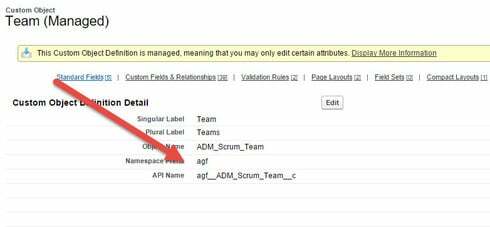
Tab override of managed packages has always been a problem. We have had general success by creating a new visualforce tab and not trying to use the packages tab at all.
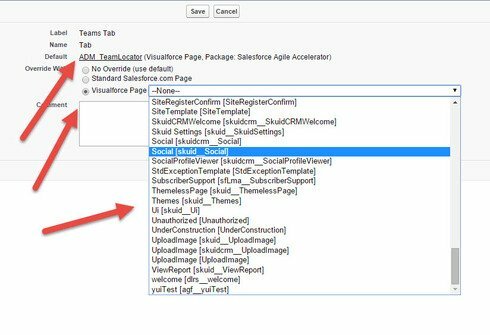
Having said that, we are interested that there are so many pages you could choose (Including Skuid pages). Not sure what those common denominators are. Maybe try to make your VF page ONLY have the skuid redirect code (No controller at all). There is some gut feeling in the office that this will work…
Having said this, this is really somthing in core Salesforce, or in the managed package, rather than in Skuid. Just sayin…
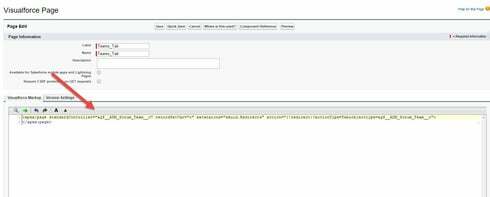
You do not need to create a new Visualforce tab – all you have to do is to remove the “standardController” and “recordSetVar” attributes, and instead of using “extensions=skuid.Redirects” use “controller=skuid.Redirects”. Then your VF page will show in the list of VF pages available to override the Tab button for a Managed Package object’s tab.
Ah, you might need to swap the ? or & in your actionattribute immediately after {!redirect} e.g. if you’ve got action=“{!redirect}& then change to action=”{!redirect}? or vice versa