
Nintex Community Menu Bar
Question

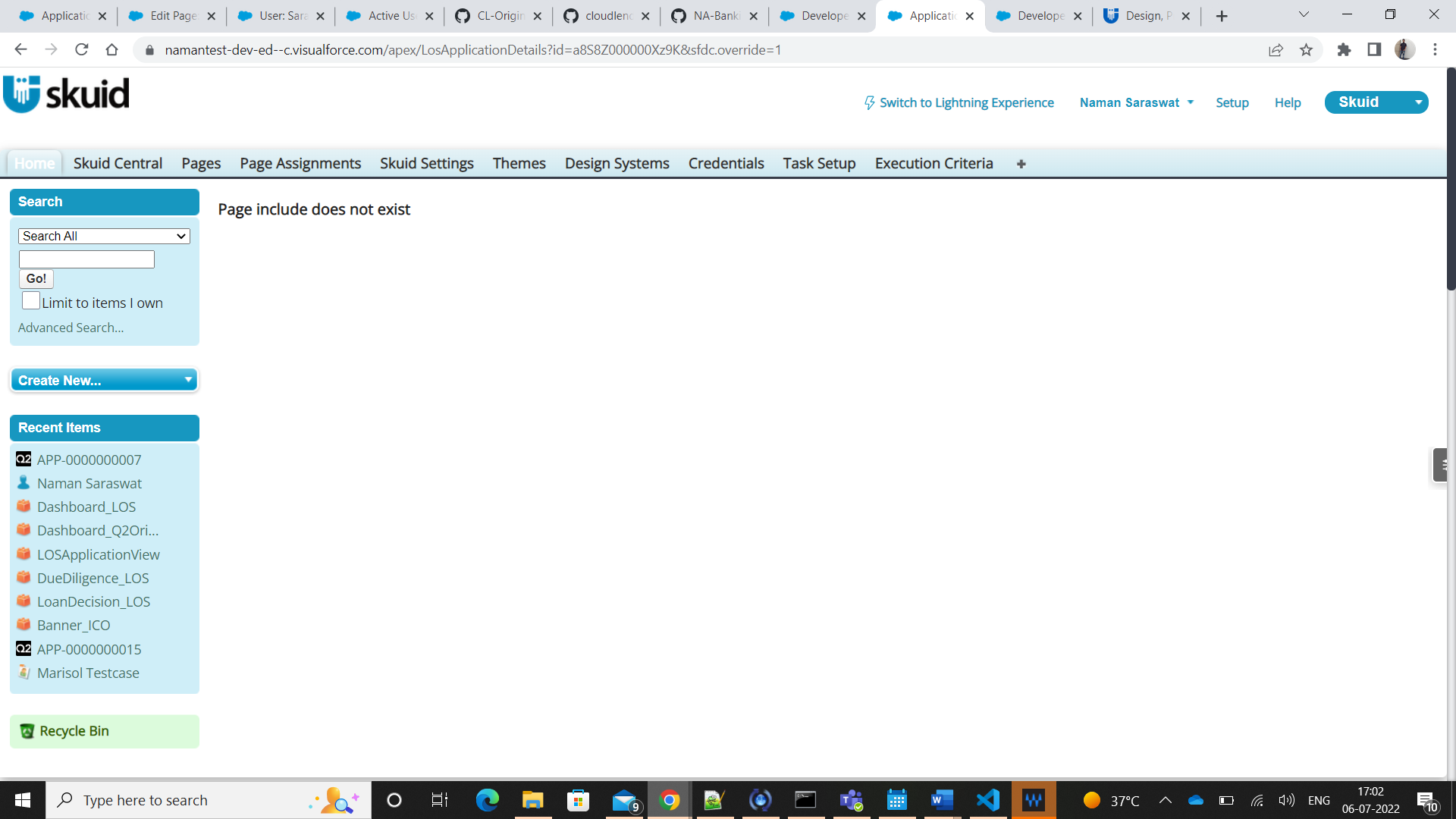
Getting error Page include does not exist while redirecting skuid page from vf page

  • Jul 12, 2024 12:49 AM UTC
  • 2 replies
  • 48 views
  • Translate All

Forum|alt.badge.img+1

<apex:page lightningStylesheets=“{!$User.UIThemeDisplayed == ‘customtheme’}” standardController=“custom__object__c” extensions=“skuid.Redirects”
showHeader=“false” sidebar=“false” readonly=“true” docType=“html-5.0”
action=“{!IF(canUseSkuid,‘’,redirect)}” title=“{!$ObjectType.custom__object__c.label}”>
<skuid:page page=“ApplicationView” />
</apex:page>

It shows include does not exist error on the screen.
but as i click on edit page option on right i see the correct page has been redirected …
i tried to clone the page tooooo
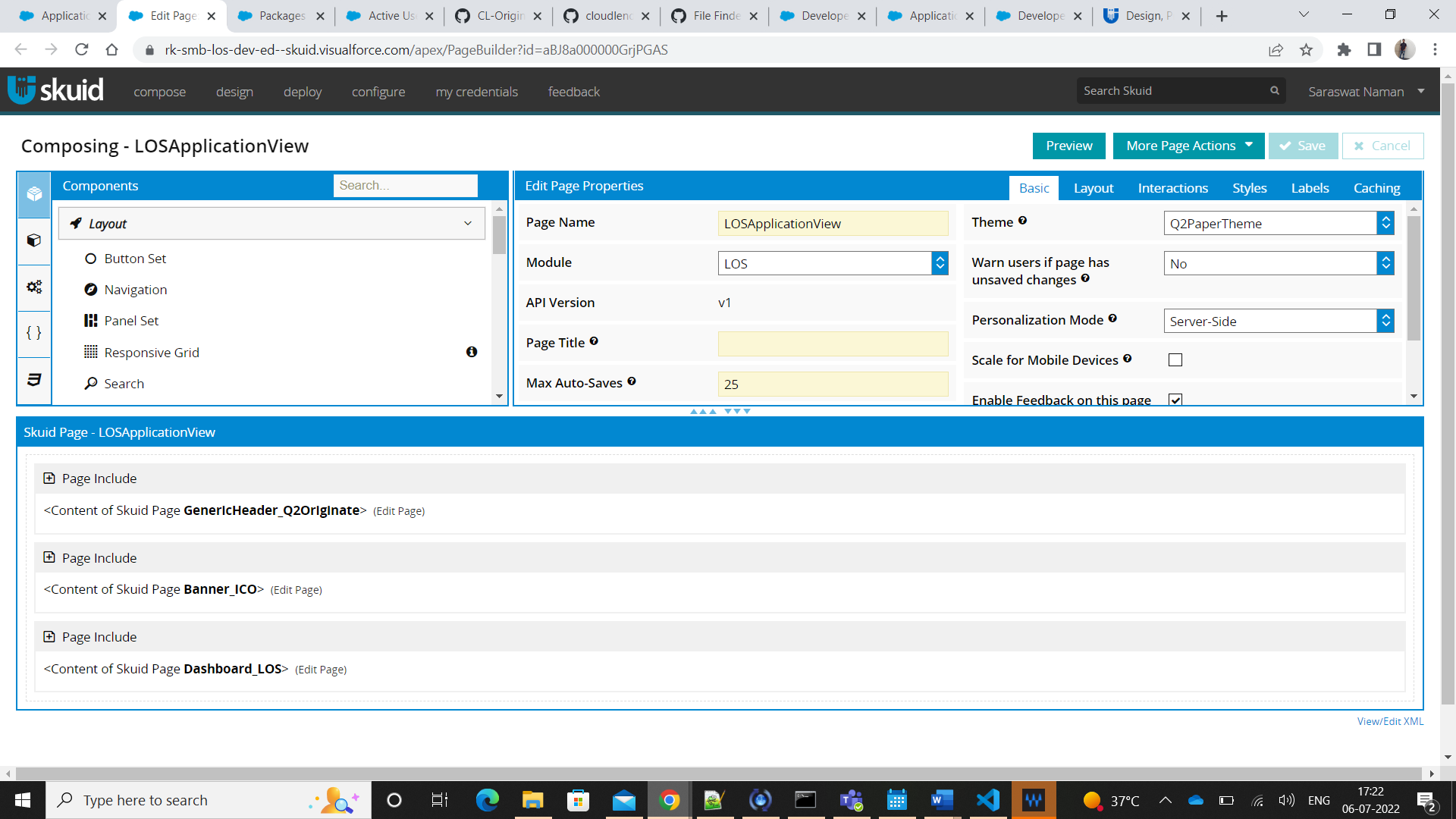
if a preview the page it opens as expected

kindly help.

skuid api version 1

2 replies

annajosephine
Nintex Employee
Forum|alt.badge.img+18
  • Nintex Employee
  • Jul 12, 2024 12:58 AM UTC

Hey @naman234 when you’re using the skuid:page visualforce component, there are a few visualforce pages from the managed package you should clone so page includes, Chatter, and the file upload component work outside of the skuid namespace. Check out this doc for instructions:

https://docs.skuid.com/latest/en/skuid/deploy/salesforce/visualforce/skuid-page-visualforce-component.html#prerequisites

Let me know if this helps!

Translate

Forum|alt.badge.img+1
  • Author
  • Jul 12, 2024 12:58 AM UTC

Thank you so much it helped

Translate