Nintex Community Menu Bar
Question

Adopted Row not showing values in component

  • Jul 10, 2024 12:27 AM UTC
  • 7 replies
  • 56 views
  • Translate All

Forum|alt.badge.img+20

7 replies

Forum|alt.badge.img+8

Hmm, this is strange. I also noticed when you refreshed your page, the “Quote Line Item Name” column disappeared from your table. Do you know why that happened?

Translate

Forum|alt.badge.img+20
  • Author
  • Nintex Partner
  • Jul 10, 2024 1:00 AM UTC

Oh yeah. I removed the field in the save of the page just previous.

Translate

Forum|alt.badge.img+8

ok, If you can still repro this, grant access and send me an email, and I’ll take a look.

Translate

Forum|alt.badge.img+20
  • Author
  • Nintex Partner
  • Jul 10, 2024 1:00 AM UTC

Access granted. Try this Opp.
https://mblazonry–skuid.na16.visual.force.com/apex/skuid__ui?page=mBlazonry_Opportunity_Detail&id=006j000000Mba3dAAB

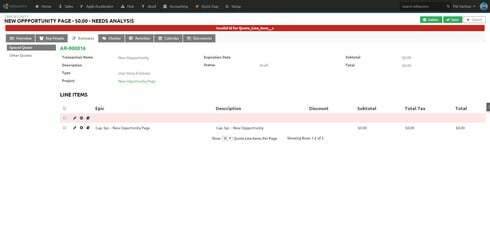
Also got this error trying to delete the new row before refreshing.

Translate

Forum|alt.badge.img+20
  • Author
  • Nintex Partner
  • Jul 10, 2024 1:00 AM UTC

No problem deleting after refresh.

Translate

Forum|alt.badge.img+8

It looks like you’re adopting a row from a model based on SObject A, into a model based on SObject B. It’s not working right because it has all the wrong fields.

Translate

Forum|alt.badge.img+20
  • Author
  • Nintex Partner
  • Jul 10, 2024 1:00 AM UTC

hehehehe … figures. Should’ve seen that. :S

Translate