




Topic
Sometimes in the Fiserv Premier App a customer will need to select a certain addenda as shown below:

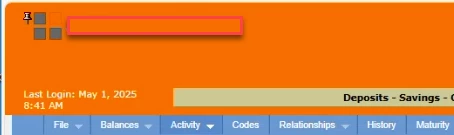
**Please note, this may help with any dropdowns in any of the Fiserv products but this was tested and works for the Fiserv Premier version that looks like the below picture in the top left of Fiserv:
For this version below, a later version, or a different Fiserv app that has dropdown menus:
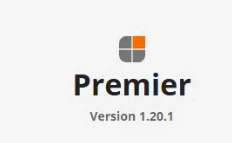
Please try the same steps and if they do not work, send an email to Support@nintex.com and let us know that you tried the steps in this article but you have the newer Premier and we can proceed from there.
Instructions
If you cannot change the addenda in the drop down, try these steps:
Target the arrow of the dropdown box.
Choose Start Highlight.
Run the action.
Target the highlight.
Choose the Search action and search for this:
[addenda number]
*Add the bracket because there is a bracket around the addenda number.
**Addenda number above should be a variable or in the data so use the Magic Wand to pull in the desired number.