




Issue
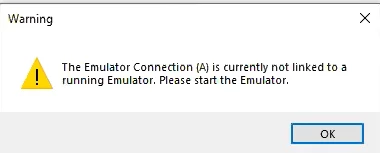
After a Detect Emulator action is run, the next action is to send a value and RPA does not connect but instead gives the Error "The emulator connection (A) is currently not linked to a running emulator. Please start the Emulator."
Error Code
Resolution
- Go to Options in the toolbar and select API...
- Add or edit the short name to match the short name that was set up in RPA
- Click OK
Very Important:
- Go to File and Save Session Profile as (name the session)
- If you save on desktop, this will create an Icon you can use to open emulator in the future.