




Topic
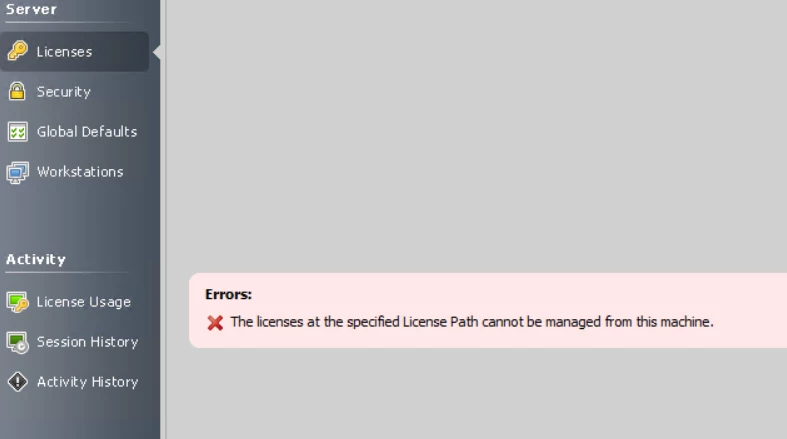
When trying to add or remove licenses in Foxtrot Administrator a message is received, "The licenses at the specified Licenses Path cannot be managed from this machine," after clicking "Manage Licenses" in the middle of the screen. This is because the license is a shared path and not local.
Instructions
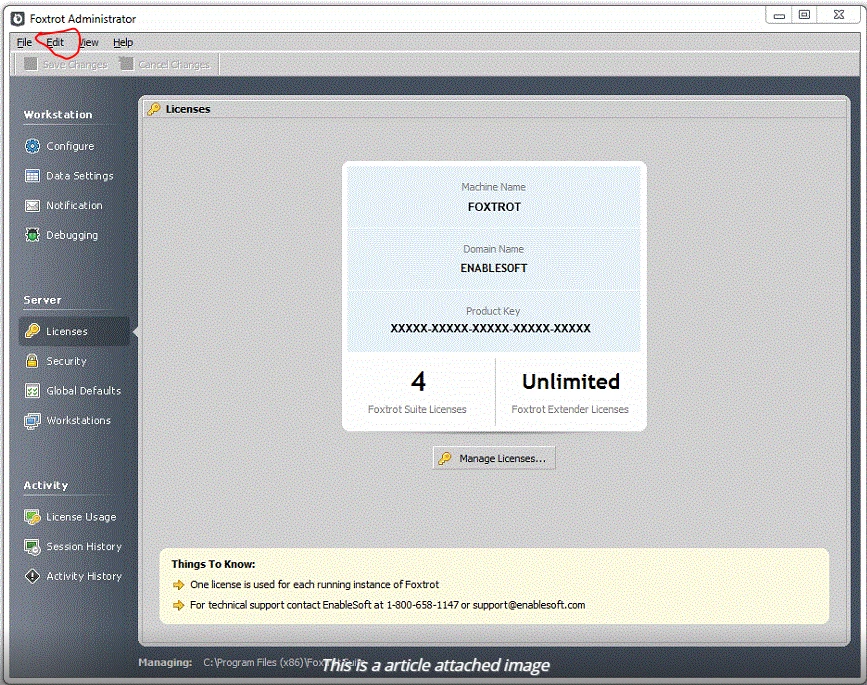
Instead of clicking the Manage Licenses button in the middle of the page, click the "Edit" button on the top left menu.
Then click "Manage Licenses" in that menu.
Then follow the instructions for adding and removing licenses, in the link below.