




Topic
When targeting an application such as Fiserv, if targeting a text box that has the ellipsis button next to it, the button is actually a control for a dropdown, and when a dropdown item is selected, the original text field changes into a new text field. So it’s like working with 3 controls in 1.
While looking at the rules for the action (usually a Send Value, Select Item or Search Action) you may see an option for Mode.
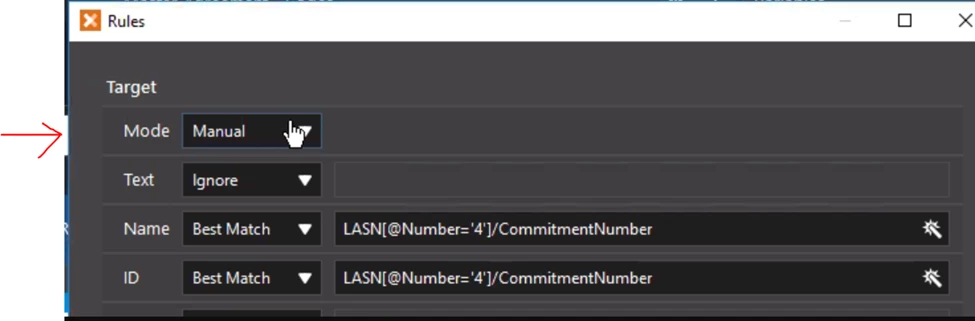
When this option shows up, it means that RPA has special handling for this specific type of control. RPA has determined that the control is either a Manual Rule or Smart Rule and it breaks it down into multiple controls.
The best option when this rule shows up is usually to go with the Smart Mode. Of course, you can test the other choices to see if they work better.