I need to create a wizard that opens a web app, logs on, clicks through some screens, and does a “Print, Save as .pdf”.
I’m starting the Wizard with a “Run Program” advanced command, Program=Firefox, Command line=the application’s URL
<= This works Firefox comes up, and I’m ready to log in.
PROBLEM: I click “Append Recording”…. and nothing’s recorded.
<= ERROR: Nintex Wizard Editor: Some of the recorded steps do not appear...since they used applications and/or websites that have not yet been defined.
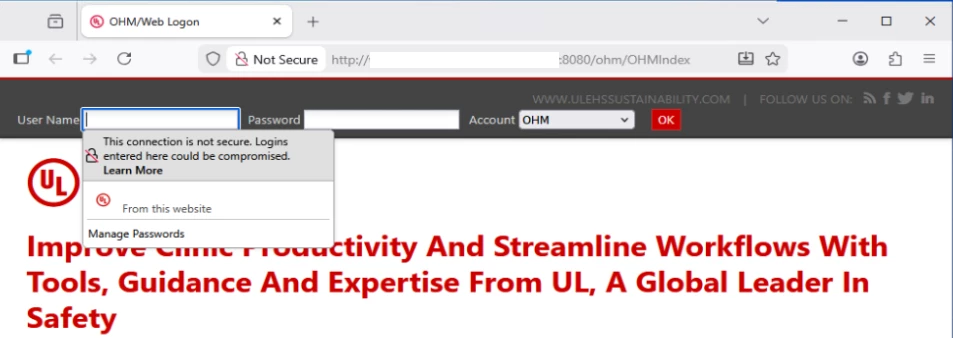
WEB PAGE:
NINTEX ADMIN:
I defined a new application (“OHM”), specified Application URL Contains “URL” and Window Caption Contains “OHM/Web Logon” and “Saved Changes”.
I then went into “Wizard Catalog > Test Library > General > Supported Applications” and enabled “OK”, ensuring the my company was a “Linked Company”
I’m successfully running other applications in the same library.
As you can see from the screenshot, the Firefox window doesn’t happen to have a “Caption”
Q: What do I need to do to get Nintex RPA 25.11 to successfully record the actions in my web app???