



Topic
| Product version | All versions |
| Components | Aerobase |
| Status | Done |
Instructions
1. Login to Aerobase.
2. Click on Realm Settings.
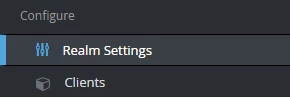
3. Select Security Defenses tab.

Select Brute Force Detection sub-tab

Set to Enable brute force detection if it hasn’t been enabled
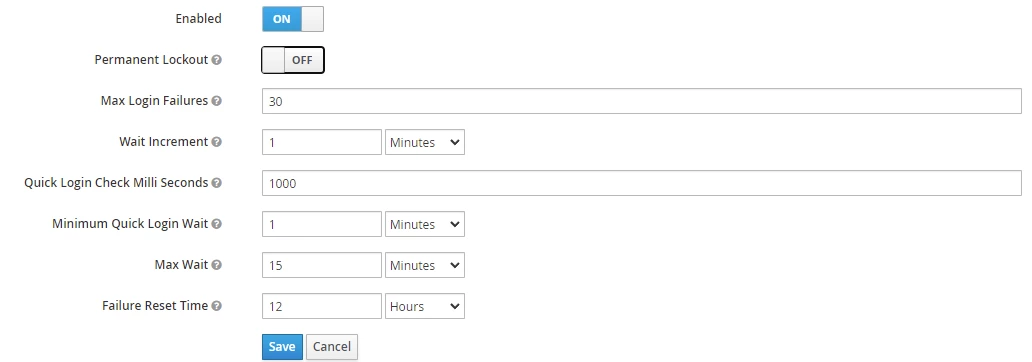
- If you require the account to be permanently locked out after a specified number of attempts, set the Permanent lockout option to ON. User account will need to be manually enabled after permanent lock out to be active again.
- Set Max Login Failures. This configuration indicates the number of attempts before the account is locked.
- Once all configurations have been set, click Save.
- Restart RPA Services for the new settings to take effect.