



Topic
Customers performing new installations or upgrades using SSL are experiencing issues in Nintex Admin, where they cannot add new users.
In seq logs - It shows an internal server error.
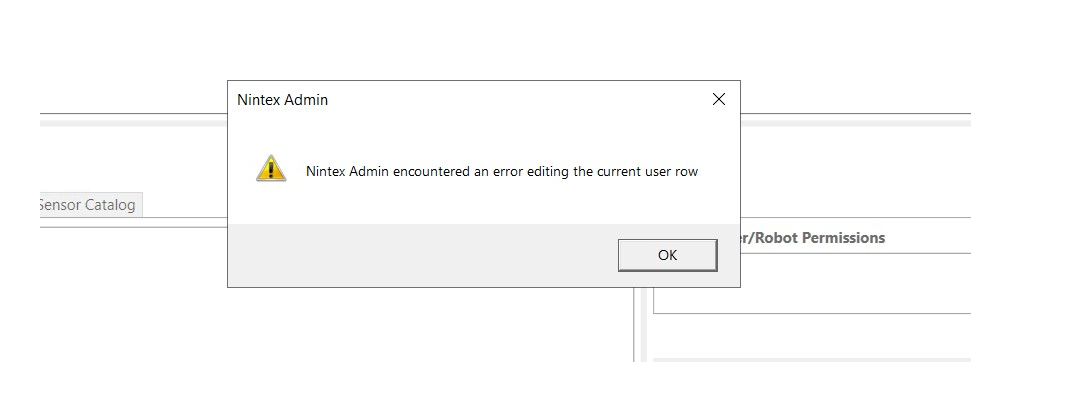
Instructions
Please complete the following steps as shown below:
- Install the SSL cert under the personal directory under the Cert Manager on the RPA server.
- Copy and paste pem file from C:\nintex\Certificates to C:\Nintex\Services\kryon-idp-svc.
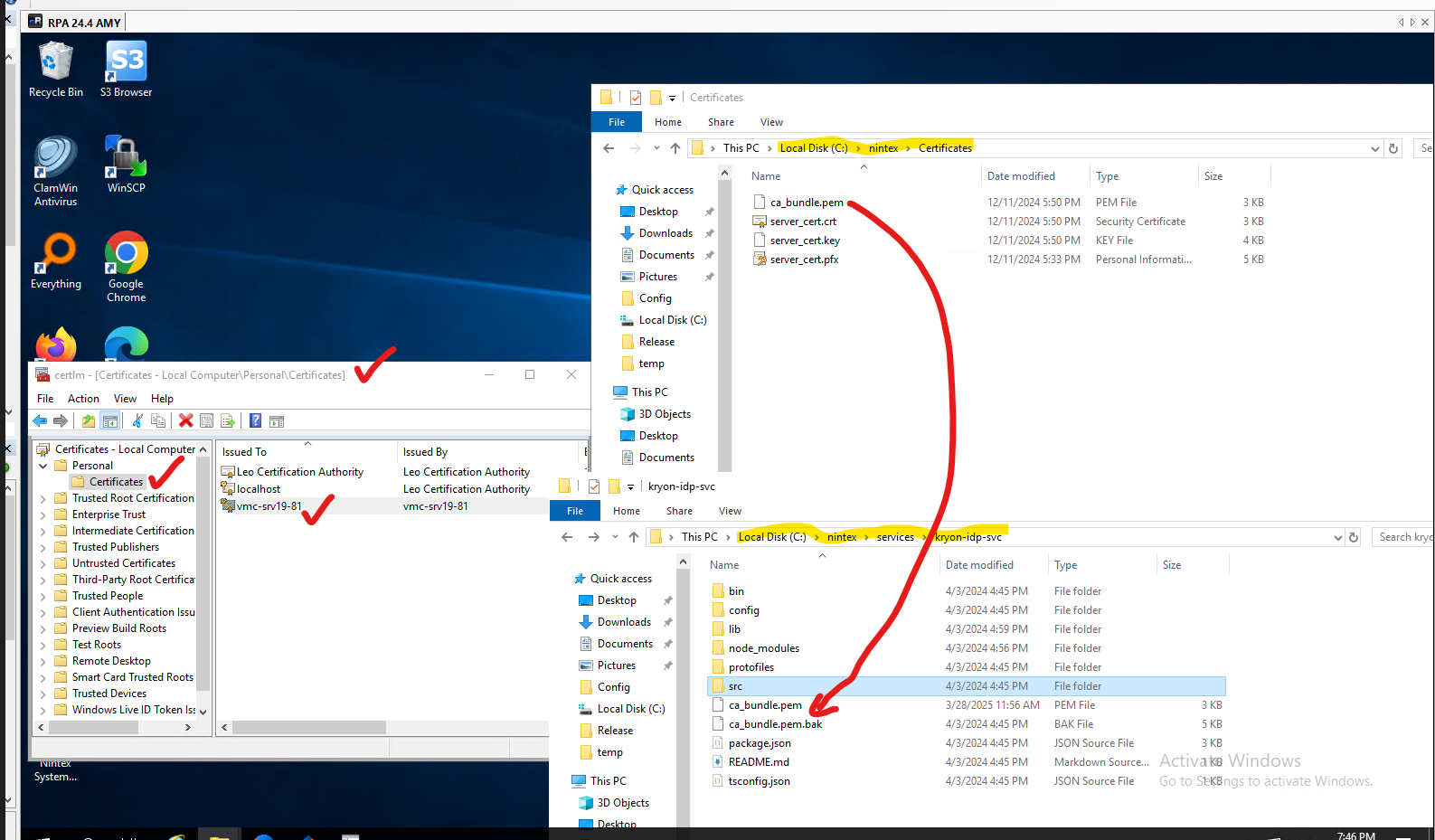
Once completed, restart all the services and start Nintex Admin. Next, check if you can add a new user.