Topic
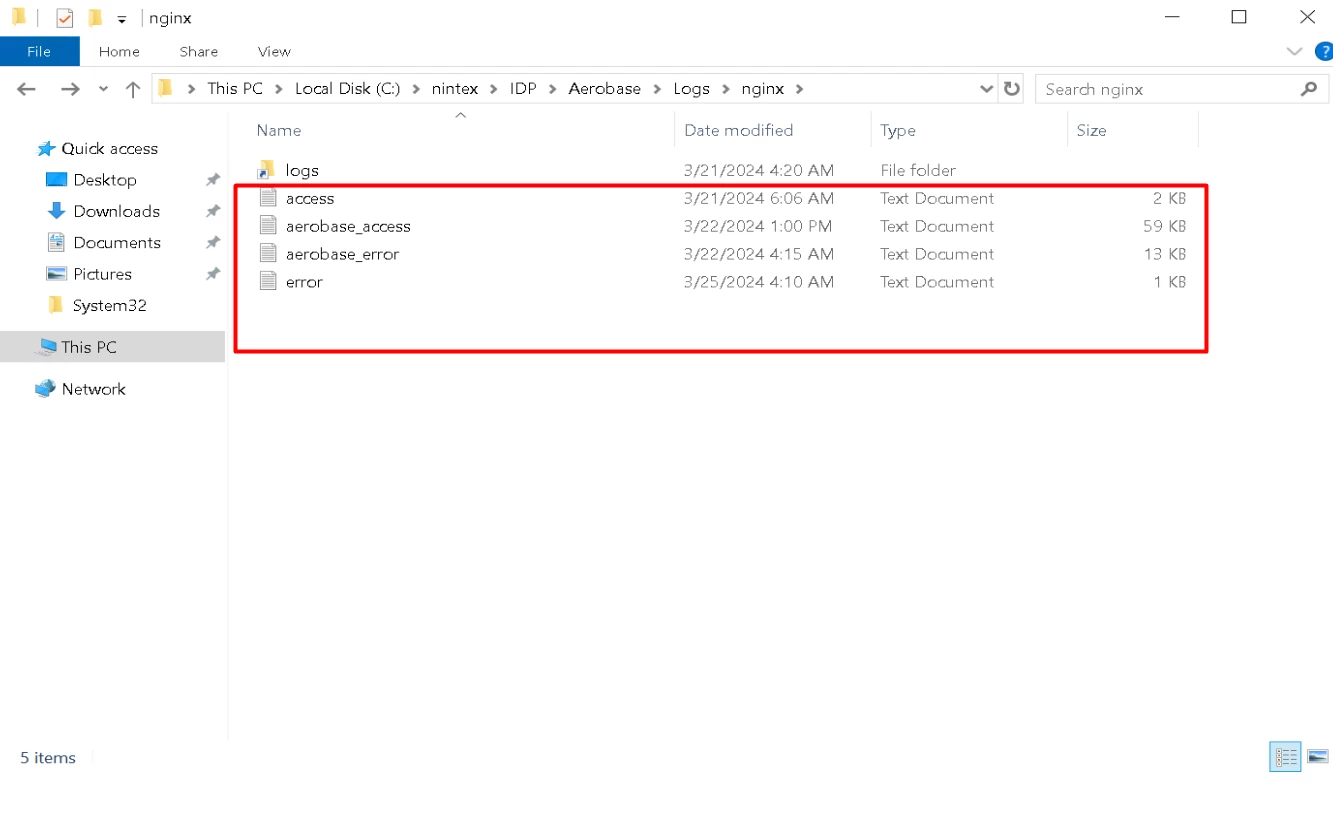
This article describes obtaining logs from Aerobase/Keycloak or Nginx.
Instructions
NOTE: The steps below need to be executed on the Application Server. The logs are not available on RPA Studio or Robot machines.
This applies to cases where there is an issue with user authentication in Nintex Admin, Console, Robot, or Studio, and you are asked to collect the Aerobase/Keycloak logs.
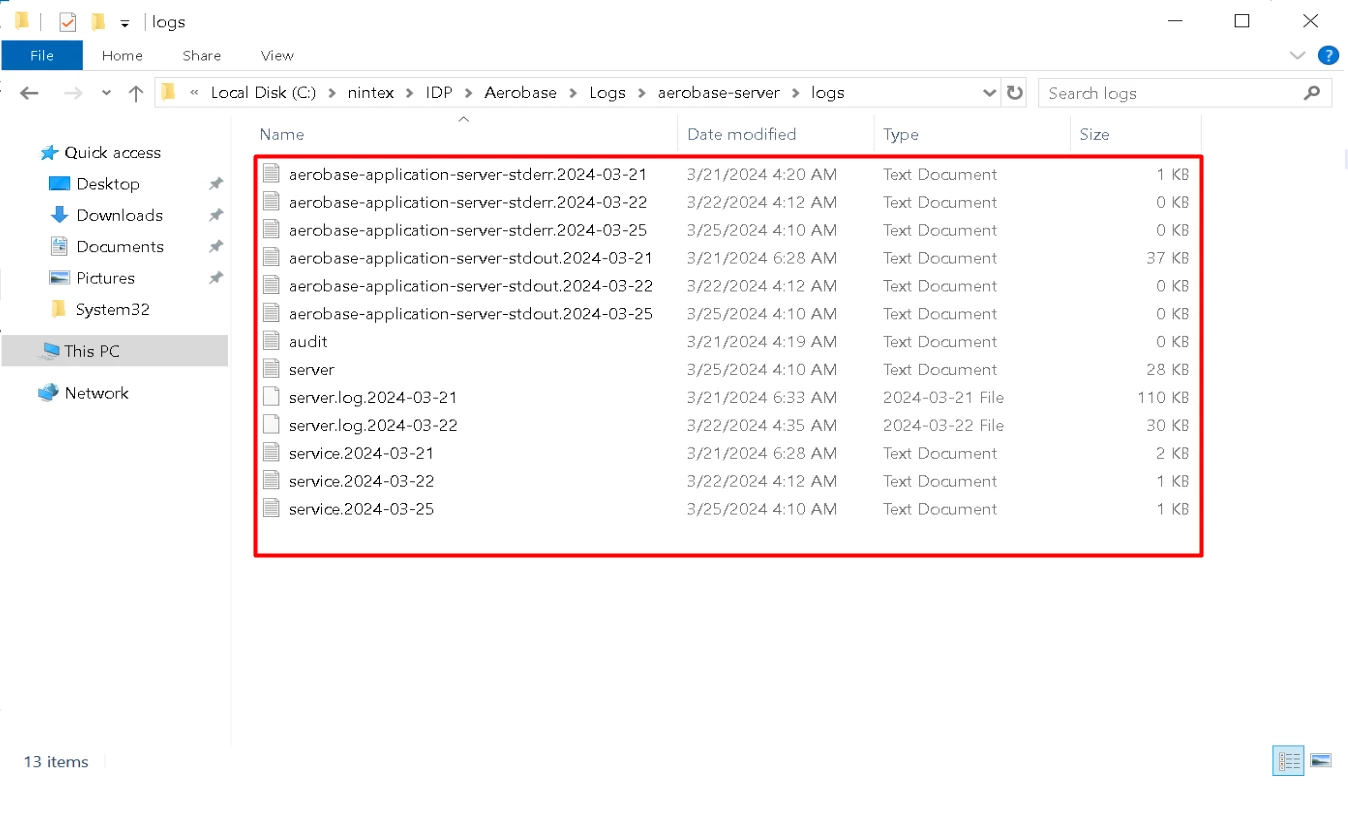
- Open Windows Explorer and navigate to
Kryon\IDP\Aerobase\Logs\aerobase-server\logsorNintex\IDP\Aerobase\Logs\aerobase-server\logsdepending on the version of RPA Server you are using. - Collect all the files from the specified folder.
Nintex\IDP\Aerobase\Logs\nginx and collect all the logs from there.