



Topic
Console shows "Faulty" status for initiated tasks.
Instructions
The issue will be observed when these conditions are met:
- Customer is loading Robots with a large amount of tasks.
- The wizards contain embedded wizards.
In this scenario the Robot might have an expired ticket (validity is usually 24 hours) during the task and it will end as ‘faulty’.
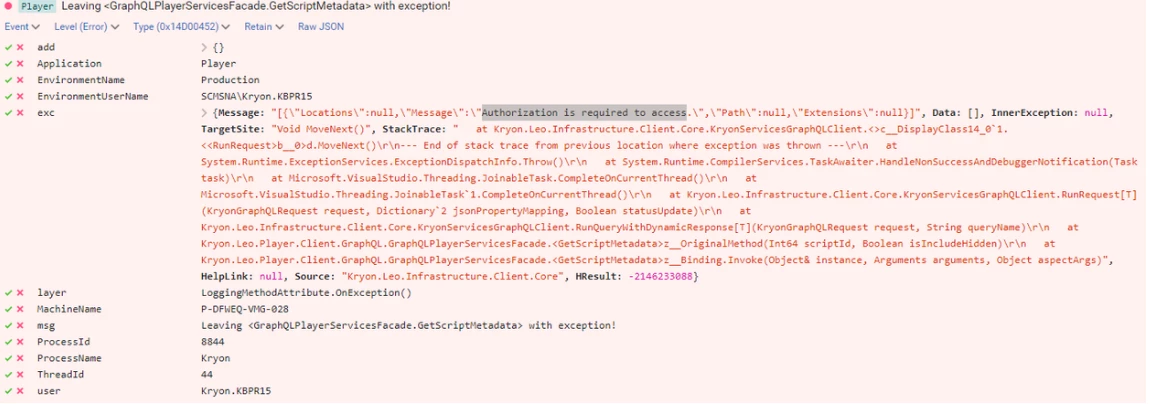
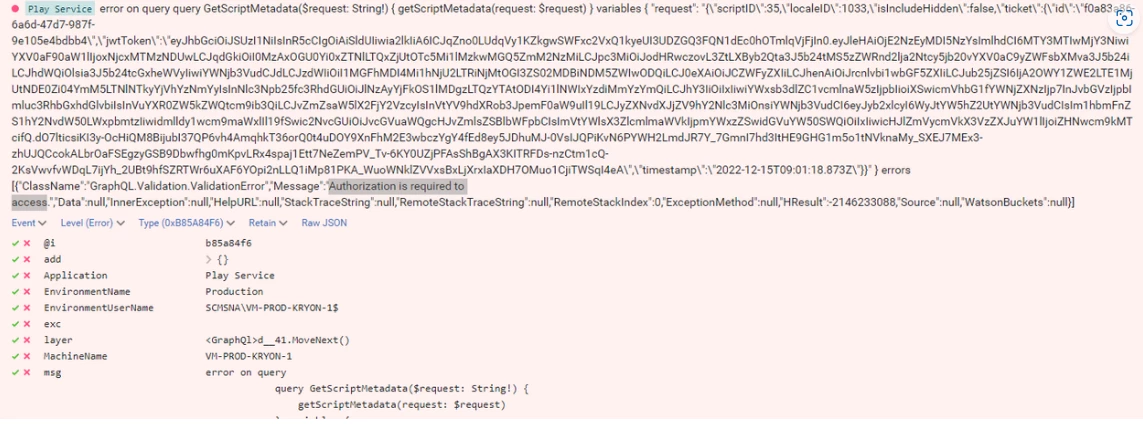
The will show as and error message, “Authorization is required to access” on both the Server and Robot logs during the task.
Examples -
Robot:
Server:
To eliminate ticket expiration, customer will need to disable the re-use of the token by the Robot. The following steps need to be followed:
Solution:
- Open the appSettings.config file under the config folder in the Robot’s path.
- Add the line: <add key="FeatureFlag_ReduceSubscribes" value="false" />.
- Save the file and restart the Robot.