Topic
This article instructs how to enable an audit trail for Console/Studio/Robot/Admin login events and changes made in Aerobase.
Instructions
-
Login to Kryon User Management (Aerobase) console using authadmin.
-
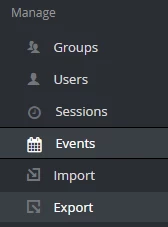
Click Events from the left tree.
-
Click on the Config tab.
-
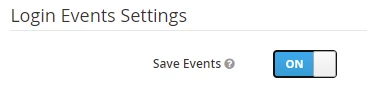
Under Login Events Settings, turn ON save events. You should see a list appearing under Saved Types.
-
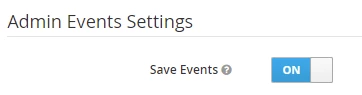
Scroll down and locate Admin Events Settings. Do likewise and turn ON save events.
-
Click Save at the bottom of the page.
NOTE: Under the “Save Events,” you should see a list of Saved Types. Locate “CLIENT_LOGIN” and “CLIENT_LOGIN_ERROR” and remove them from the list. -
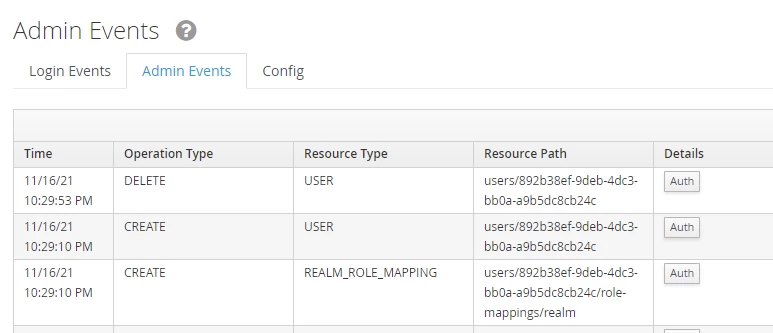
The Audit trail can now be seen in the Login Events and Admin Events tab whenever in-scope activities are performed.
Sample Login Events
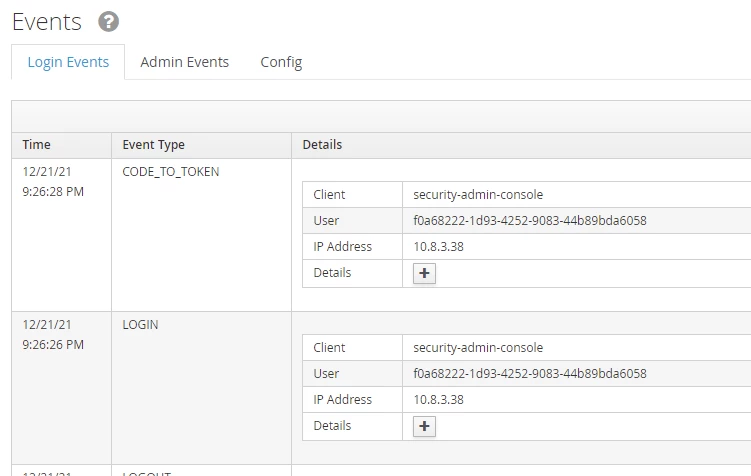

Sample Admin Events