



Topic
How to paste Formula while using SetExcelRange DAC.
Instructions
- Open SetExcelRange DAC.
- Put the formula without '=' inside the formula text box.
Note: This is a very important step. - Post that save the AC after putting all necessary fields as shown below.
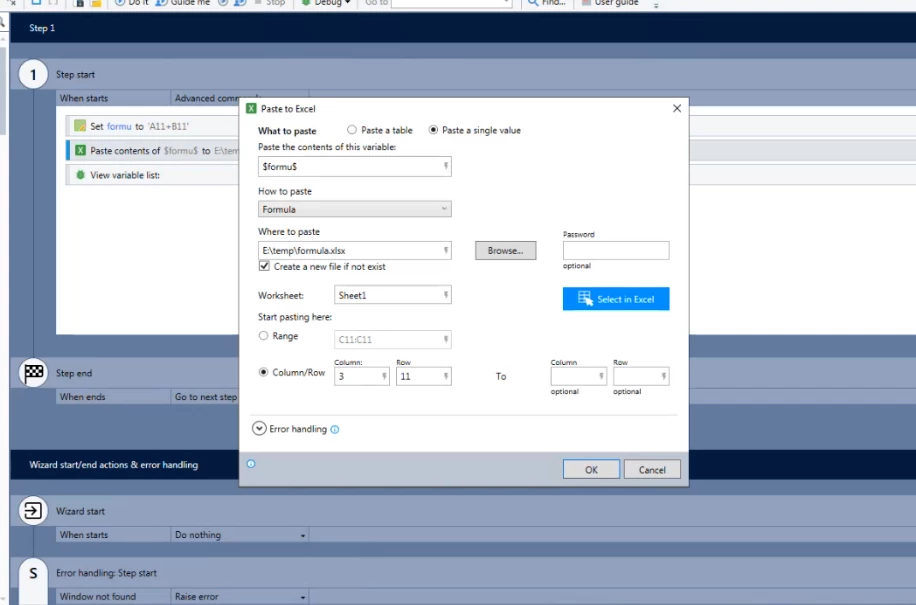
- Now, run the wizard, and it will run successfully without any error.
Additional Information
- What if you put '=' formula text box?
- You will get an error at the UI level only. There will be no error log inside the studio logs, so it is important to pay attention to this.
- For more information, download the attached ZIP file.