




Steps:
When an Embedded Wizard (EW) ends Successfully
If an EW ends successfully at any point during its execution (e.g. by using the End Wizard advanced command), program flow will immediately return to the parent wizard, skipping all the remaining steps and advanced commands in the EW immediately following the End Wizard advanced command.
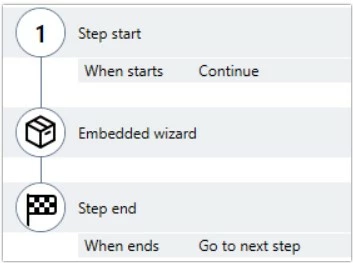
The parent wizard will then continue program flow, resuming at the Step End section of the EW's step:
When an EW ends Unsuccessfully
If an EW ends unsuccessfully, program flow will immediately return to the parent wizard and a fallback will be triggered.
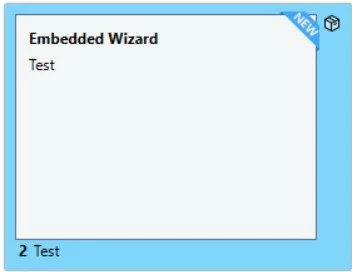
To see or set the action for the fallback, click on the EW step in the parent wizard:
Then, click Fallbacks on the right in the properties pane:

You will see that there is a fallback for Wizard Ended Unsuccessfully where you can set the action desired whether that is to execute other advanced commands, or to simply to end the parent wizard.
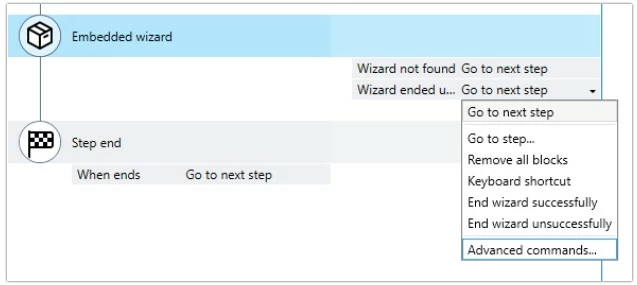
Note: If Go to next step is selected as the action for the fallback, program flow will go to the next step without executing the Step End section of the EW step.