



Question
Is there a report which shows Stakeholders and editors for each Group (including subgroups)?
Answer
1. Navigate to Admin > Reports.
2. Choose/ Click the report "Ownership & User RIghts'
3. Choose which rights you would like to include.
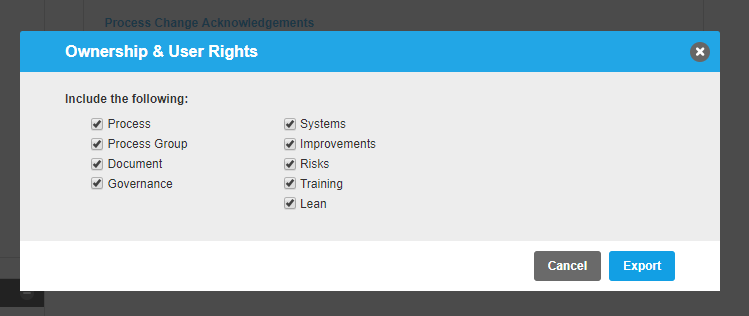
4. Export the Report to Excel.