




Topic
How to run the Nintex Promap System tag re-indexing
Instructions
System Tags are re-indexed every night and any tag changes should be picked up at this time.
You can run the re-indexing earlier by: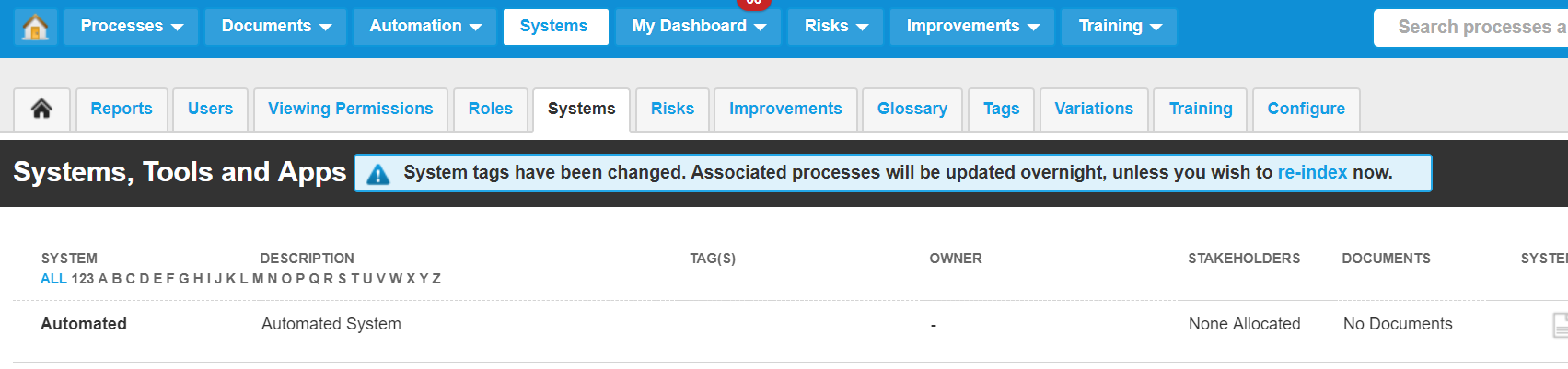
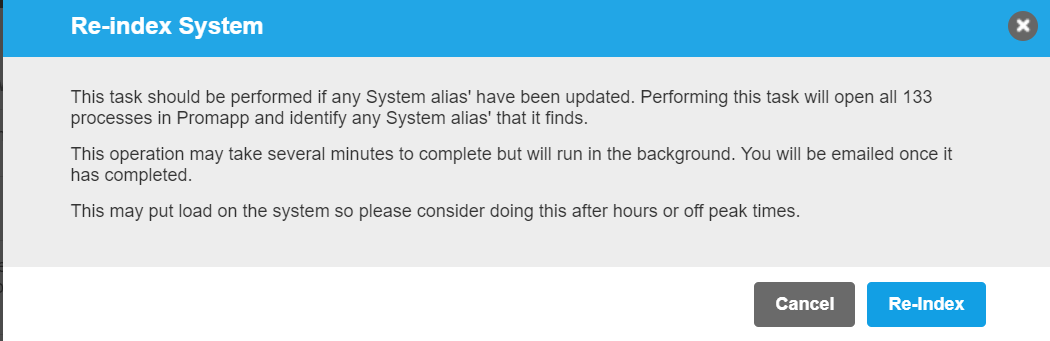
You can run the re-indexing earlier by:
- Go to the Systems screen either by selecting Systems from the top menu or navigating to Admin > Systems
- Select Re-index System from the Cogwheel menu or select re-index from the blue message box at the top of the screen
- Select the Re-Index button on the presented message box
Additional Information
When the re-indexing has completed an email will be sent to the user who started the re-index to say that it has been completed and the blue message box will no long be on the Systems page.