Topic
How to Print Improvements or Incidents from Nintex Promapp
Instructions
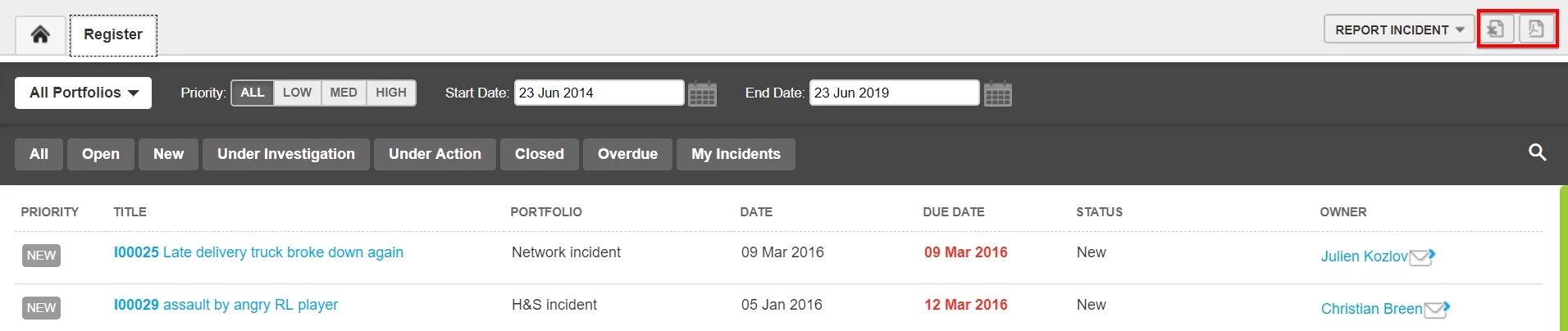
- Go to the Improvement/incident register
- Select the Improvement you wish to print
- Select the Print Icon from the top right hand side of the screen
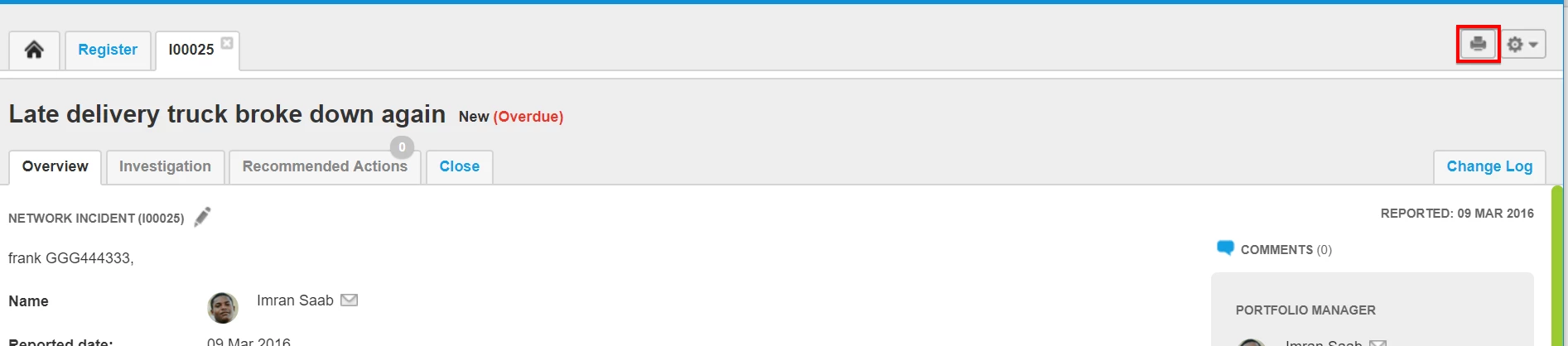
- This will download a PDF file with the Improvement/Incident details that can be saved or printed
Additional Information
To print a list of incidents from the register, Filter the register to your desired list and then select the Excel or PDF icons on the top right hand side of the screen.