




Enabling process modeling allows Promasters to configure which roles and users can access process models. To enable process modeling:
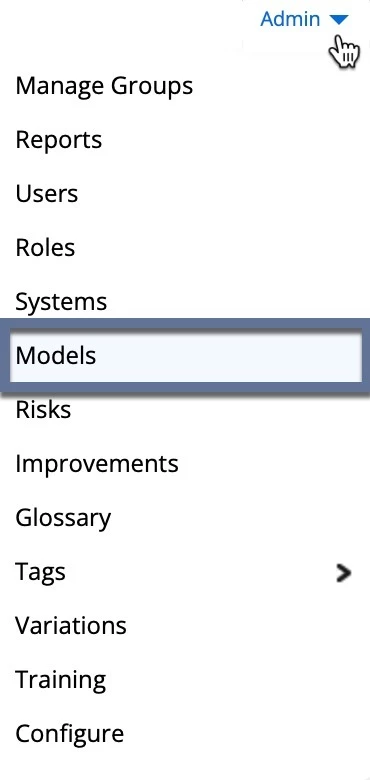
- Navigate to the Admin menu in Process Manager.
- Select Models from the menu list.
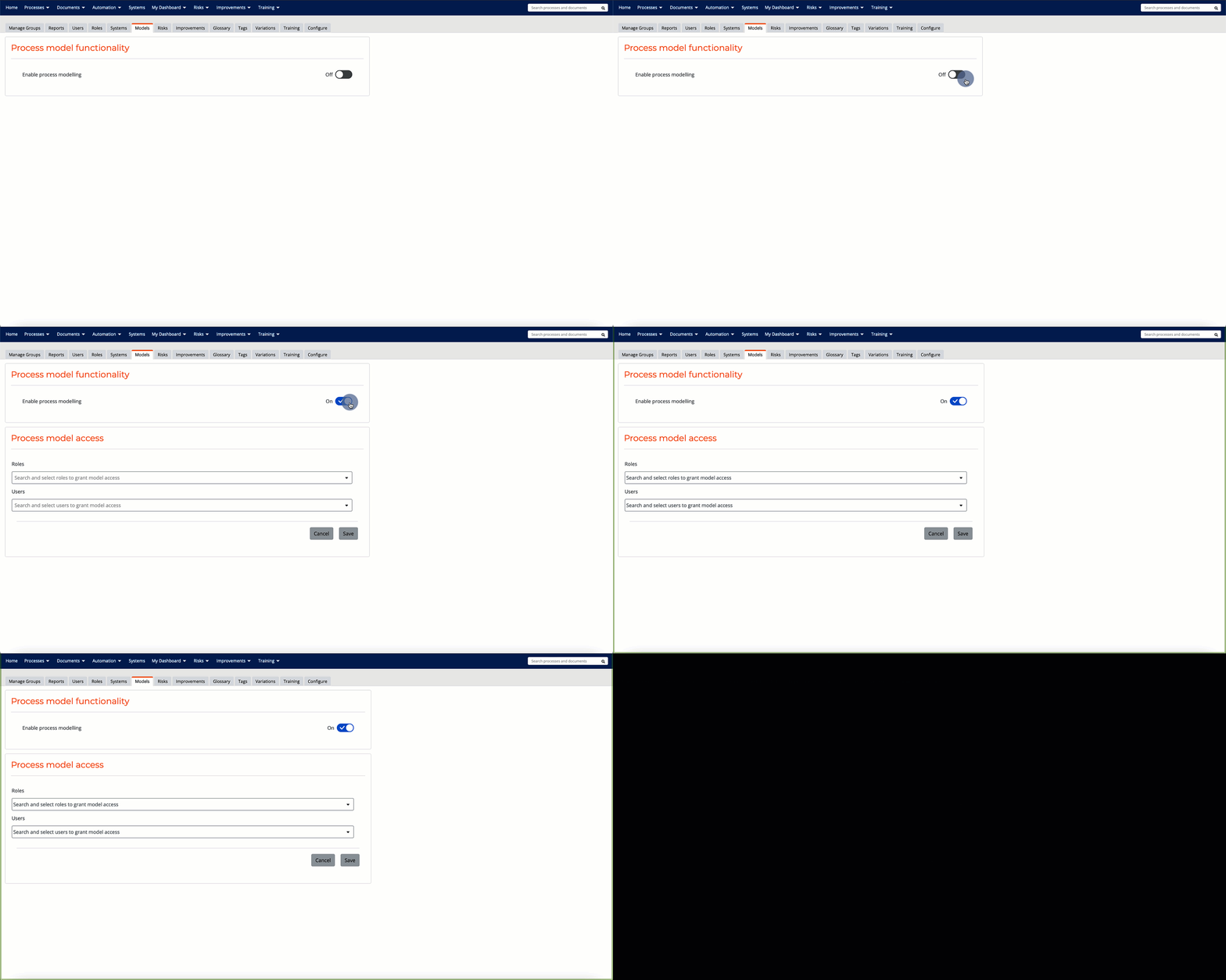
- Toggle Enable process modeling to On.
- Search and select the roles and users from the dropdown list to grant process model access.
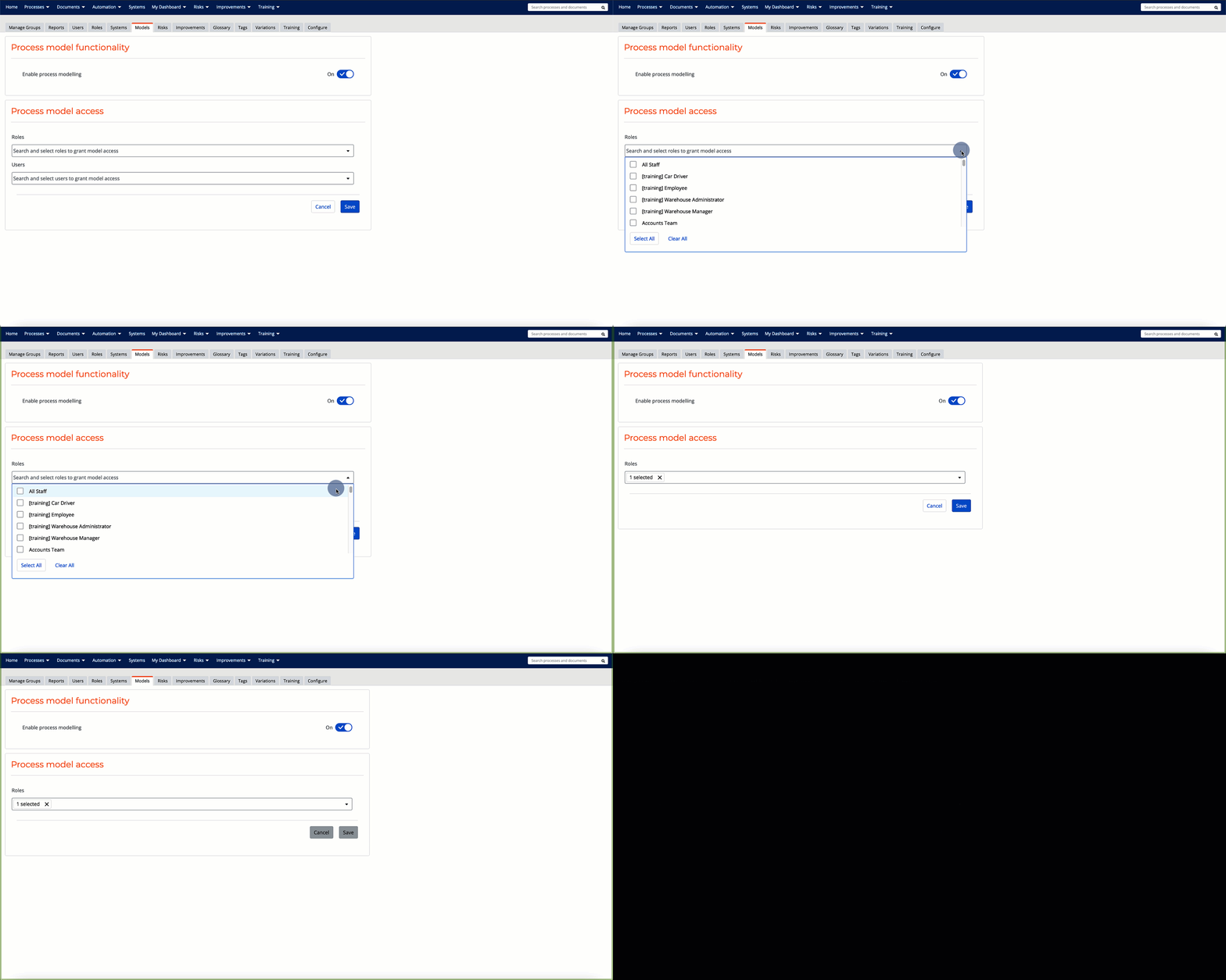
- Click Save.
Once process modeling has been enabled and users have been granted access, the process modeling options are available to those users.
🔒 Note: This setting can only be enabled by users with Promaster permissions.