




Topic
How to enable/ disable notifications for newly published processes.
Instructions
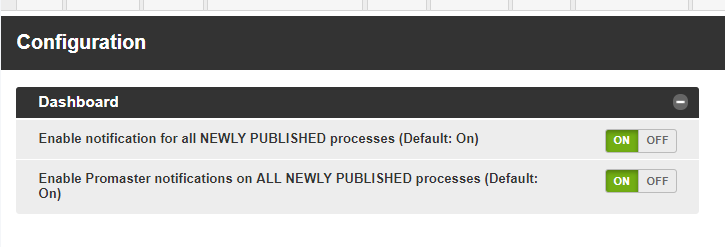
To enable/ disable notifications you can configure these under Admin > Configuration > Dashboard > Enable notification for all NEWLY PUBLISHED processes (Default: On) and/or Enable Promaster notifications for ALL NEWLY PUBLISHED processes (Default: On)
Additional Information
Newly published Processes are Processes that are Unpublished and have never before been published.

