




Topic
How to change the approval regime for Nintex Promapp Documents.
Instructions
- Navigate to the group you wish to change the regime for
- Right-click on the group and select Edit Stakeholders
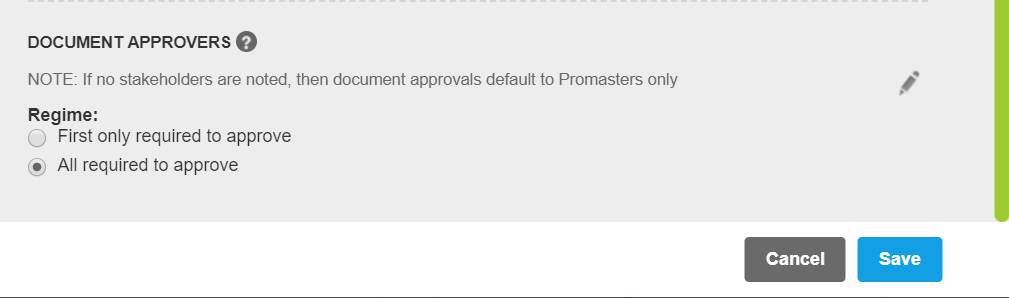
- Scroll down to the Document Approvers Section
- Change the Regime to First only required to approve
Additional Information
If documents have been submitted for approval under one regime then they need to be resubmitted for the new regime to take effect.