Topic
Access Instance Data for Deleted Workflows.
Instructions
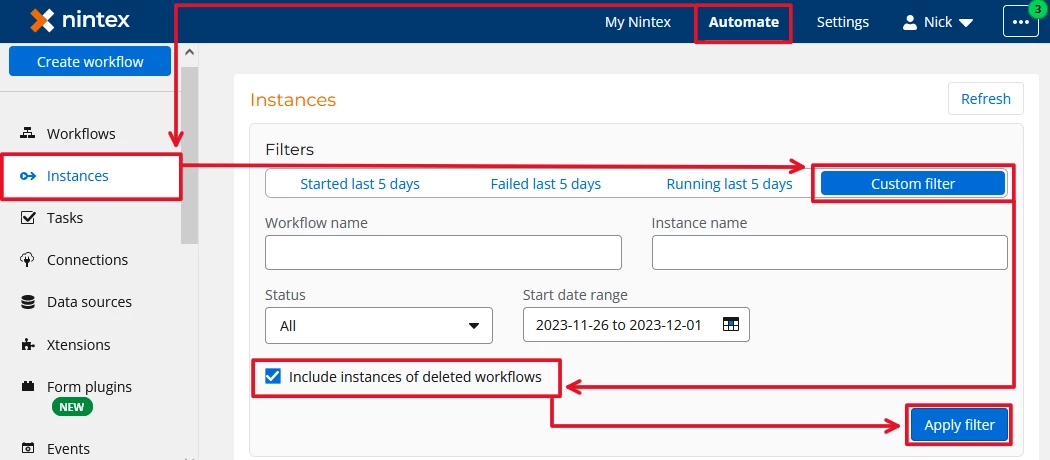
1. In Nintex Automation Cloud, navigate to Automation > Instances > Customer Filter
2. Check the box for 'Include instances of deleted workflows'
3. Click 'Apply filter'
Note: This box doesn't filter down to instance of deleted workflows, rather, instances of deleted workflows are returned in addition to results for existing workflows.