




Feature:
Users can now be directed to their My Nintex page from the task form link they receive in email notifications. Let's take a look.
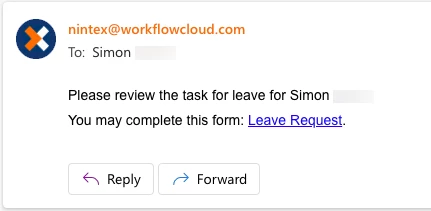
Nintex Automation Cloud can assign tasks to users as part of a workflow. An email notifies the user of the task. The email contains a link to the task, which requires the user to complete a task form.
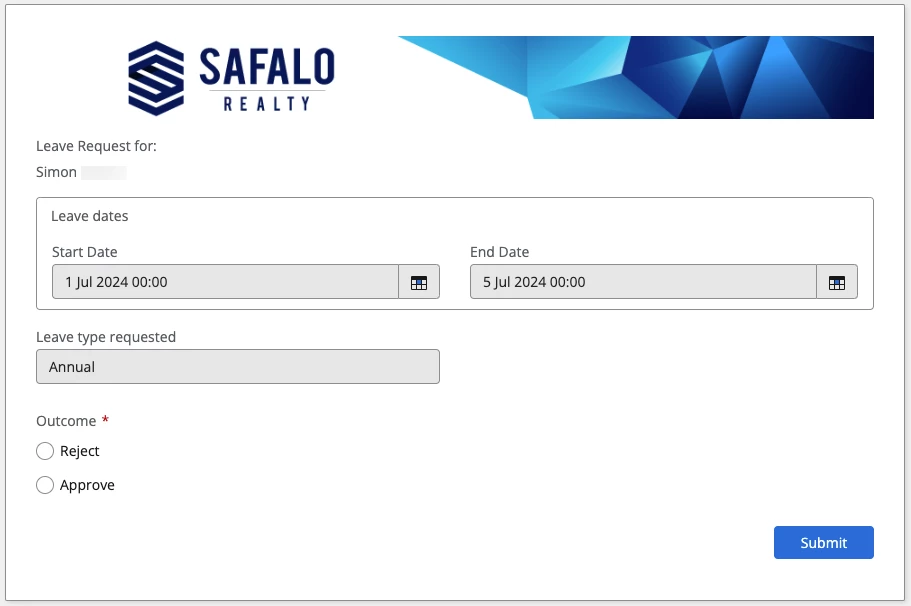
The standalone task form opens in a web browser by default.
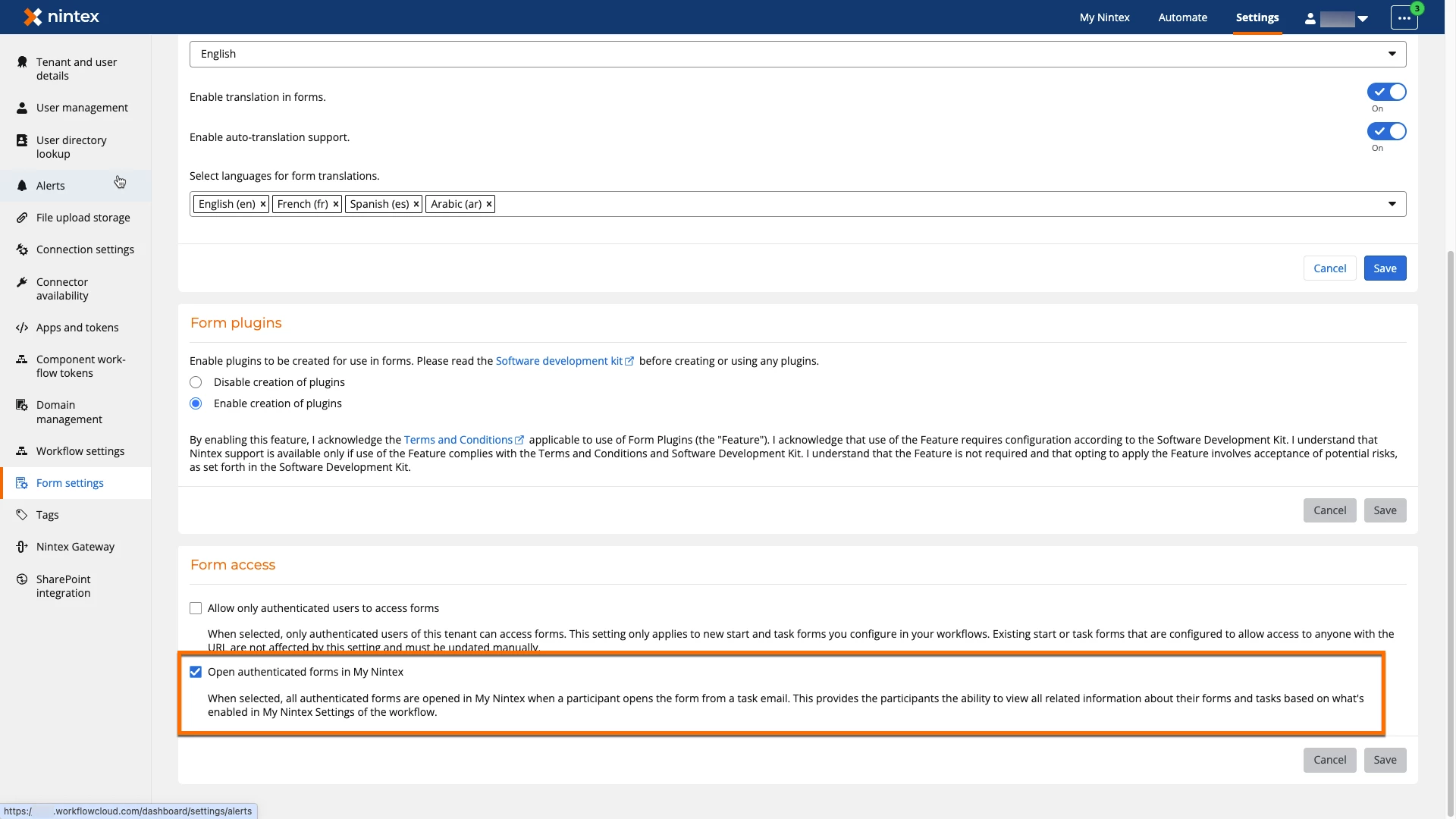
When using an authenticated task form, tenant administrators can enable the “Open authenticated forms in My Nintex” form setting to open task forms in My Nintex from the email link.
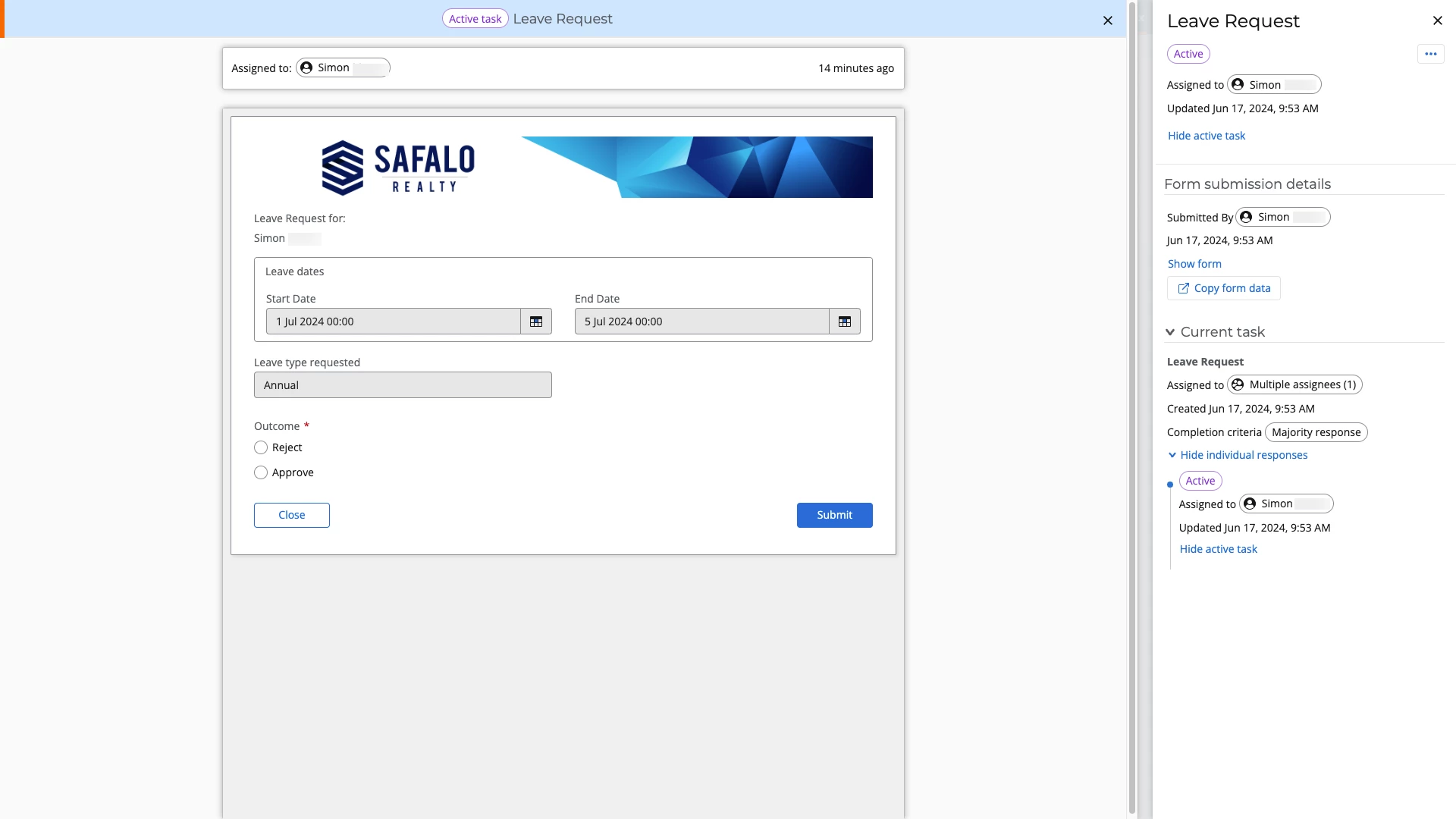
This option's advantage is that it points authenticated users to their My Nintex page, where they can view all their assigned tasks.
For more information about this form setting, see Nintex Help: Form Settings.