



We've published two SharePoint web parts that bring Nintex Workflow Cloud directly into your intranet, so you don't need to switch between SharePoint and a separate Nintex portal to check on work.
What they do:
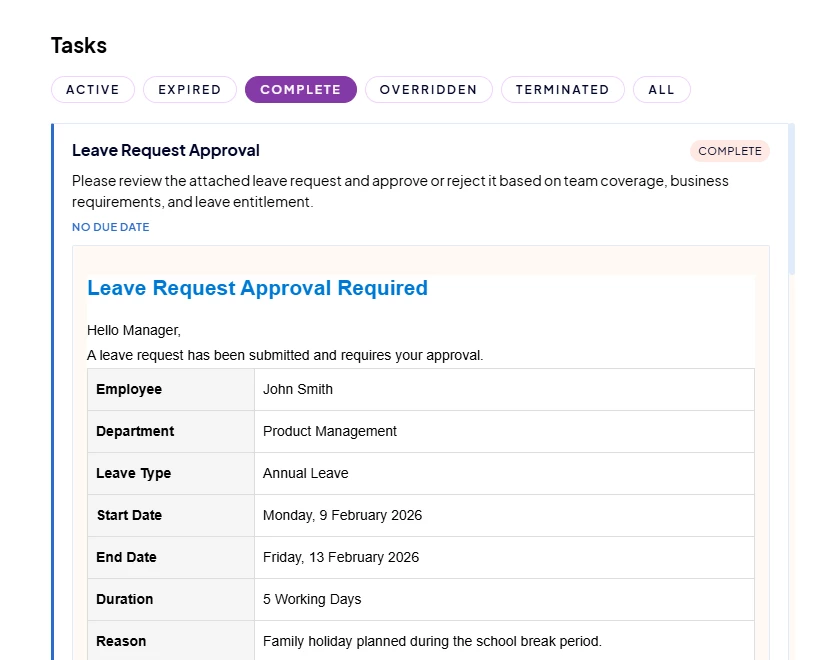
Nintex Workflow Tasks: see your pending and completed workflow tasks right on a SharePoint page. Approve or reject tasks in place, with an optional comment, and jump into the full form when you need more detail.
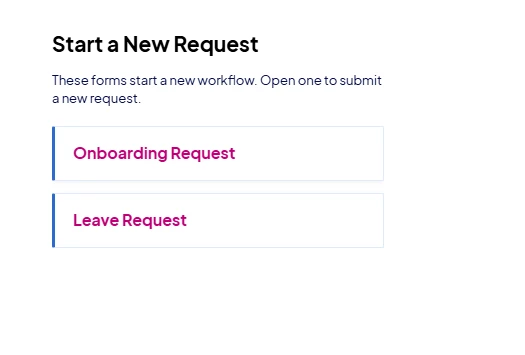
Nintex Workflow Forms: browse available workflow start forms as clickable cards, so starting a new request is just a click away from wherever your team already works.
Both web parts use single sign-on with Nintex, so once you're logged in, sessions stay active in the background with no repeated login prompts.
Setup is straightforward. Register a client app in your Nintex tenant, drop the client ID into the web part settings, and you're good to go. Full setup steps and a user guide are included.
You'll find them in the Template Gallery here: https://gallery.nintex.app/gallery/t/spfx-nintex-workflow-webparts
Happy to answer any questions.