Nintex Community Menu Bar
Question

Nintex Automation Cloud - MyTasks - SharePoint Online WebPart

  • December 2, 2025
  • 5 replies
  • 37 views

Forum|alt.badge.img+1

On Nintex On-Prem / SharePoint On-Prem there was the possibility to add a Nintex Webpart to display all “My Tasks” on sharepoint page.

Is there a way to do the same in SharePoint Online with Nintex Automation Cloud?

I found this post within the Nintex Gallery

Nintex Gallery - Nintex Automation Cloud Web Part Solution Starter

This would quite fit my requirement. But I can only download the complete source and not the .sppkg file to add the spfx solutions to the sharepoint online app catalog.


5 replies

SimonMuntz
Forum|alt.badge.img+23
  • Collaborator
  • December 2, 2025

Hi ​@jochenl,

I am not an expert on this app, but based on the build notes on GitHub, it appears that the code needs to be updated to suit your SharePoint environment, which is why you cannot simply download the package.


Forum|alt.badge.img+1
  • Author
  • Rookie
  • December 3, 2025

Hi ​@SimonMuntz 

Thanks for your answer!

By reading the Installation Instruction here

Nintex Gallery - Nintex Automation Cloud Web Part Solution Starter

“... you can download the ready-made SharePoint Online package here from the Gallery..”

...Click Upload Document.

...Select the package you have downloaded (or built) to upload”


it seems that the Installation Instruction provided in the nintex gallery is not up-to-date


SimonMuntz
Forum|alt.badge.img+23
  • Collaborator
  • December 3, 2025

Hi ​@jochenl,

Thank you for your feedback.


Forum|alt.badge.img+2
  • Rookie
  • January 22, 2026

Hey ​@jochenl ,

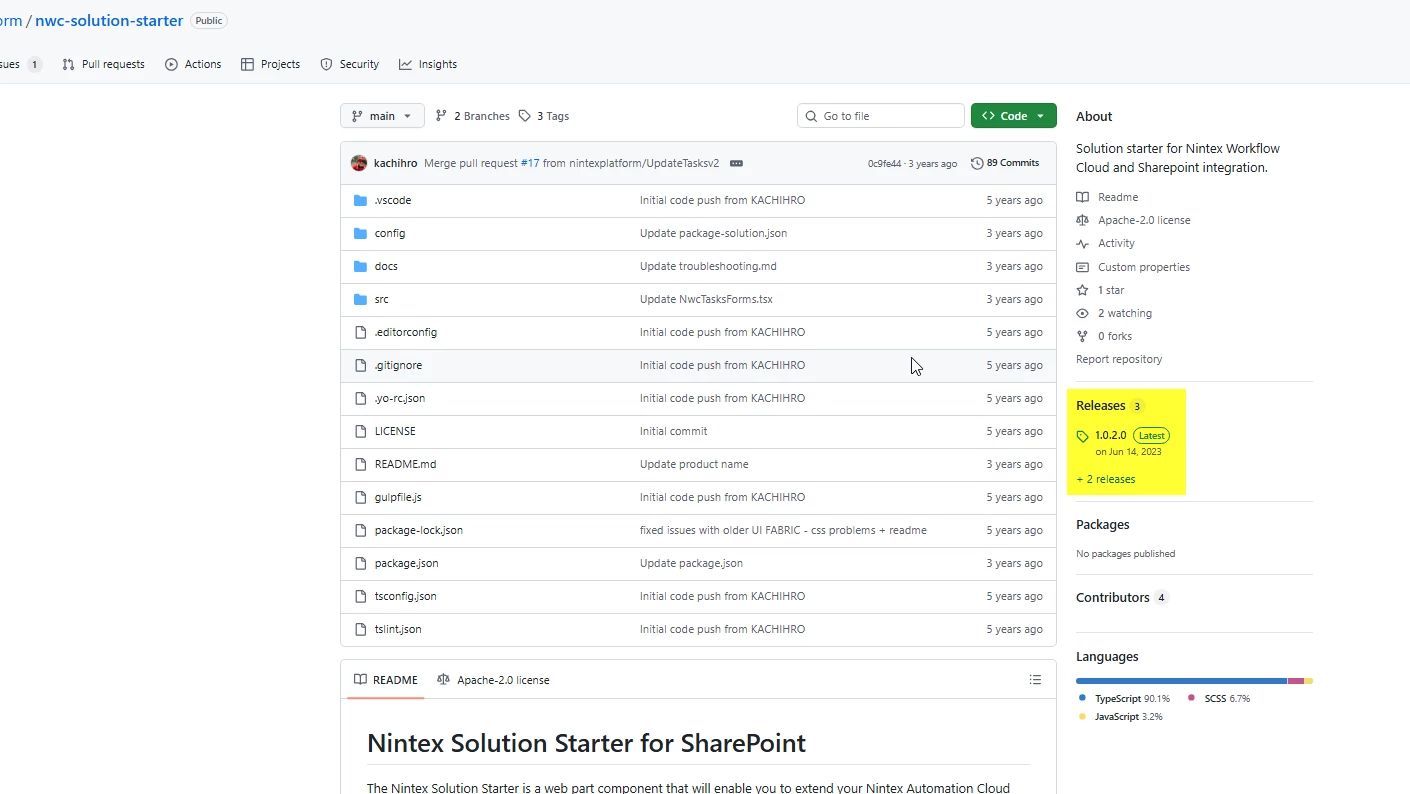
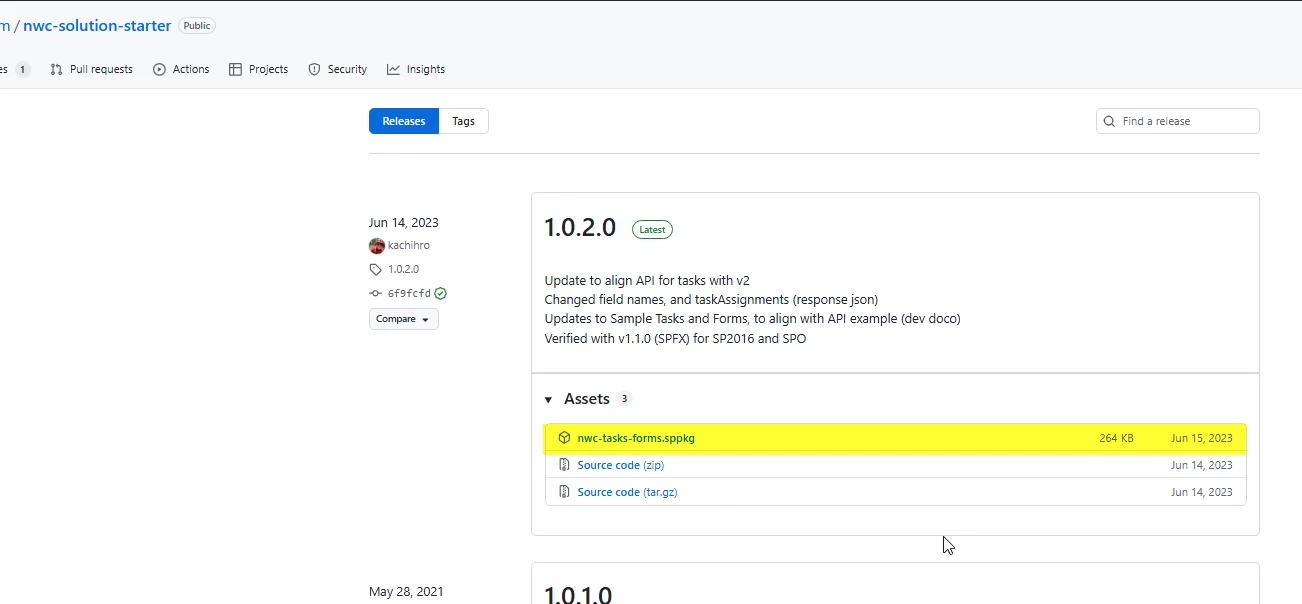
I was having the same issue as you with finding the ready made package. But I managed to find it by going to releases:

And then expand assets to find it under there:


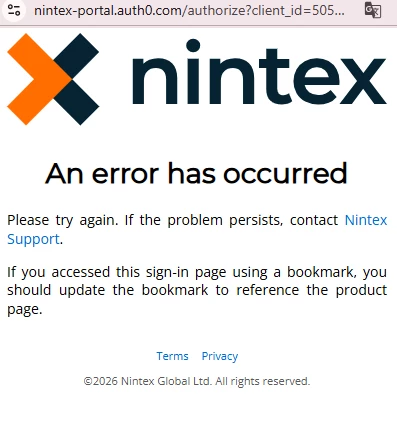
The only issue now is that my sign on doesn’t seem to work when loading the SharePoint page I have the app on so the Forms/Tasks don’t seem to load. The error that comes up says to contact Nintex, so just waiting on a follow up from them now.


Forum|alt.badge.img+1
  • Author
  • Rookie
  • January 22, 2026

Hello ​@phrilly 

many thanks for your answer.

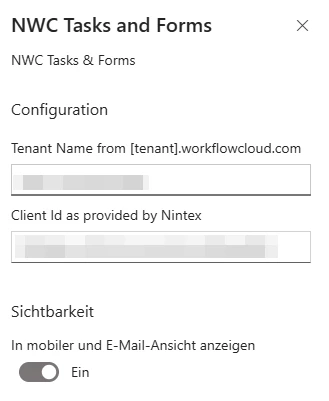
I also tried to add the solution to my tenant. As you mentioned - I am getting an error message after configuring the webpart with tenant name and Client ID


As a workaround for me it would help to embed the my tasks dashboard as an Iframe on my sharepoint page...but unfortunately this is also not working

https://[TenantName].workflowcloud.com/dashboard/my/tasks