Nintex Community Menu Bar
Question

Need Help Creating My First Nintex Workflow (Form Submission and Email Notifications) (I included the images)

  • July 13, 2026
  • 2 replies
  • 67 views

Forum|alt.badge.img


Subject: Need Help Creating My First Nintex Workflow (Form Submission and Email Notifications)

Hello Everyone,

I am new to Nintex Automation Cloud and am currently trying to build my first workflow. I have made some progress, but I am struggling to complete the workflow successfully and would appreciate any guidance, tutorials, or resources that could help.

What I have completed so far:

  • Created my Nintex Form.
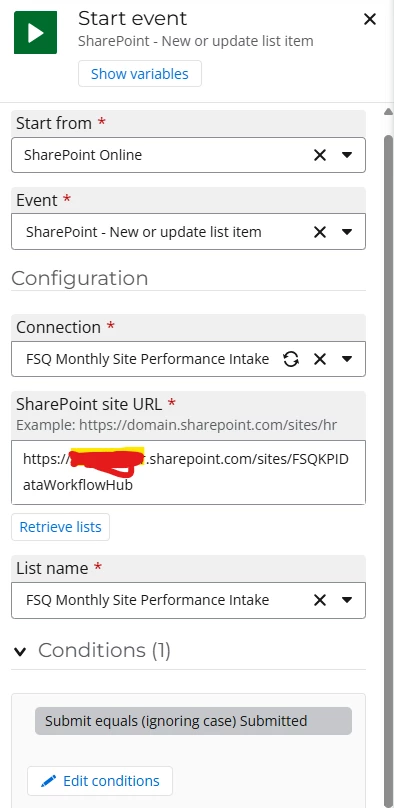
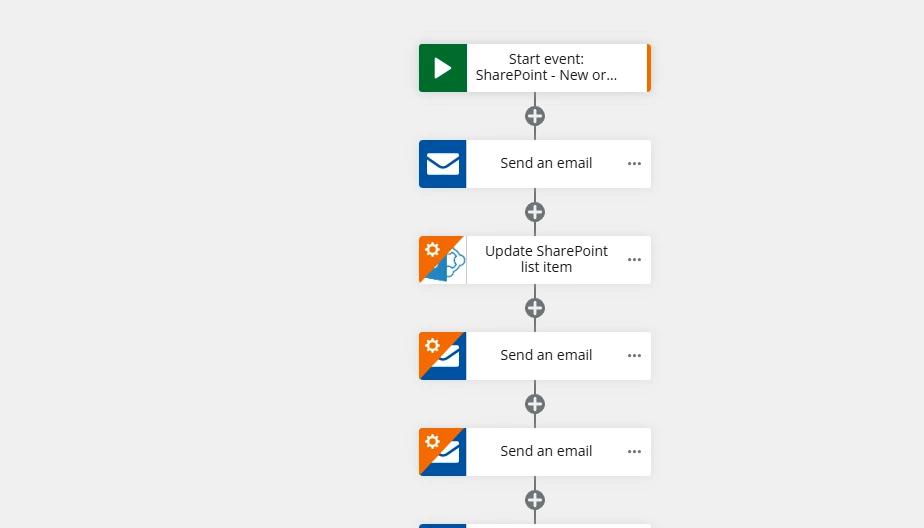
  • Configured the workflow Start Event.

I am trying to achieve:

  • Send an email to users with a link to access and complete the Nintex Form.
  • When the user submits the form, store the form data in SharePoint.
  • Send an email notification to me when a submission is received.
  • Include key data from the submitted form (SharePoint columns) in the notification email.
  • Ideally, send a confirmation email back to the user after successful submission.

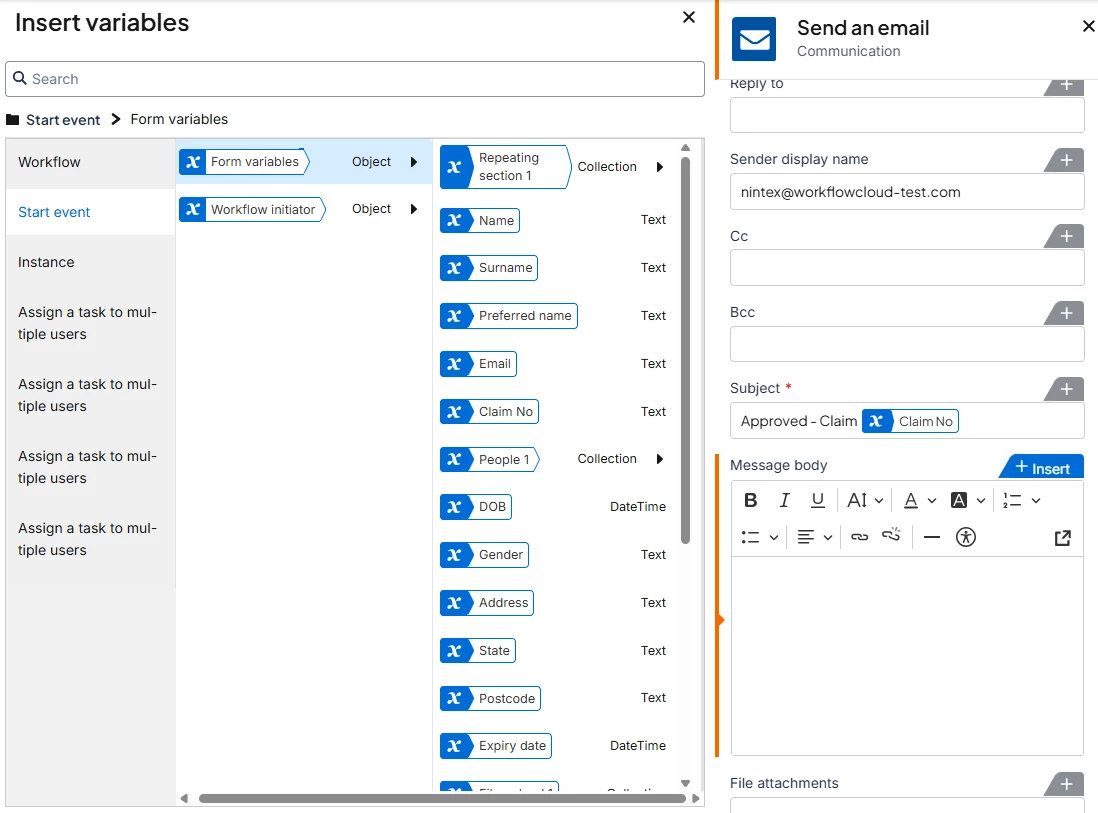
I am having difficulty understanding how to pass form data into the workflow and access SharePoint column values within the workflow. Also, how to configure the email actions correctly and reference submitted form values in email notifications.

Could anyone please provide a simple example workflow that accomplishes this process or a Step-by-step guidance, Documentation, videos, or training resources for beginners?

My goal is to create a straightforward process where a user receives a form link, submits the form, the data is stored in SharePoint, and both the submitter and I receive email notifications.

Thank you in advance for any assistance. I appreciate any recommendations or best practices for someone learning Nintex workflows for the first time.
2 replies

Sasan
Nintex Employee
Forum|alt.badge.img+12
  • Nintex Employee
  • July 20, 2026

@DeeOguns you will find a library of courses in Nintex University that will help you get started with Nintex Workflow.  And use these help documents in conjunction: Variables, SP Create an item, etc.


rickdemarco
Nintex Employee
Forum|alt.badge.img+8
  • Nintex Employee
  • August 4, 2026

This is fairly staright foward, to make it more generic and maybe usable by others you can do all this with one workflow

  • Start event / Form - when publishing tick to the setting to enable on My Nintex (on the start event), this is the place where users can see all their forms to submit (Submit a form)
  • When submitted by users this workflow starts
  • Add a create an item sharepoint action and add the fields from the start event / forms variable panel (these are the fields on the form) and map them to the required columns on your list - you need to add each column as required
  • Add a send email action - what are you having troubles with? you need to add all the mandatory options. In the email body insert variables and pick again from the start event / form variables. Here you can also insert the workflow initiator in the To field, this is the person who submitted the form
  • You don’t need to get values from SP as they are the same as what’s on the initial form 

See start event panel to find all the form fields

  • Hope that helps..