

Nintex Community Menu Bar
Solved

Multiple approver tasks - Is it possible to update approval task fields as an approval moves through?

  • January 13, 2026
  • 3 replies
  • 12 views

Forum|alt.badge.img+11

Hi,

I have a question and not sure if there is any way to do this or not…

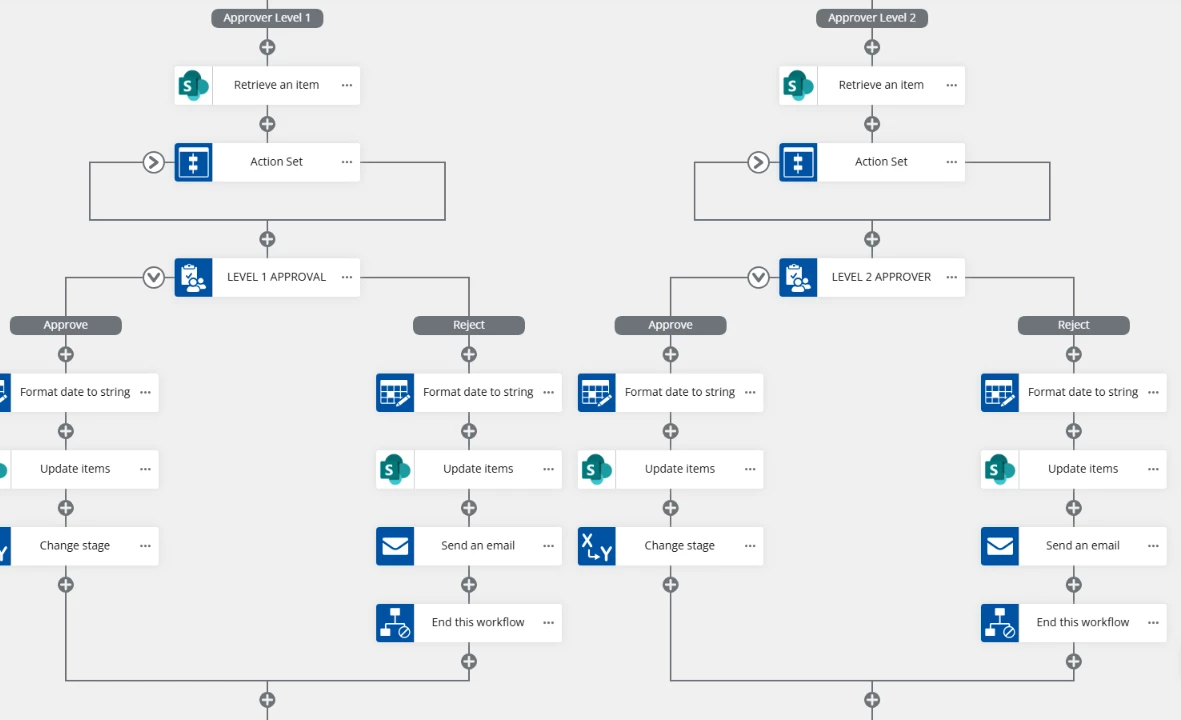
So I am using a NAC workflow and have a “Branch by stage” setup.  In the first stage, the approver is setup so they can update a field in the original form through their approval task. I tested this and saw that the original form was updated but how do the new values carry over to update the approval task form for the next approver? Is that even possible?


Best answer by brent_read

Hi ​@jpacheco 

Quick note to start, this question should be in the Nintex Workflow Forum rather than the Nintex for Sharepoint Forum (this forum is for our on-prem product).

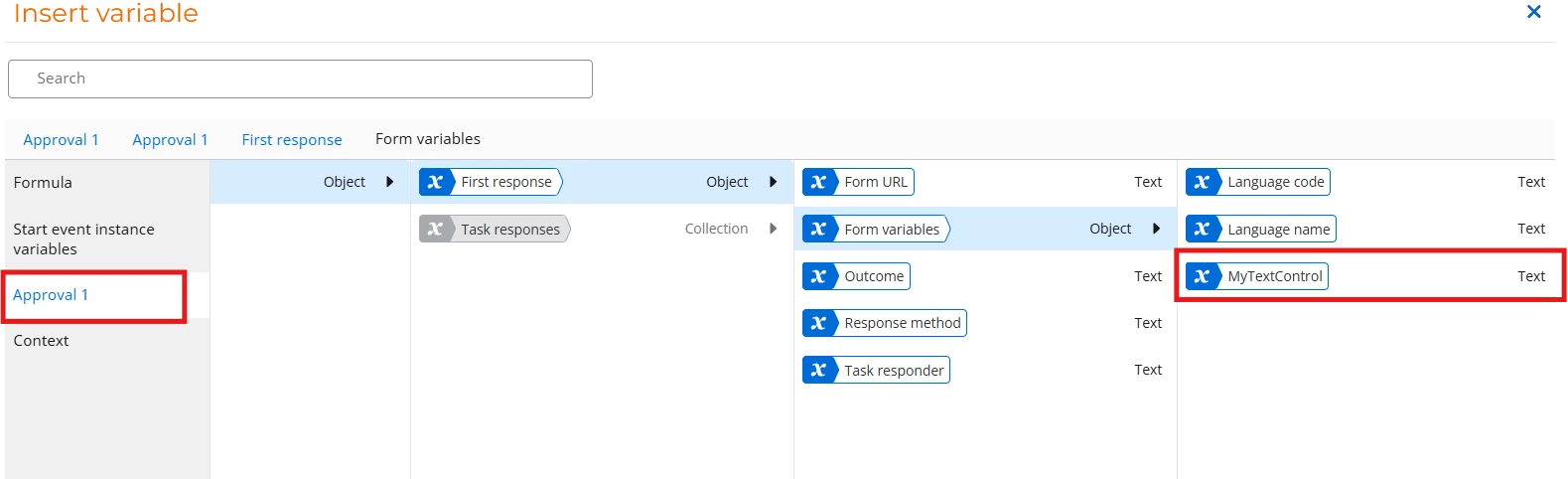
That said, the method for doing this would be to use the variable created by the first task action as the default value in the second task action.  See the screenshot below for an example:

In the above screenshot, After clicking insert on the default value in my second approval task, you can see the task variable from my first approval task (Named Approval 1).  Then drilling down I can get to the value I’d like to be the default value for my field.

3 replies

Forum|alt.badge.img+11
  • Nintex Employee
  • Answer
  • January 13, 2026

Hi ​@jpacheco 

Quick note to start, this question should be in the Nintex Workflow Forum rather than the Nintex for Sharepoint Forum (this forum is for our on-prem product).

That said, the method for doing this would be to use the variable created by the first task action as the default value in the second task action.  See the screenshot below for an example:

In the above screenshot, After clicking insert on the default value in my second approval task, you can see the task variable from my first approval task (Named Approval 1).  Then drilling down I can get to the value I’d like to be the default value for my field.


Forum|alt.badge.img+11
  • Author
  • Scout
  • January 13, 2026

@brent_read,

My apologies, I didn’t know that but noted! Second, thanks for your assistance as this helped and worked! 🙏🏼😊


Forum|alt.badge.img+11
  • Nintex Employee
  • January 13, 2026

@jpacheco 

No Problem! Just want to get things to the correct forum so if anyone else is looking for something similar they can find it easier. 🙂


