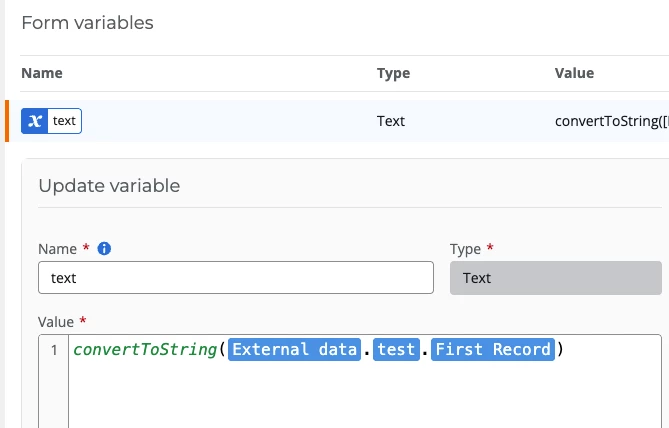
I have an external data variable that I’m using to populate a repeating section. In order for this to work properly, I need to name the repeating section form controls using the unique identifier names of the related external data variable columns. An example: External data variable column name “Lead (Email)” is unique identifier “Lead_Email”.
External data variables don’t automatically display their columns’ unique identifiers, so I find myself guessing at the unique identifier names. Is there a way to view/display an external variable’s column’s unique identifier?