



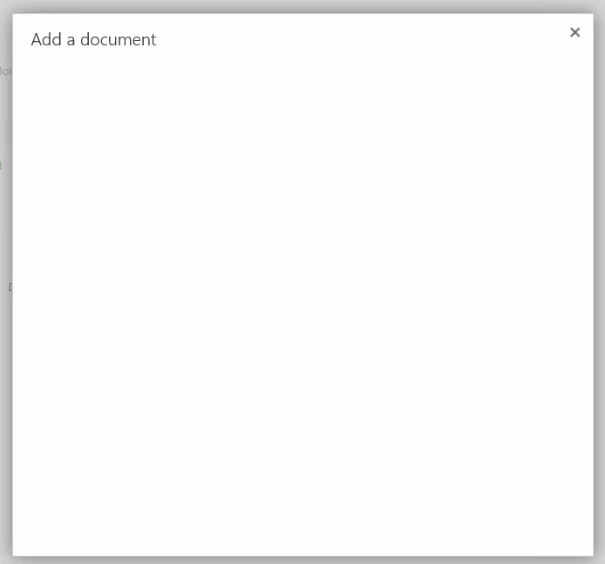
Empty SmartForm popup after attempting to load document to SharePoint library
kbt142112
PRODUCTK2 Cloud
This article was created in response to a support issue logged with K2. The content may include typographical errors and may be revised at any time without notice. This article is not considered official documentation for K2 software and is provided "as is" with no warranties.
Issue
After attempting to upload a document to a SharePoint Library, an empty K2 SmartForms Popup appears.
Symptoms
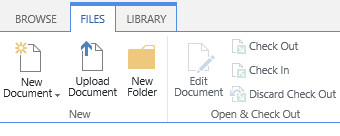
When navigating to the upload document button on the Ribbon bar on SharePoint Online, you will notice after the K2 Artifacts are generated, the Upload document button displays "BLANK".
Resolution
A product update was released for this behaviour (K2 Cloud Update 3) and can be requested on the K2 Support Portal.
Site collections need to be reactivated and rerun after this Product update is complete.