Nintex Community Menu Bar
Solved

K2 Designer : Unable to deploy a workflow that contains a sub-workflow

  • Jul 19, 2023 10:46 AM UTC
  • 7 replies
  • 370 views
  • Translate All

Forum|alt.badge.img+2

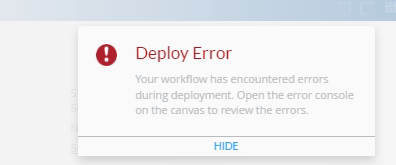
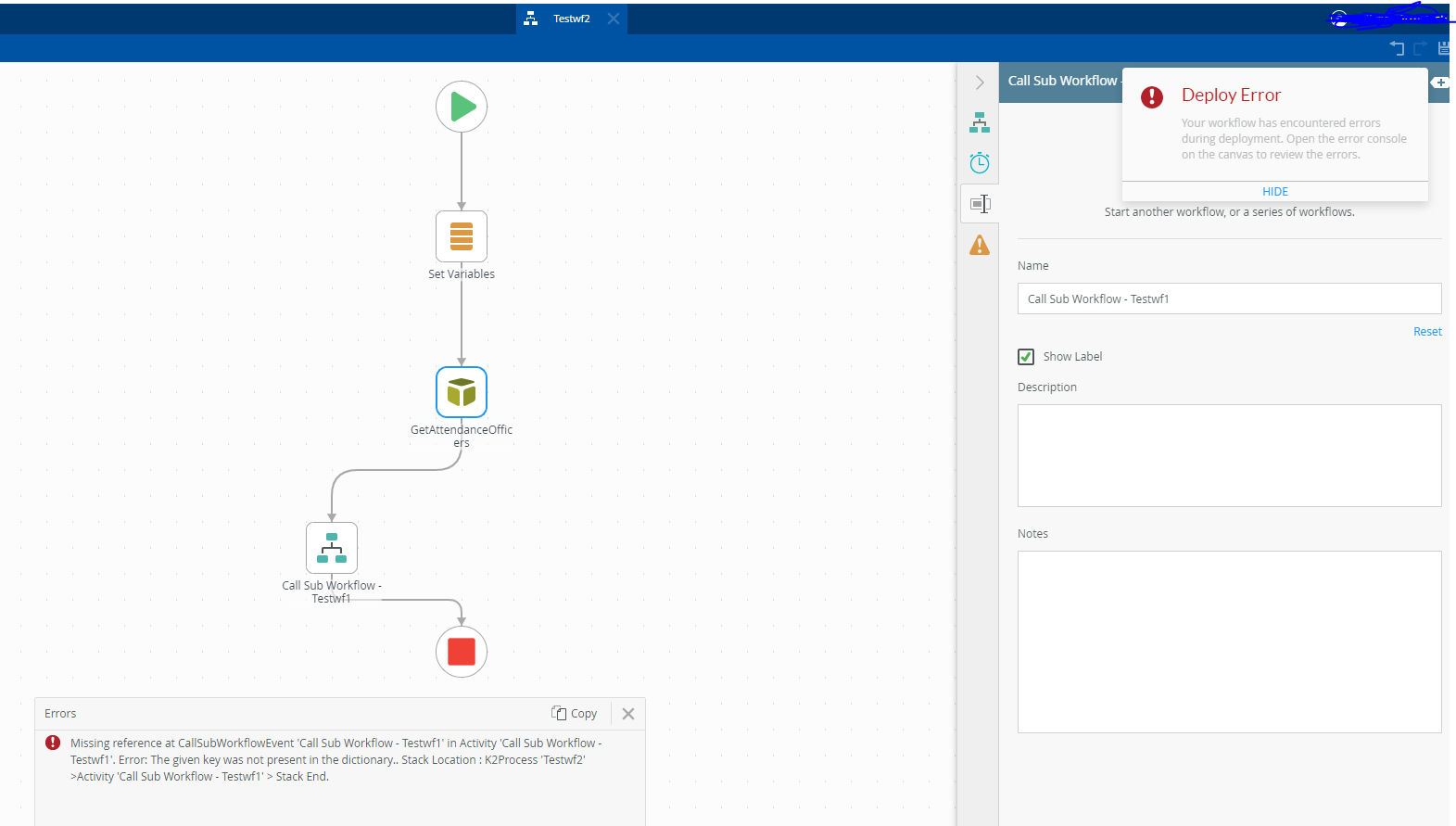
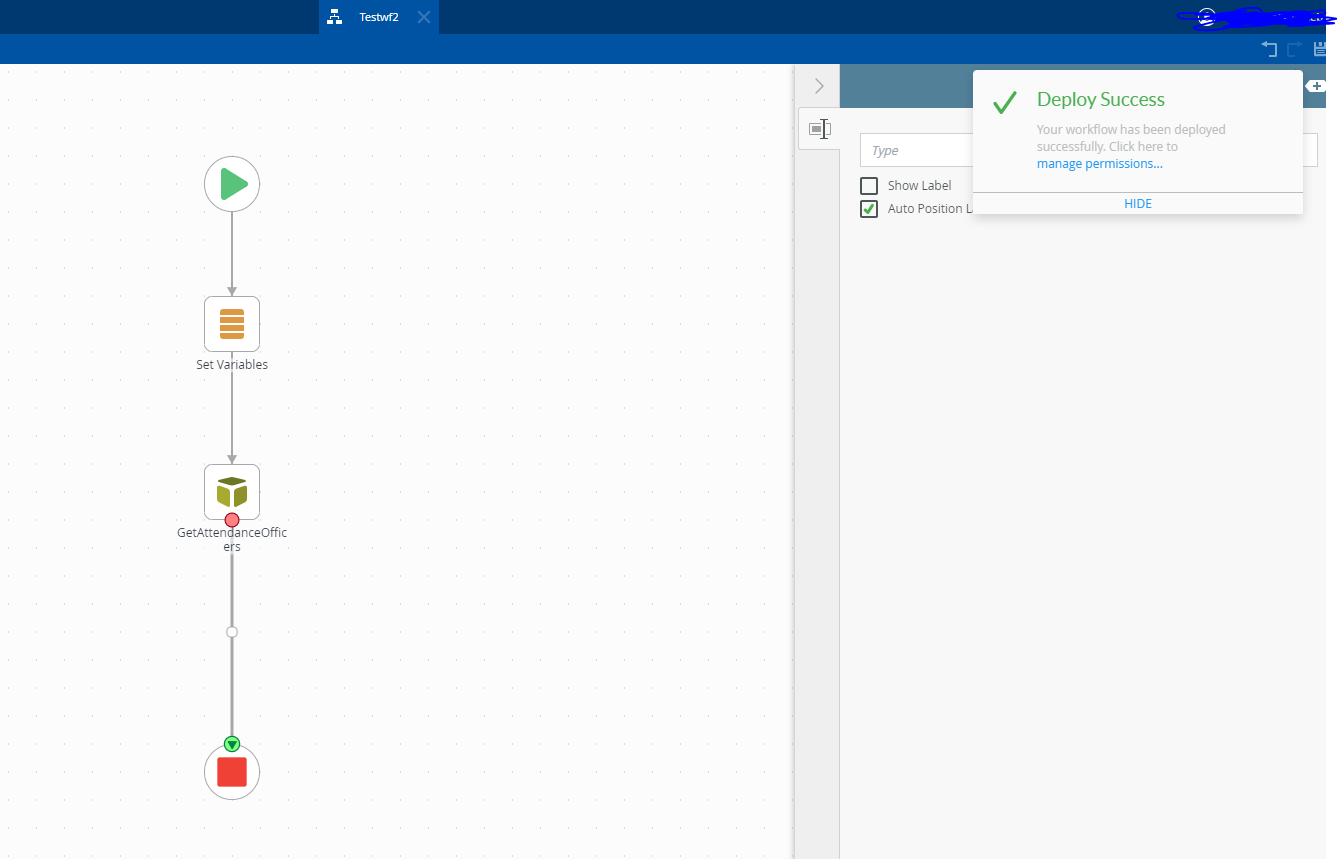
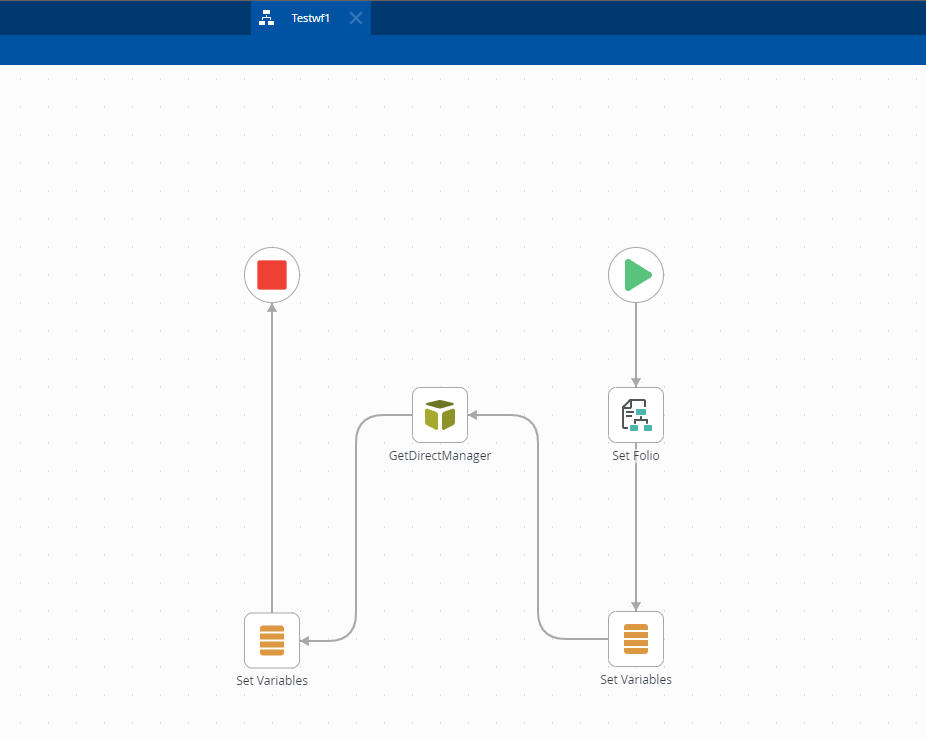
Hello all, recently we had a ‘show stopper’ issue with the K2 designer, the issue was that we are no longer able to deploy any workflow that contains a sub-workflow, we already deployed many workflows that contain a sub-workflow in the past, the issue now that we need to edit some of these workflows but whenever we finish our edits we are unable to deploy the workflow, this issue is not just for a specific workflow but for the entire workspace I did create a separate workflow just to reproduce the issue, I created two workflows from scratch and (Testwf1, Testwf2) I tried to call ‘Testwf1’ as a sub workflow from ‘Testwf2’ but whenever I add this step it give an error, if I removed the “Call Sub Workflow - Testwf1” step, ‘Testwf2’ deploy successfully.
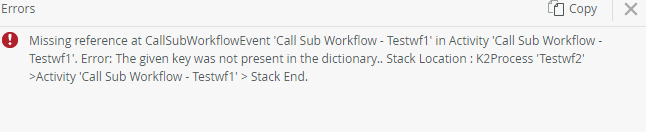


we already tried to delete the step and re-drop it, changing the names, the variables,
we made sure that the server that the K2 is on has the latest updates, and also the K2 has the latest fixes, updates, do note that this issue is new to us as I said we already have many workflows that calls a sub workflow that is working fine the issue is only when we deploy!

any ideas?


Best answer by halkhateeb

Perhaps check the permissions on the sub workflows - make “everyone” an Admin of them just to see if it makes any difference. I would recommend opening up a ticket with Nintex on this one and, if possible, report back the results here if others run into this issue. I can see how this would be a showstopper!

we already tried making “everyone” an admin it didn't work, I think we will move to opening a ticket with the Nintex, as there are no solutions till now.

View original

7 replies

Forum|alt.badge.img+15
  • Nintex Partner
  • Jul 26, 2023 7:36 AM UTC

Hmmm… we make use of sub-processes quite a bit and I have yet to run into this issue. Can you show a screenshot of how the Call Sub Workflow step is configured? Do you browse to the sub process or type it in manually?

Translate

Forum|alt.badge.img+5
  • Nintex Employee
  • Jul 27, 2023 4:14 AM UTC

is your subworkflow already deployed?

Translate

Forum|alt.badge.img+2
  • Author
  • Rookie
  • Aug 2, 2023 9:20 AM UTC

is your subworkflow already deployed?

yes it is, and if I remove the sub workflow step I can deploy my workflow(already did)

Translate

Forum|alt.badge.img+2
  • Author
  • Rookie
  • Aug 2, 2023 9:25 AM UTC

Hmmm… we make use of sub-processes quite a bit and I have yet to run into this issue. Can you show a screenshot of how the Call Sub Workflow step is configured? Do you browse to the sub process or type it in manually?

both doesn’t work

Translate

Forum|alt.badge.img+15
  • Nintex Partner
  • Aug 2, 2023 12:06 PM UTC

Perhaps check the permissions on the sub workflows - make “everyone” an Admin of them just to see if it makes any difference. I would recommend opening up a ticket with Nintex on this one and, if possible, report back the results here if others run into this issue. I can see how this would be a showstopper!

Translate

Forum|alt.badge.img+2
  • Author
  • Rookie
  • Answer
  • Aug 2, 2023 3:22 PM UTC

Perhaps check the permissions on the sub workflows - make “everyone” an Admin of them just to see if it makes any difference. I would recommend opening up a ticket with Nintex on this one and, if possible, report back the results here if others run into this issue. I can see how this would be a showstopper!

we already tried making “everyone” an admin it didn't work, I think we will move to opening a ticket with the Nintex, as there are no solutions till now.

Translate

Forum|alt.badge.img+2
  • Author
  • Rookie
  • Aug 14, 2023 8:19 PM UTC

this issue was solved by going back to “VersionOfK2Patched”
“K2_SERVER: K2 Five (5.5) March 2022 CU FP02”

Translate