| Update 27 October 2026: Final extension. The deadline for upgrading is October 30, 2026.
Update 14 August 2026: The deadline for upgrading has been extended until September 30, 2026
Update 10 July 2026: Package Now Available
|
Salesforce is strengthening security standards across the AppExchange ecosystem. As part of this change, all AppExchange applications, including Nintex DocGen for Salesforce, are required to adopt enhanced OAuth security controls including PKCE and Refresh Token Rotation.
What this means for you
A Salesforce administrator will need to complete the following:
- Upgrade the Nintex DocGen Managed Package to the latest version.
- Transition to the new “Nintex DocGen for Salesforce Modern” Connected App by copying the existing Connected App configuration to the new app.
- Reauthorize the Nintex DocGen connection.
- The integration user used for scheduled or automated document generation must also be reauthorized. Until this user is reauthorized, scheduled or automated document generation may not complete successfully.
What is not affected
Your DocGen Packages, templates, relationships, delivery options, and previously generated documents are unchanged. The update affects only the authentication layer.
Action Required
- Please plan to complete the upgrade at the earliest.
- Instructions are available in the help document. Please review the instructions and share them with your Salesforce administrator so they can prepare for the upgrade.
NOTE
- If you are on a version older than 20.10.5, you will need to perform a Multi-Step Upgrade to 20.10.5 first, before completing the installation of the latest version on the AppExchange. Versions older than 18.10 must upgrade to 18.10 first, then to 20.10.5.
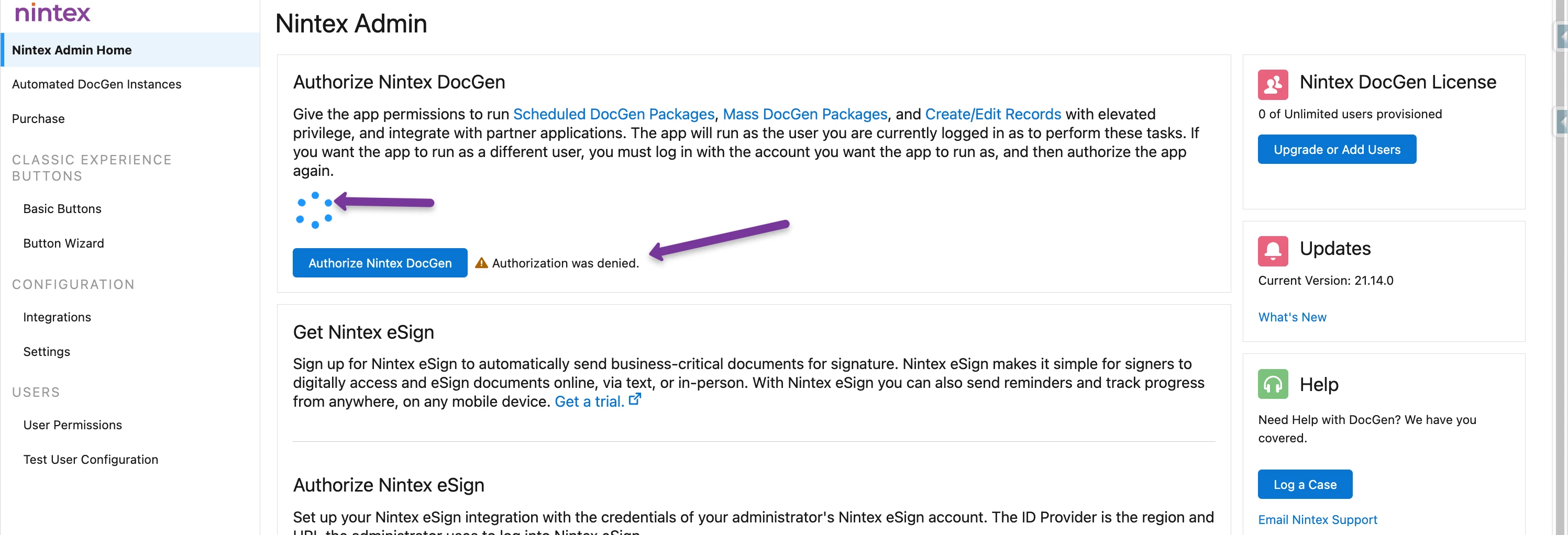
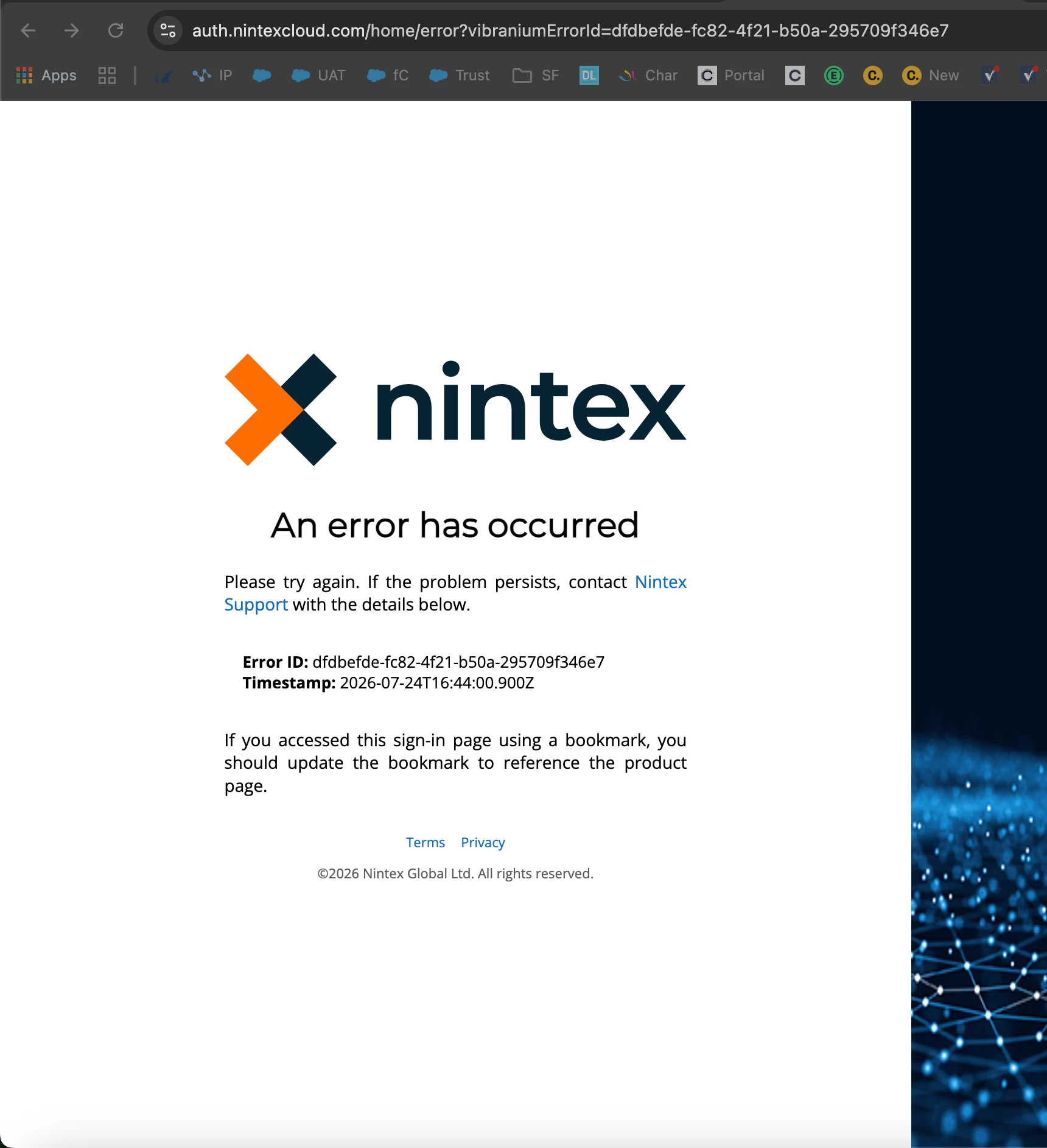
- Known Issue: "Authorization denied" when attempting to authorize. If you experience it, please reach out to Nintex Support.
- If you use Salesforce Reports with DocGen, note that Salesforce's Step-Up Authentication for Reports is a separate requirement with its own timeline. Extensions granted for Step-Up Authentication (through 1 October 2026) do not apply to the Connected App changes described in this article. See Step-Up Authentication for Reports for details on that requirement.
Office Hours
Office hours are being offered starting 8th July 2026 through 30th September 2026
- Monday and Wednesday 8:00AM PST Click to join.
- Monday and Wednesday 3:00PM PST Click to join.
Questions?
Reach out to our Support team or your Nintex Account Manager or Customer Success Manager.