Topic
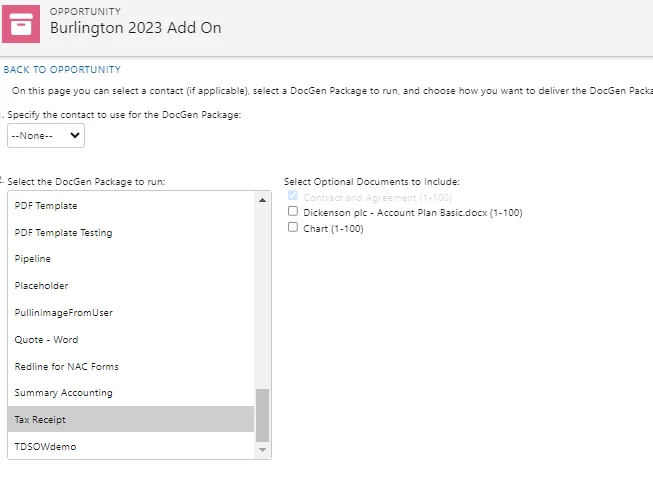
How to order the output documents using the 'Sort with Previous' feature.
Instructions
1. Order documents in the Document Package under the Select Files.
- If the documents are ordered in 123, this will be the way they will be ordered in the output file.
- If you would like to manage the order in the user interface, please continue with the below configuration.
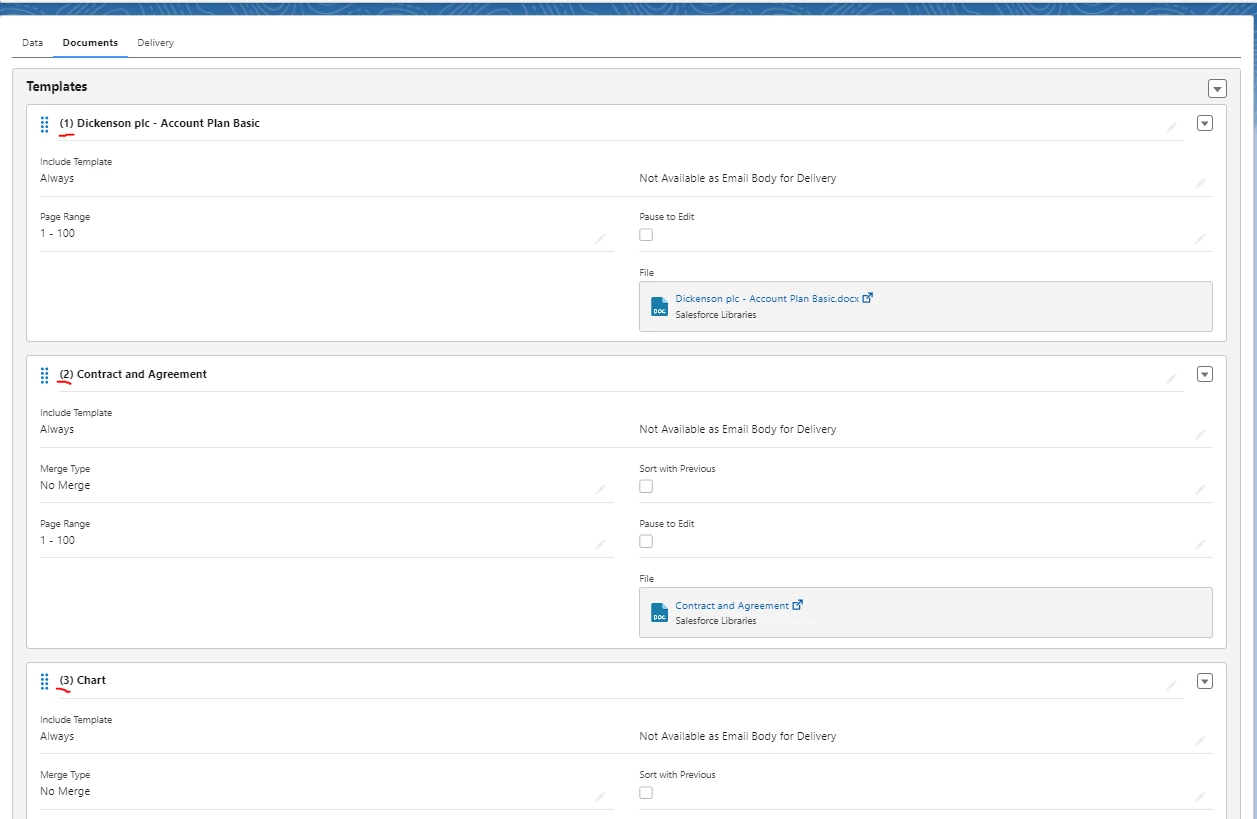
2.a Select the Pencil icon on the Document.
- Set the file as optionally
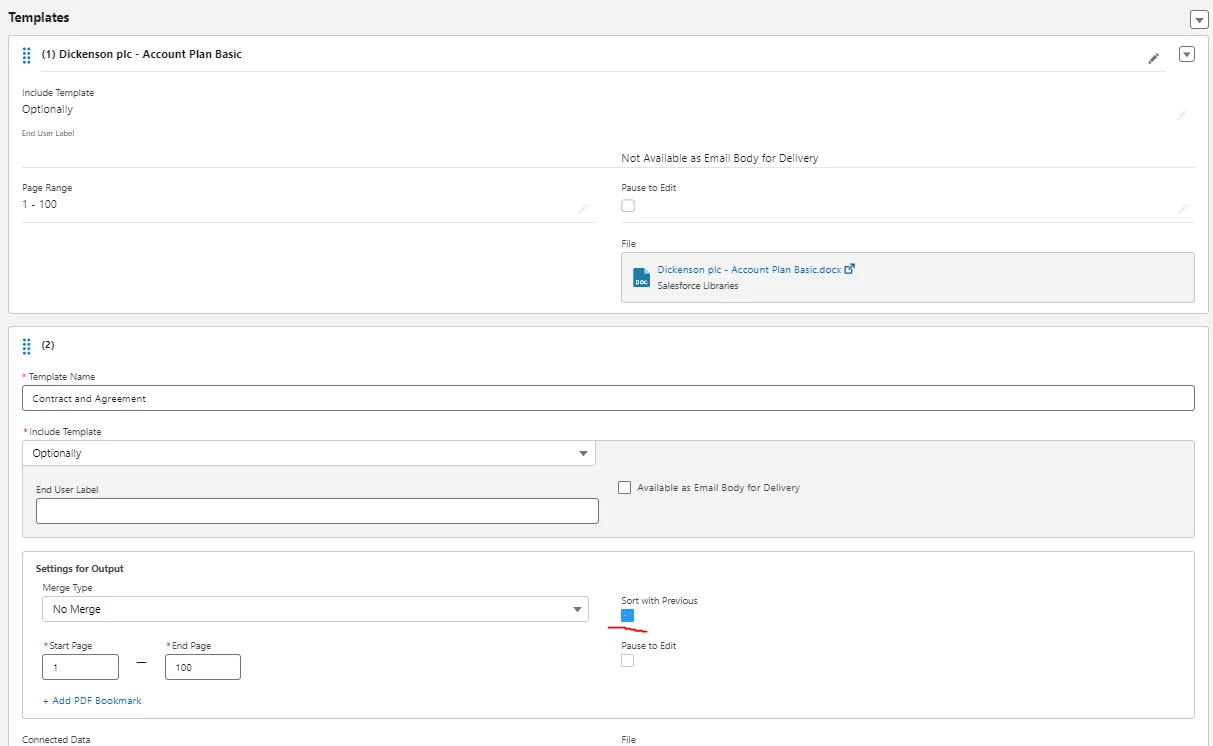
2.b Still in Edit mode, check the 'Sort with Previous' box.
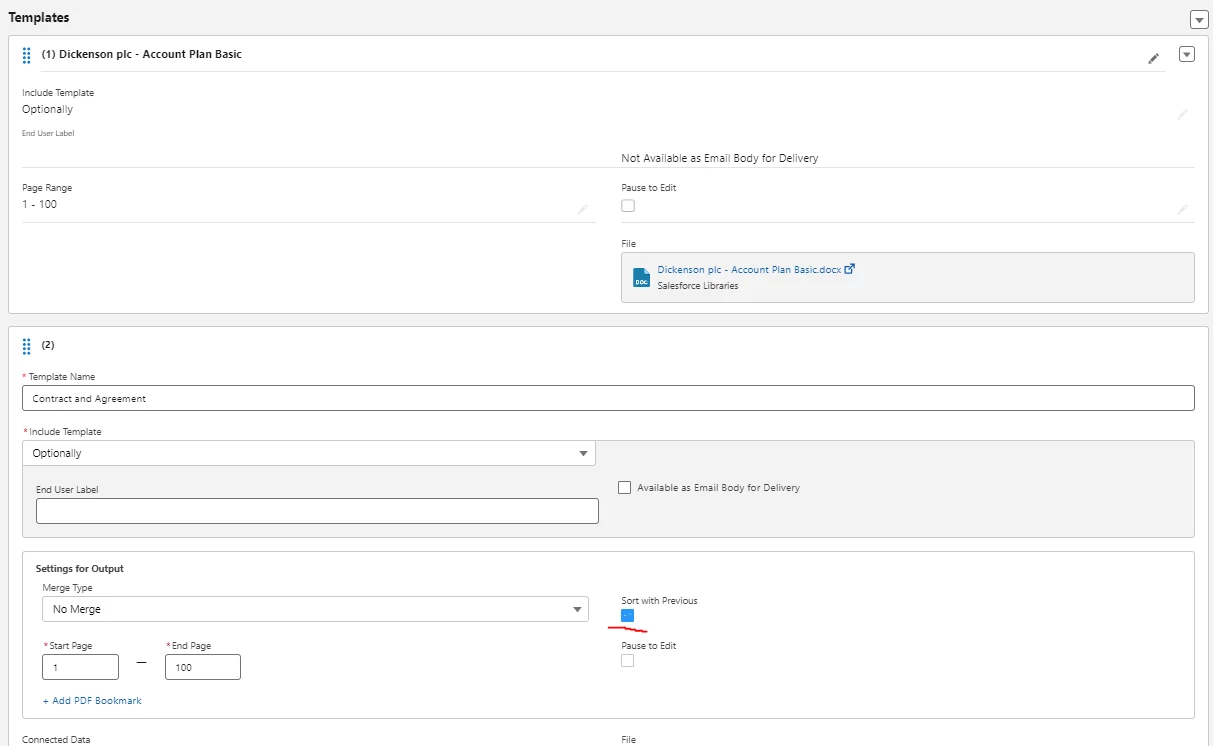
2.c Once the above configuration is complete, navigate to the run page:
- Hover over the optional documents, drag and drop them in the desired order.