Nintex Community Menu Bar
Question

Multiple records DocGen Package generation

  • January 16, 2026
  • 2 replies
  • 25 views

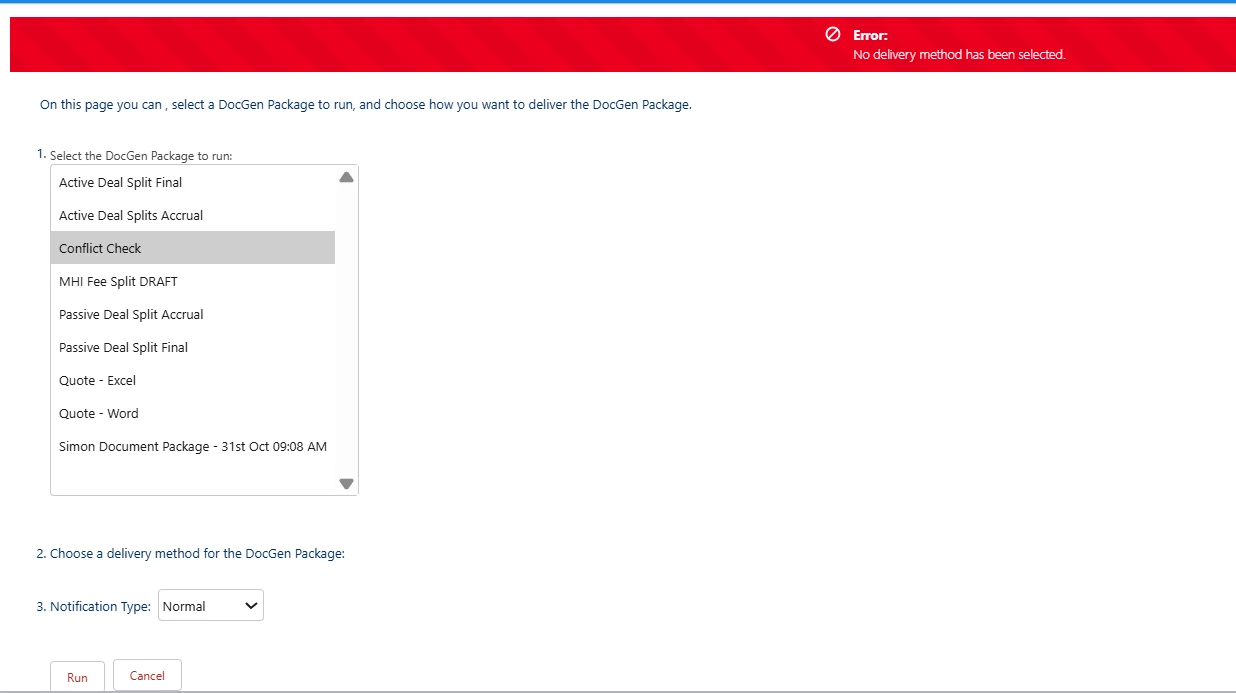
Hi, i would like to generate a report using DocGen with multiple records. 
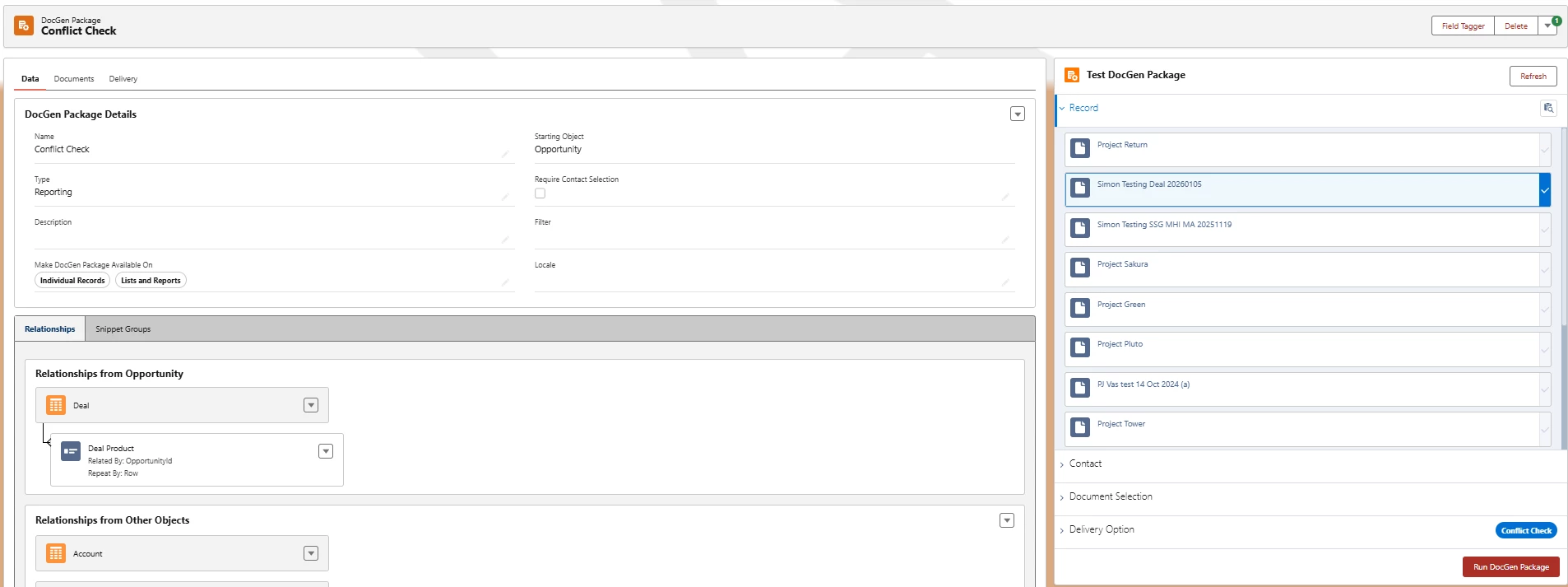
As for below, to the right hand side of the screen shot, i am not able to select more than one record at the moment. Kindly can you advise if i can select more than one record during the generation please? 


Thanks a lot! 

Best regards, 

Simon 


2 replies

Forum|alt.badge.img
  • Nintex Employee
  • January 16, 2026

Hi nomishk,

Currently, the Lightning component does not support selecting multiple records directly.

However, you can still generate documents for multiple records using the following options from the Salesforce UI:

  • List View button
  • Mass action via Reports

We recommend referring to the official documentation for detailed steps on implementing these options successfully.
https://help.nintex.com/en-US/docgensf/DocGenPackage/BatchDocGenPackage.htm
https://community.nintex.com/nintex-docgen-for-salesforce-33/create-mass-button-in-lightning-28157
https://community.nintex.com/nintex-docgen-for-salesforce-33/drawloop-mass-via-report-configuration-28156?tid=28156&fid=33

Thanks and Regards,
Jayashankar


Forum|alt.badge.img+3

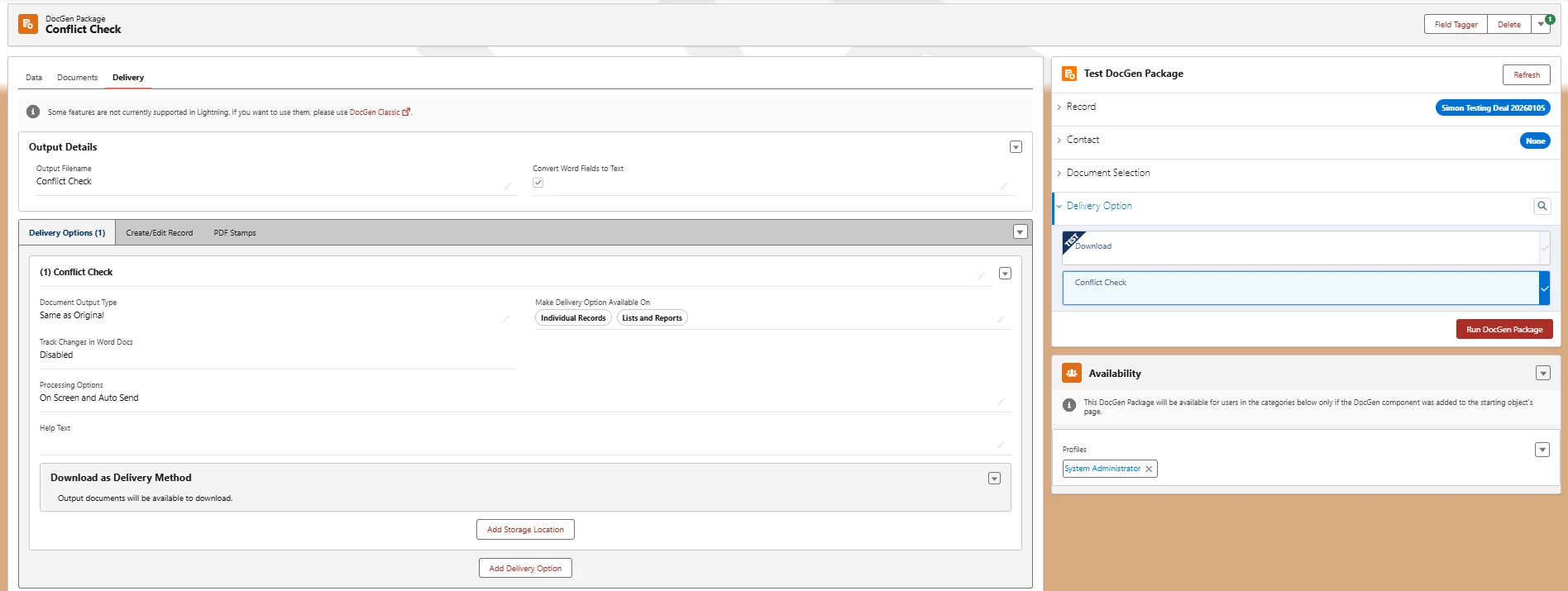
Hi ​@nomishk - the Test Component on the DocGen Package is used for single record generation. This Component is intended to help you easily and quickly test while you’re building out your DocGen Package (solution/use case). Making sure data is populating, the output looks good, and your delivery options are working as intended.

Once you’re ready to deploy to end users for Mass/Batch/”Multi-Record” generation, you have various options. 1) Salesforce Flow using the “Record Ids” option within our Async action. Or you could create a Loop and use the Record Id option 2) Mass Via Report 3) Mass Via List View 4) LoopMessage Class (I would recommend against simply because it involves Apex Code and in many scenarios you’re over engineering if you go this route). 

Here’s a decent related article that you could look at covering these options -