Nintex Community Menu Bar
News

Welcome to the Nintex CE Platform — Closed Beta!

  • June 15, 2026
  • 16 replies
  • 255 views

Nintex_Wasim
Nintex Employee
Forum|alt.badge.img+11


Hello Nintex Community! 👋

We are excited to introduce the Nintex CE Platform!

Now available in Closed Beta for our CE customers and partners.


This forum will serve as your dedicated space for everything related to the Nintex CE Platform, including new and updated capability announcements and resources to help you stay informed throughout the beta journey. Customers and partners who would like to join the Closed Beta can register their interest using the sign-up form.


What to expect in Closed Beta ?

This Nintex CE Platform brings together several new and updated capabilities, including:

  • A unified experience for all your assets — With an improved navigation, an environment selector, and updated information architecture.
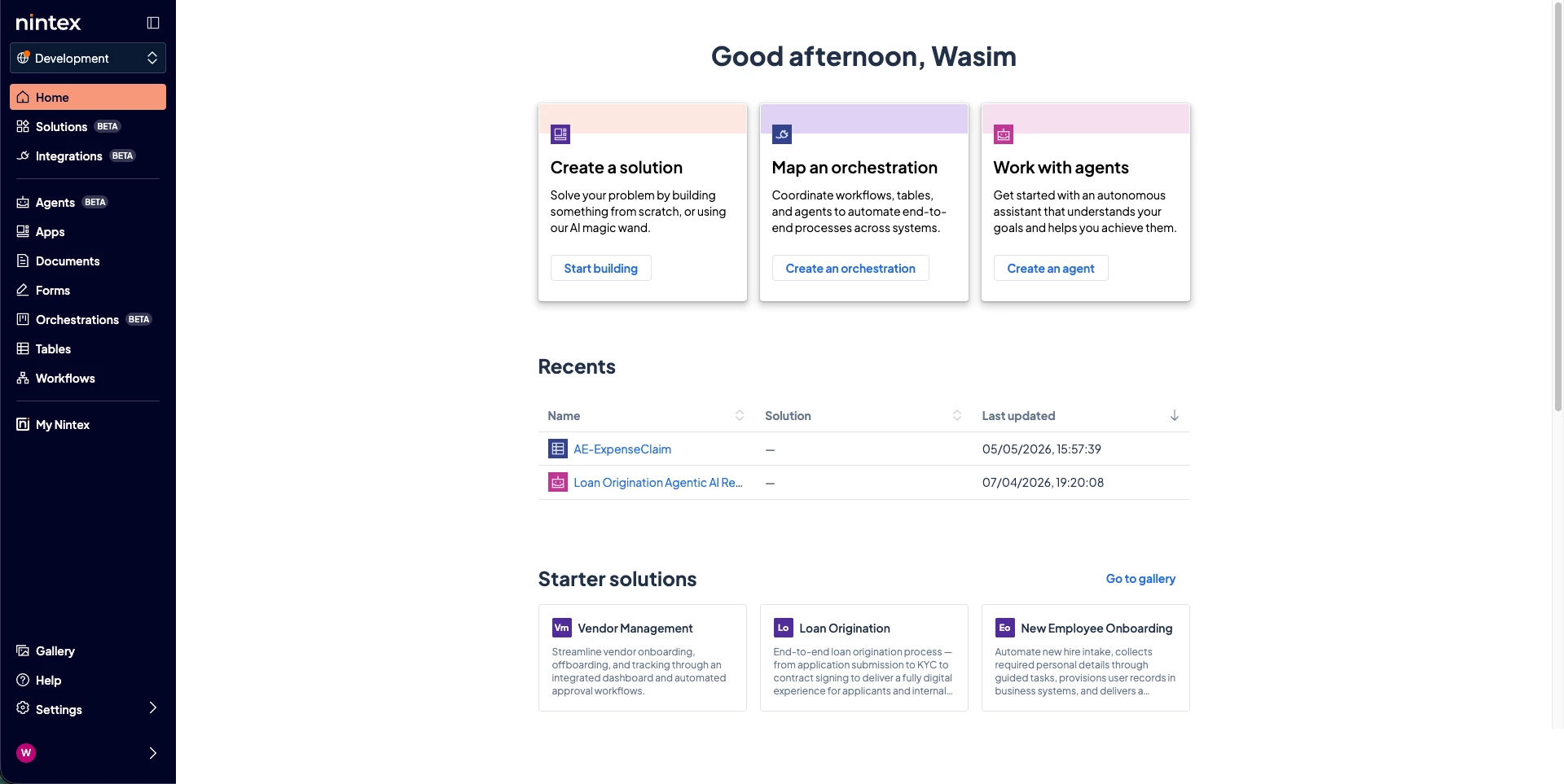


  • Nintex Solutions — Built into the unified platform, Nintex Solutions allows you to develop, test, and deploy all your assets - Workflows, Orchestration, Agent Designer, Apps, Forms, Documents, and more - in a single, governed container powered by ALM.
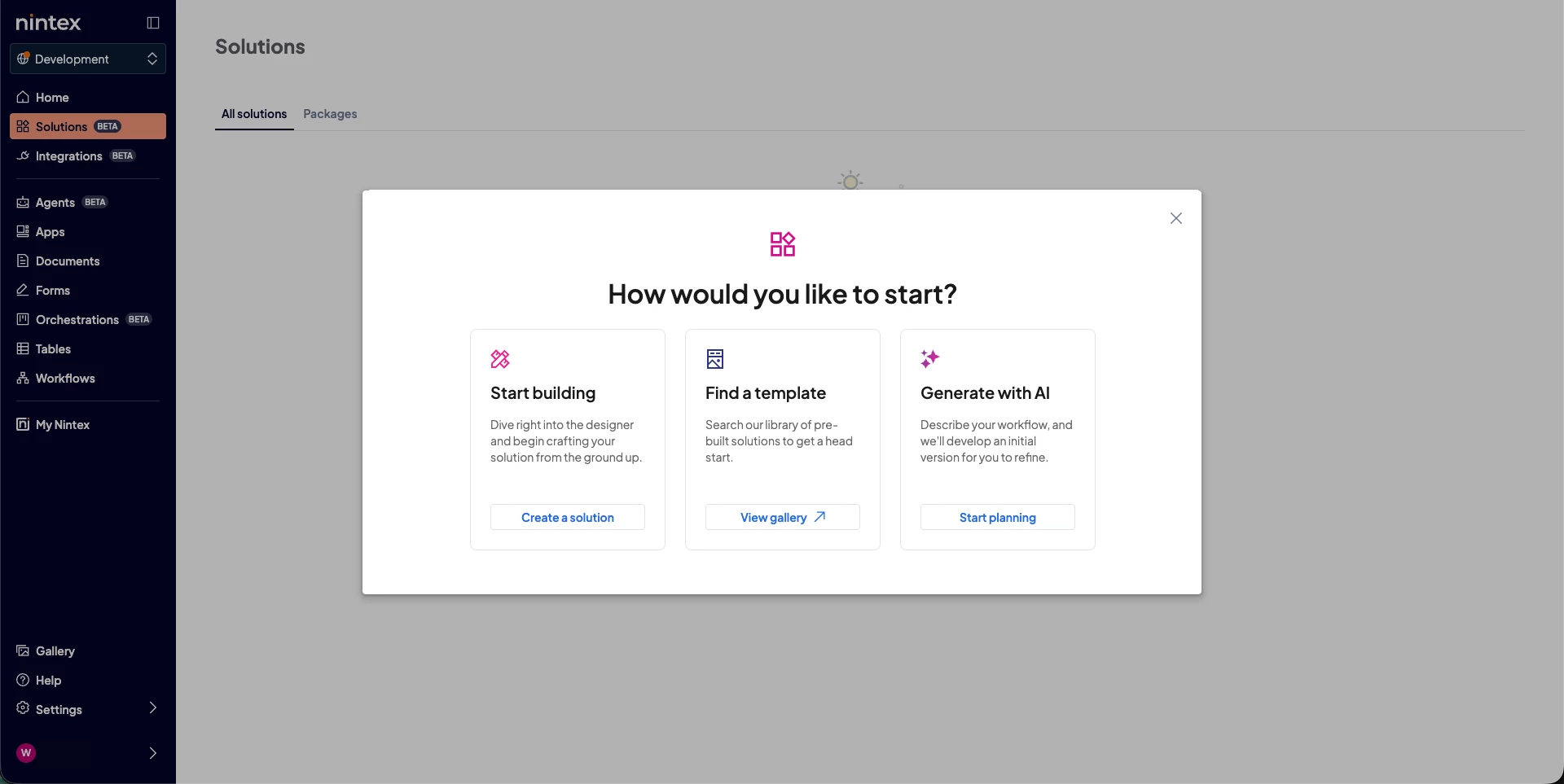
     
     
    • Solution Templates — Pre-built, configurable starter templates available from the Nintex Gallery to help users get started faster.
    • Solution Designer — AI-assisted capabilities to help users generate Solutions and shape the relationships between the assets that make up a Solution
      ​​​​​​
  • Application Lifecycle Management (ALM) — Manage, package, and deploy Solutions across environments to support better governance and lifecycle management.
  • Integrations and connectors — A single place to manage App and Workflow connections, with a foundation for building and reusing connectors across Nintex capabilities.


See the Nintex CE Platform in Action!

Watch the demo video below for a guided tour of the new experience and capabilities.


More content is on the way, so stay tuned as we continue to expand your learning experience. 🚀

16 replies

Forum|alt.badge.img+3
  • Nintex Employee
  • June 17, 2026

Exciting!


Simon Muntz
Nintex Partner
Forum|alt.badge.img+23
  • Nintex Partner
  • August 14, 2026

Hi ​@Nintex_Wasim ,

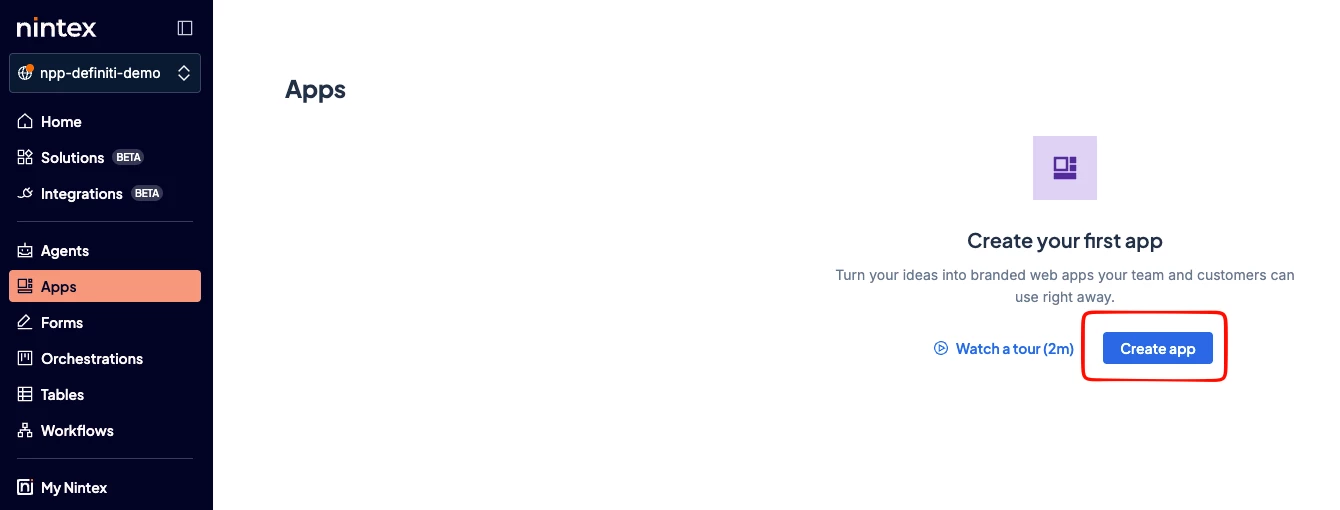
When I click on the Create App button, nothing happens.
Is there a dedicated contact for the BETA?


CC: ​@Sasan 


Sasan
Nintex Employee
Forum|alt.badge.img+12
  • Nintex Employee
  • August 14, 2026

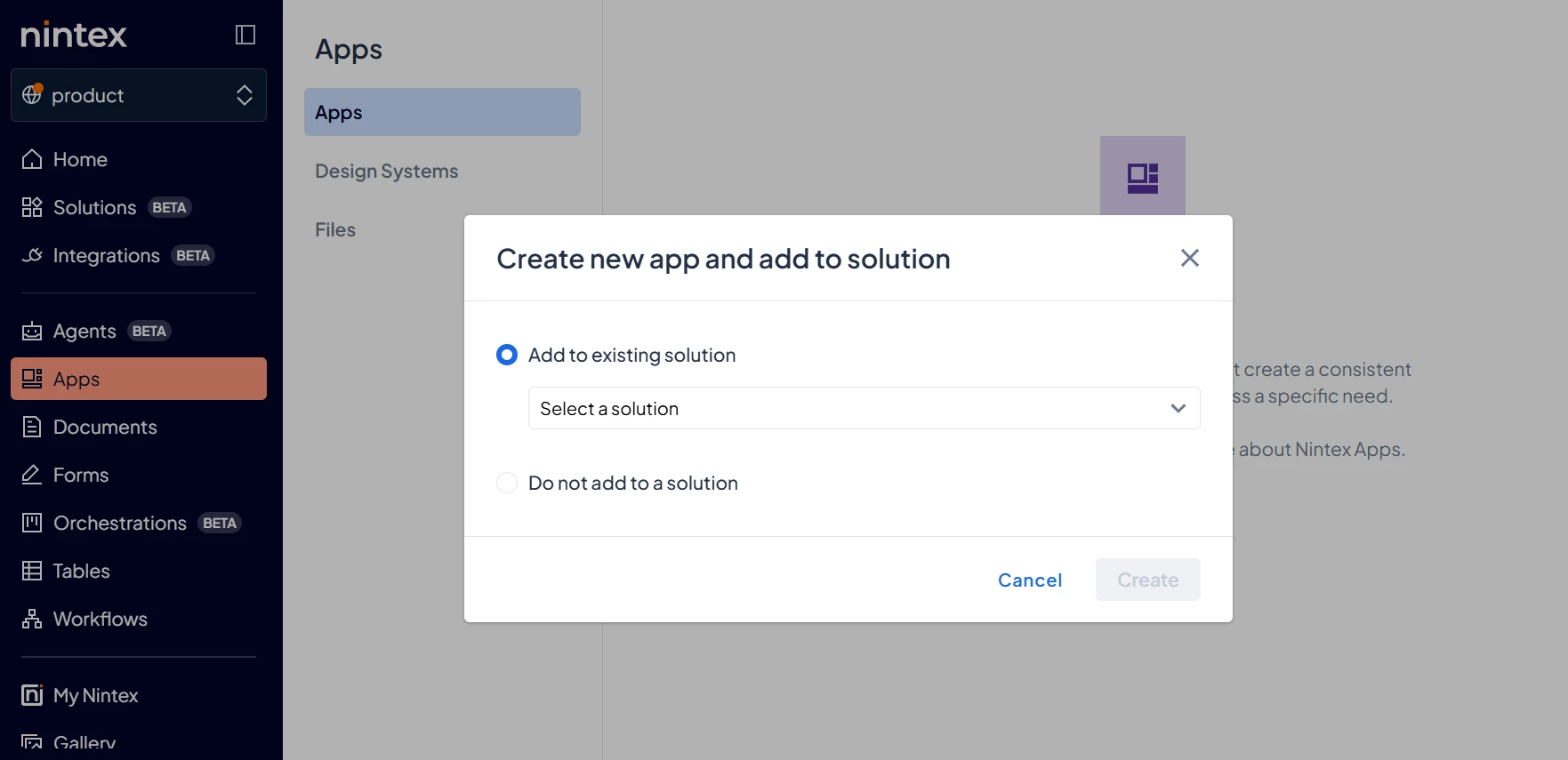
@Simon Muntz you should be getting a modal/pop-up.  Could you try configuring your browser to allow for pop-ups. 


Simon Muntz
Nintex Partner
Forum|alt.badge.img+23
  • Nintex Partner
  • August 14, 2026

Hi ​@Sasan,

I am on MacOs and tried both Chrome and Safari. Made sure that pop-ups were not blocked for the tenant URL I am using.
Logged onto a Windows VM with Chrome.

Still nothing happens.


Sasan
Nintex Employee
Forum|alt.badge.img+12
  • Nintex Employee
  • August 14, 2026

@Simon Muntz is it isolated to Apps page or does it happen in other pages?


Simon Muntz
Nintex Partner
Forum|alt.badge.img+23
  • Nintex Partner
  • August 14, 2026

@Sasan,

If I click Create Agent flow or Orchestration, which are similar buttons, they open ok.
Just the apps button at this stage.


Sasan
Nintex Employee
Forum|alt.badge.img+12
  • Nintex Employee
  • August 14, 2026

@Simon Muntz we’ll check to see if any other MacOS users are having the same issue and can recreate.


butlerj
Nintex Employee
Forum|alt.badge.img+20
  • Nintex Employee
  • August 14, 2026

@Simon Muntz we’re digging into this 👍


Sasan
Nintex Employee
Forum|alt.badge.img+12
  • Nintex Employee
  • August 17, 2026

@Simon Muntz this may be related to licensing and a potential fix.  It looks like your tenant does not include an Apps license at this time and therefore it should have presented a different UI.  Troubleshooting further.  Thanks for finding and reporting this bug.


Simon Muntz
Nintex Partner
Forum|alt.badge.img+23
  • Nintex Partner
  • August 17, 2026

Hi ​@Sasan,

I recently opened Apps on my tenant. The license may have expired.  I’ll follow it up, thanks.


Simon Muntz
Nintex Partner
Forum|alt.badge.img+23
  • Nintex Partner
  • August 19, 2026

@Sasan, ​@butlerj,

The issue seems to be fixed now, thanks.


Sasan
Nintex Employee
Forum|alt.badge.img+12
  • Nintex Employee
  • August 19, 2026

That’s great!  And thanks for validation of cause.


Callan.Applebee
Forum|alt.badge.img+3

Hi team,

I have started ‘playing with it’ after a call yesterday and getting introduced to it. I had some questions which I logged via feedback in the application, however I am happy to relay those here.

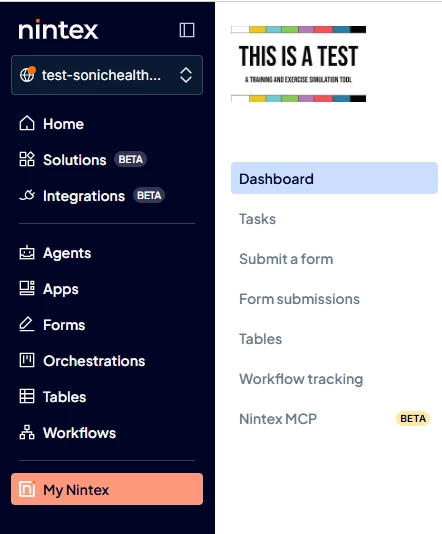
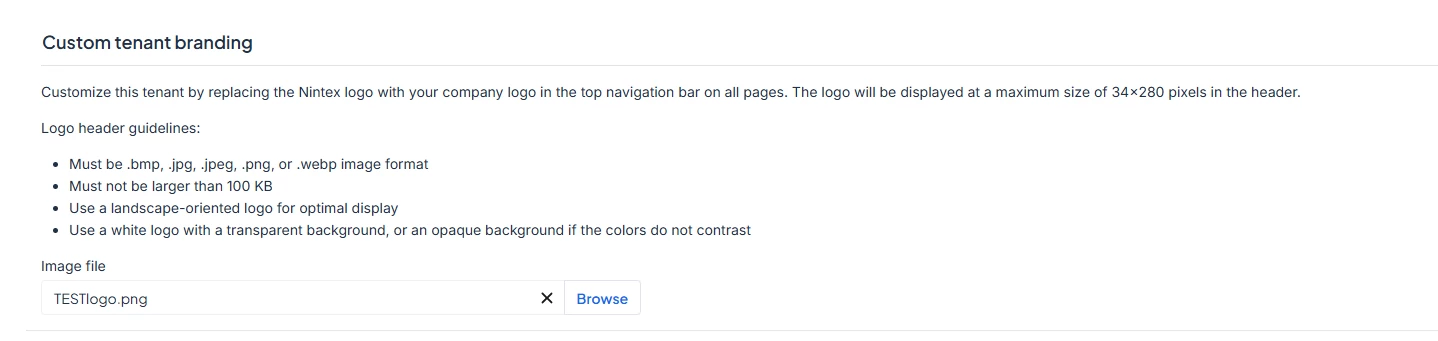
  1. Branding logo, why only visible in the ‘MyNintex’ section and not like the OG where it was on the top LHS of the accordion bar.
    1. for users that tab flip, a great quick reference was seeing the logo in the top LHS. For me, unsure about others, but I use a TEST logo for our TEST environment to clearly denote that. 
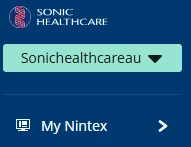
    2. Compared to current where the image (for our PRD is the company logo)

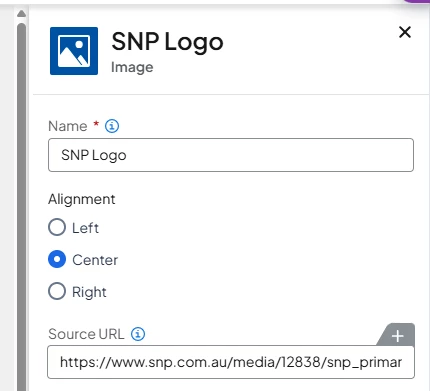
  2. Regarding the logo, can we not (like how images work in forms/workflows, append the URL to reference?
    1. It would also be nice to be able to redownload the attached image here in the Tenancy Logo area as when we are doing changes, we go through the process of downloading the item before making the change. Sounds silly but if I lost access to the root folder or company made changes and I can only access it in the app, I would like to be able to download it especially if you need to propagate it to another environment (PRD).
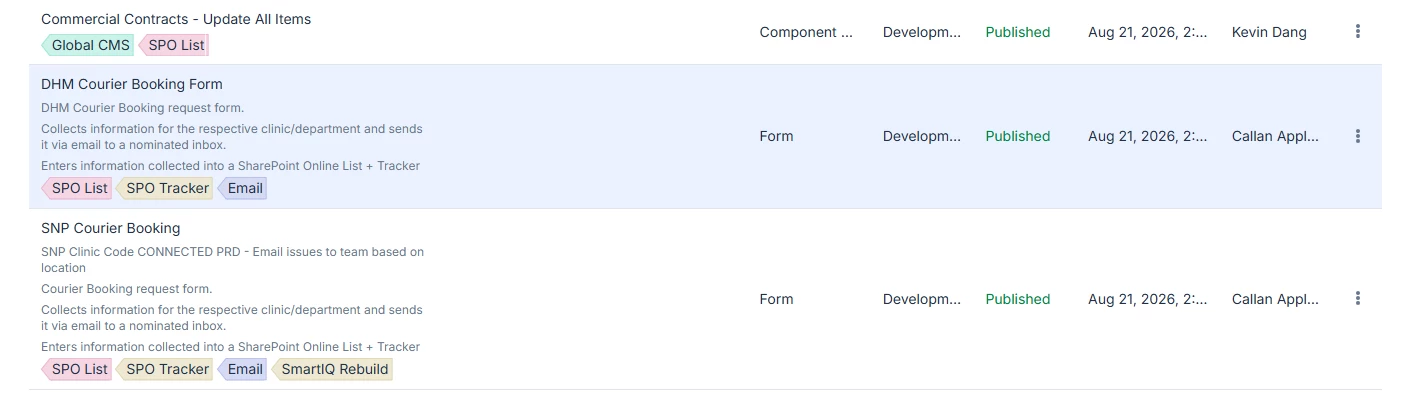
  3. Another aspect was the colour palette and sharpness of text. To me some of the ‘crisp’ in the text appears muted and or the colour palette could be at play here.
    1. Can there be a light/dark mode?
      1. additionally, if possible, could it be options selected by the ‘participant’ instead of Tenancy controlled?

Thanks


Forum|alt.badge.img+3
  • Nintex Employee
  • August 21, 2026

Thanks Callan for the feedback. 
 

  1. In the new experience the custom logo feature is only visible in My Nintex as that is for the end user/ participant interaction. For design time, we now have the tenant selector to clearly show the environment. In tenant settings, you are able to modify the label which would appear in the selector. 
  2. Feedback taken on point 2 & 3. I will work with the team to see what is feasible. This are very useful suggestions. Thank you. 
  3. For the text and colour sharpness, are you able to please paste the URLs where you find that this is the case. We will specifically look into those. I will also engage the design team to look through the screenshot you have attached. 
  4. Light/Dark mode - we have introduced a new design system with this release and there are plan to enable modes. I do not have timeline to share yet. Thank for the suggestion. 

Callan.Applebee
Forum|alt.badge.img+3

HI ​@SeeDee ,

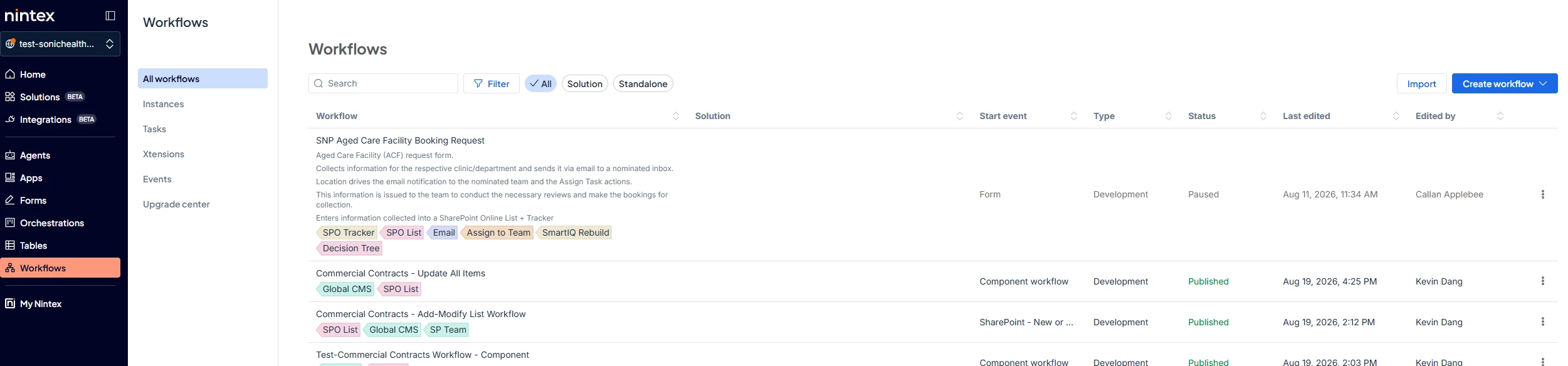
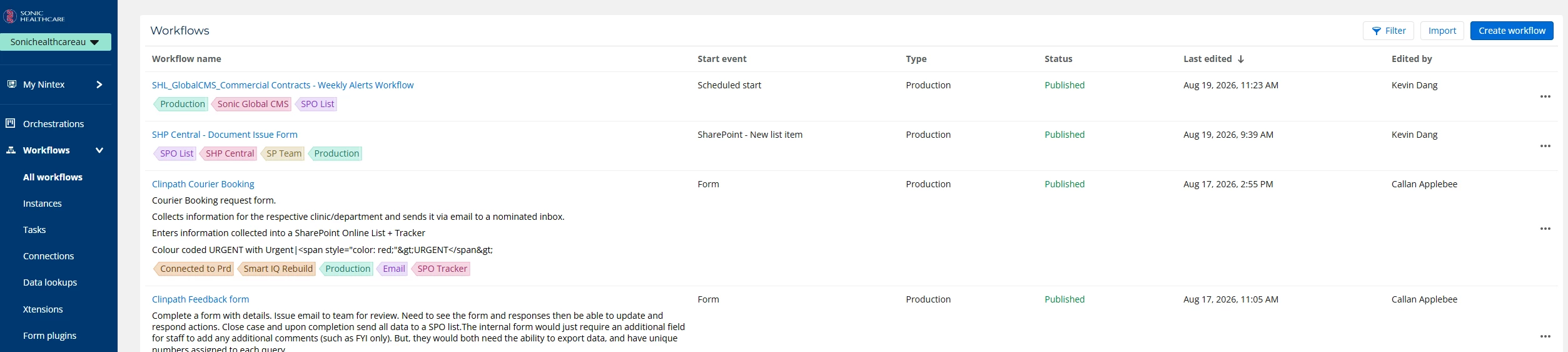
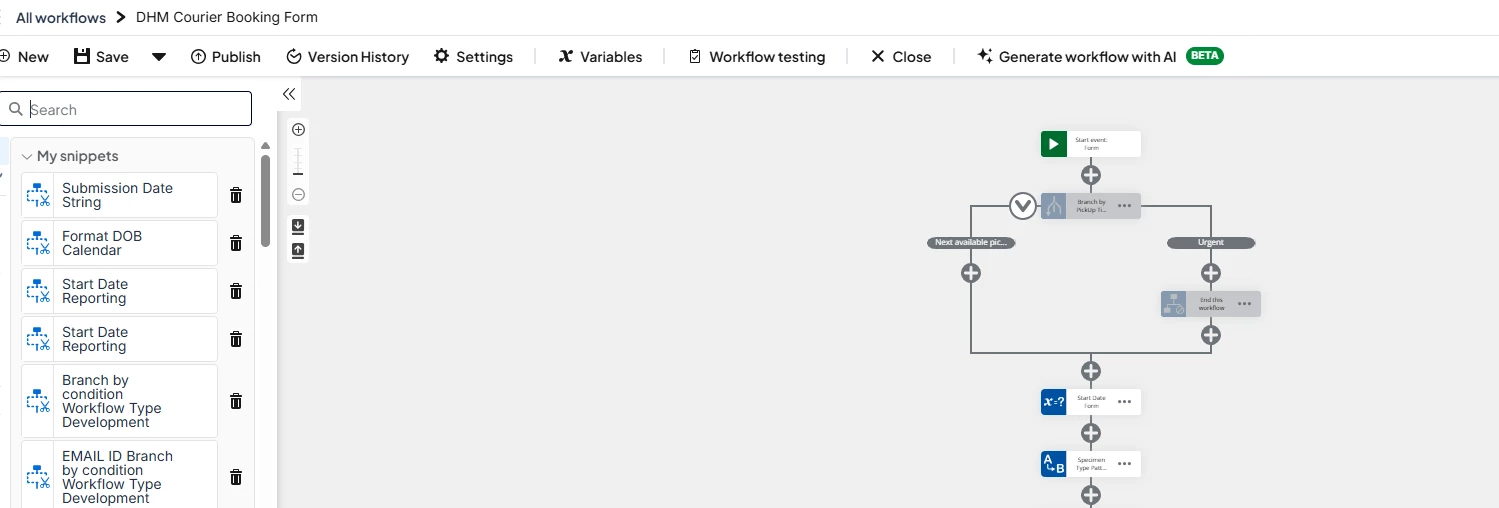
Regarding item 3. - URLS and the images for text and colour sharpness, this was pertaining directly with the images as previously provided. To me, the main showing of the workflow/form names and the text there was not as ‘crisp’.

Either it is because you are using a softer thin line and black text, compared to the high-vis blue that it was.

OR

It may be because there appears to be a lightly coloured box that each form/workflow is now wrapped in to clearly denote it from the rest.

Compared to the OG


I also personally like the bolded text when in Designer as well.

I also noticed the tags seem to be a black text in a coloured tag, as opposed to the text colours matching the tag colour (I do prefer the new look here).


Forum|alt.badge.img+3
  • Nintex Employee
  • August 27, 2026

Hi Callan, to close this thread, let’s discuss the feedback on our call. Thanks