Topic
When opening K2 Management, K2 Workspace or K2 Designer from Start > K2, you get redirected to an old or invalid URL.
Instructions
- Go to C:\ProgramData\Microsoft\Windows\Start Menu\Programs\K2
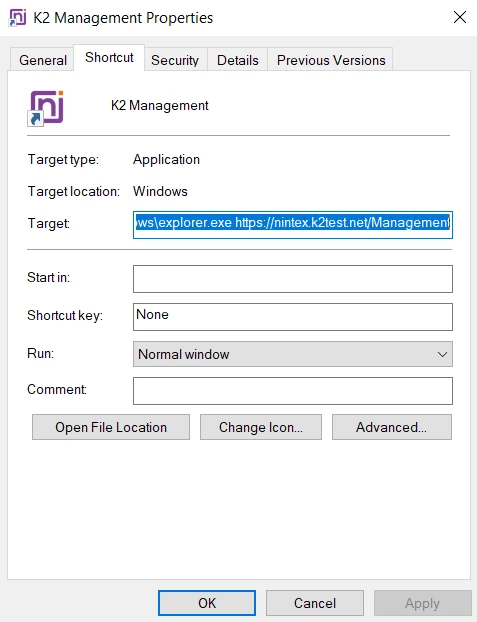
- Right-click on any of the following shortcuts for K2 Management, K2 Workspace and K2 Designer.
- Select Properties.
- Go to the Shortcut tab and update the Target as applicable.
- Click on Apply to save the changes.