Topic
When trying to deploy workflow on Designer, the deployment fails with the following error:
The '<step name>' step contains a reference to a missing environment field, 'SmartObjectField'. Add it or contact your administrator.
Instructions
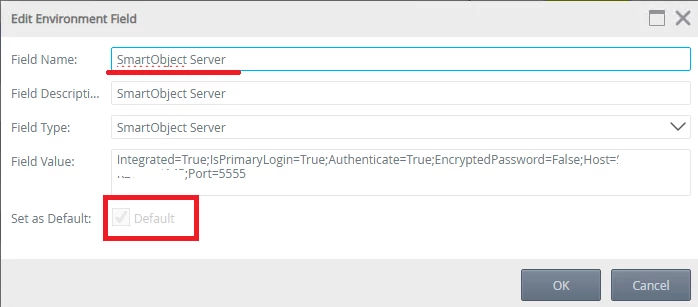
Go to K2 Management, go to Environment Library, make sure the 'SmartObject Server' environment field is present, and is set to default.
If the field is not present, you can create it manually and set it to default.
If the field is present, but not set to default, you can try editing it and set it to default.