



Topic
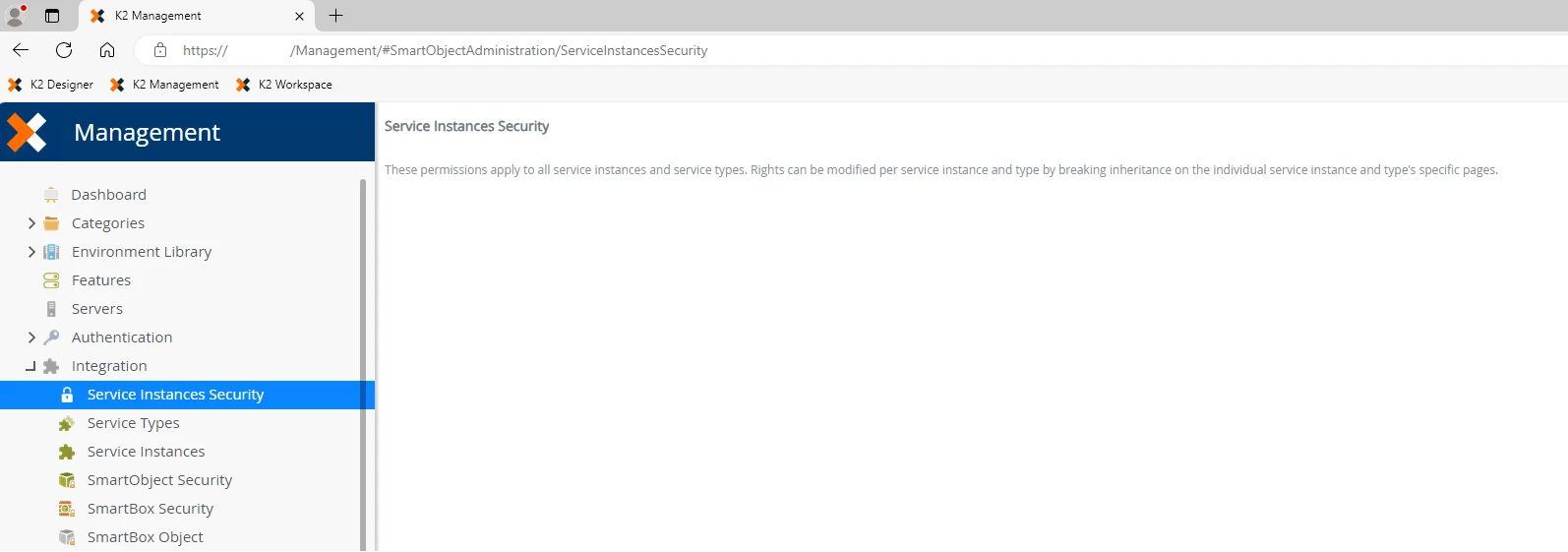
On K2 Management, after going to the Service Instances Security page and setting Deny for Everyone, the permission settings no longer load for that page.
Instructions
- The Everyone role is a special role used to represent ALL users in the environment. The Deny permission takes precedence over all permissions, so by setting Deny for the Everyone role, you are denying ALL users from accessing and modifying Service Instances Security.
- If you cannot view and modify the permissions after setting Deny permissions for the Everyone role, please log a support case with Nintex Support to request assistance resetting the permissions.
- By default, the 'Everyone' role has permission to this page. If you want to prevent everyone from accessing it, you can grant specific admin users permission to access this page and remove the Everyone role.