



Issue
After applying a Cumulative Update or FixPack, you may notice additional fields appearing under your action worklist item rule.
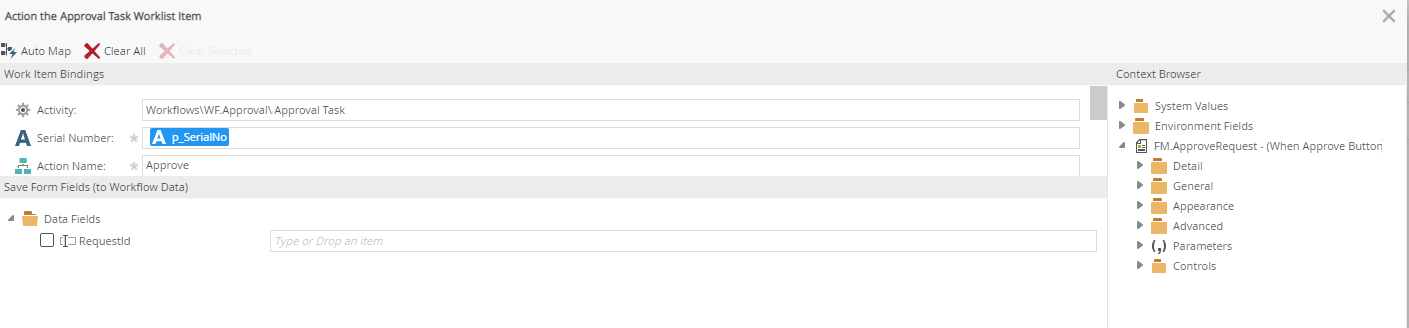
Before applying Cumulative Update or FixPack:
After applying Cumulative Update or FixPack:
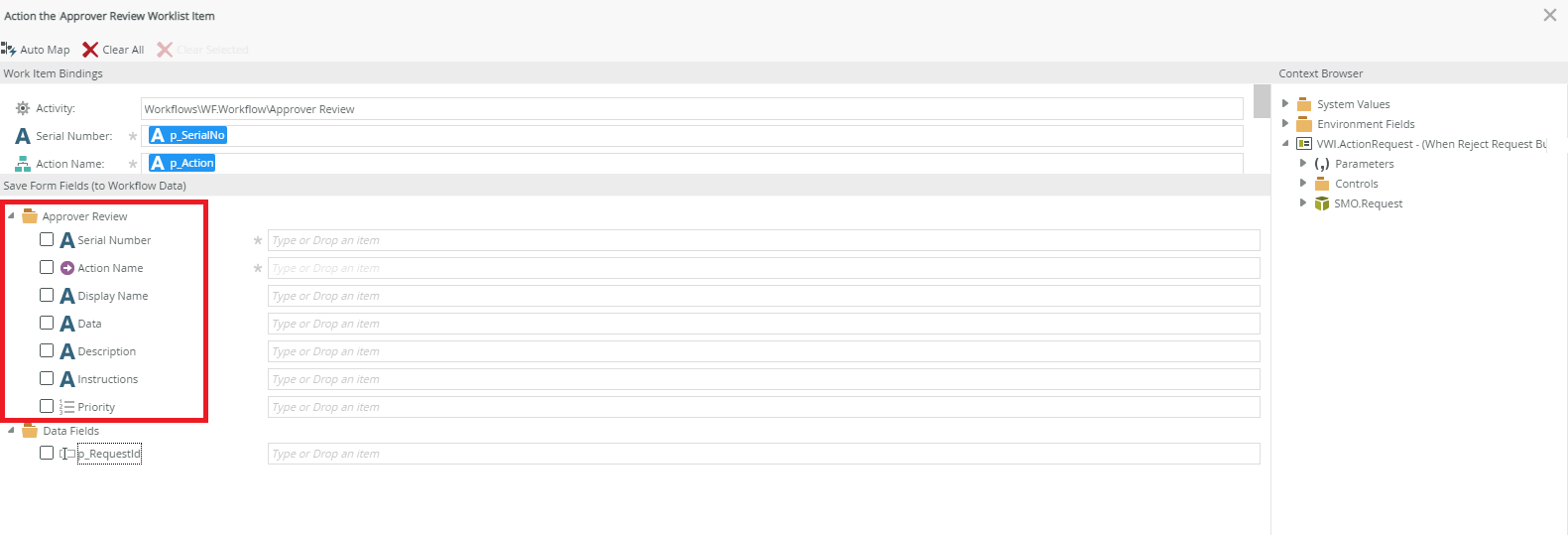
This can in turn affect you from configuring the rule properly.
Resolution
This is likely caused by a corrupted cache. There should not be any additional fields under "Save Form Fields (to Workflow Data)".
Try running IISRESET on your web server, clear your browser cache, then reopen K2 Designer and edit the action worklist item rule again.