



Topic
When attempting to create a new workflow or edit an existing workflow, user noticed a number of categories are missing from the toolbox. This means the steps in each category are not available for selection as well.
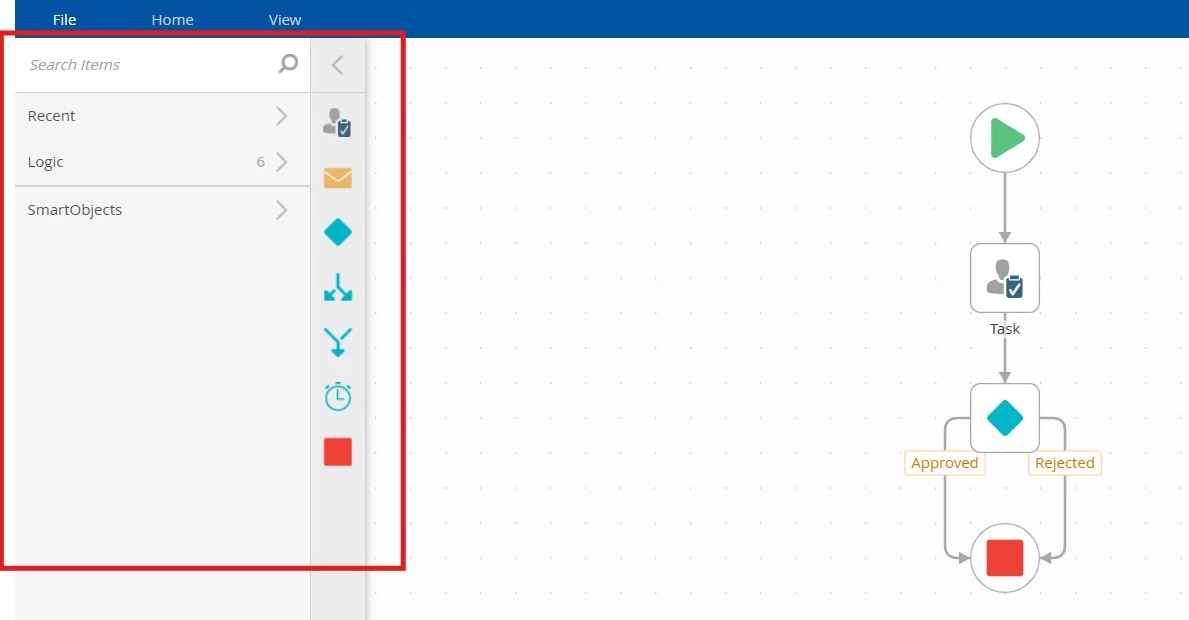
Instructions
Go to K2 Management > Categories > Workflow > Steps
Select Basic category, check the Security section. By default only the 'Everyone' role is listed here. This means everyone has access to this category.
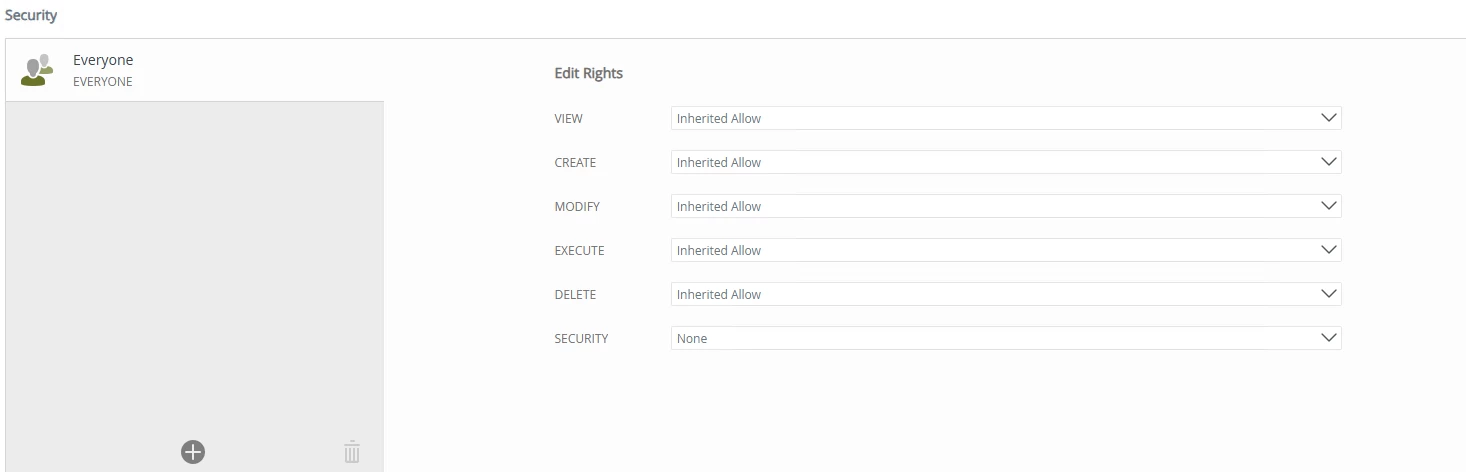
If you have previously assigned other users or groups permission to this category, you need to make sure the user used to create or edit your workflow also has permission to this category. Alternatively, you can just remove all users and groups and make sure only 'Everyone' role remains.
Do the same for CRM, Custom, DocuSign, RPA and SharePoint if those categories are missing from the toolbox as well.