



Known Issue: Unable to add the K2 for SharePoint App from the App Catalog
Issue
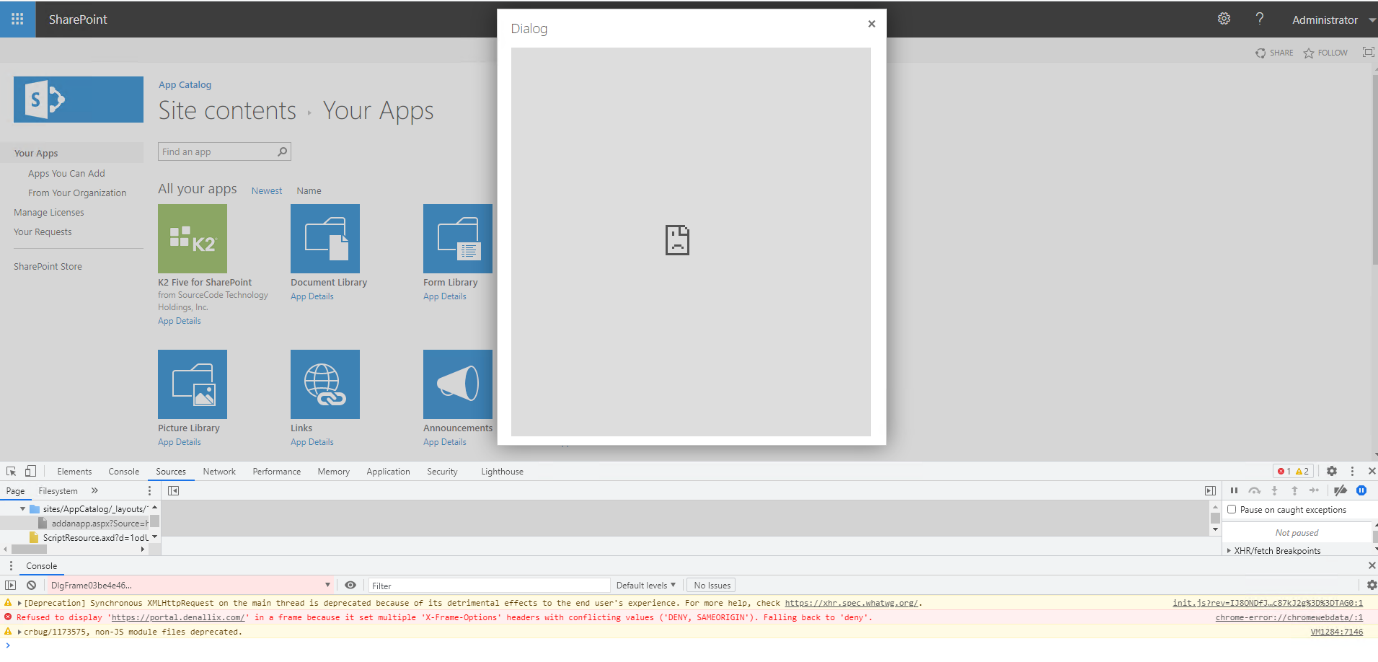
After installing the May or June CU for SharePoint 2019, you will receive an x-frame option error when adding the K2 for SharePoint App from the App Catalog.
Resolution
- Open Internet Explorer in compatibility mode and add the K2 for SharePoint App from the App Catalog
- In other browsers perform the following steps:
- Go to IIS Manager on your WebFrontEnd server(s).
- Click on the Site
- Click the HTTP Response Headers

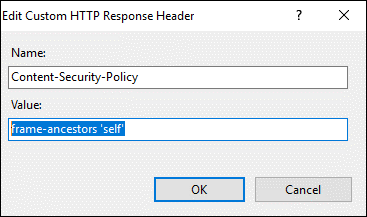
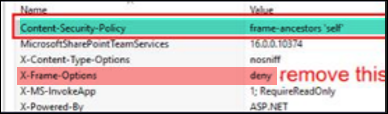
- Add the following header : Content-Security-Policy : frame-ancestors 'self'
- Remove any other deny header
- Recycle the worker process