K2 Management: 'Design' link on SmartObject properties page is missing
kbt139612
PRODUCTK2 Five 5.0
BASED ONK2 Five 5.0
TAGSManagement Site
This article was created in response to a support issue logged with K2. The content may include typographical errors and may be revised at any time without notice. This article is not considered official documentation for K2 software and is provided "as is" with no warranties.
Issue
On K2 Management, you are unable to edit SmartObjects in K2 Designer as the Design link is missing on the SmartObject properties page.
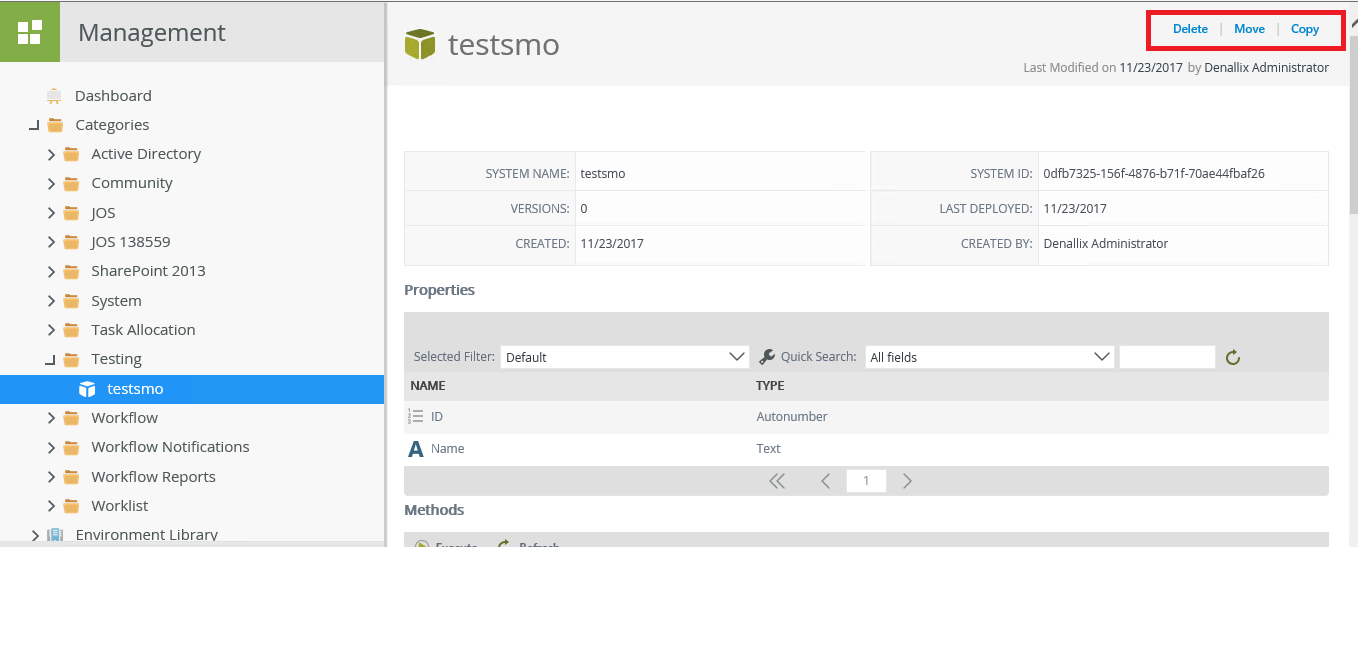
Symptoms
This has been identified as a bug on K2 Five.Resolution
The issue will be fixed in an upcoming release of the product.
Alternatively, you can still edit your SmartObjects by following these steps:
1. Select the category folder where the SmartObject resides. In the table on the right, select the SmartObject and click Edit.
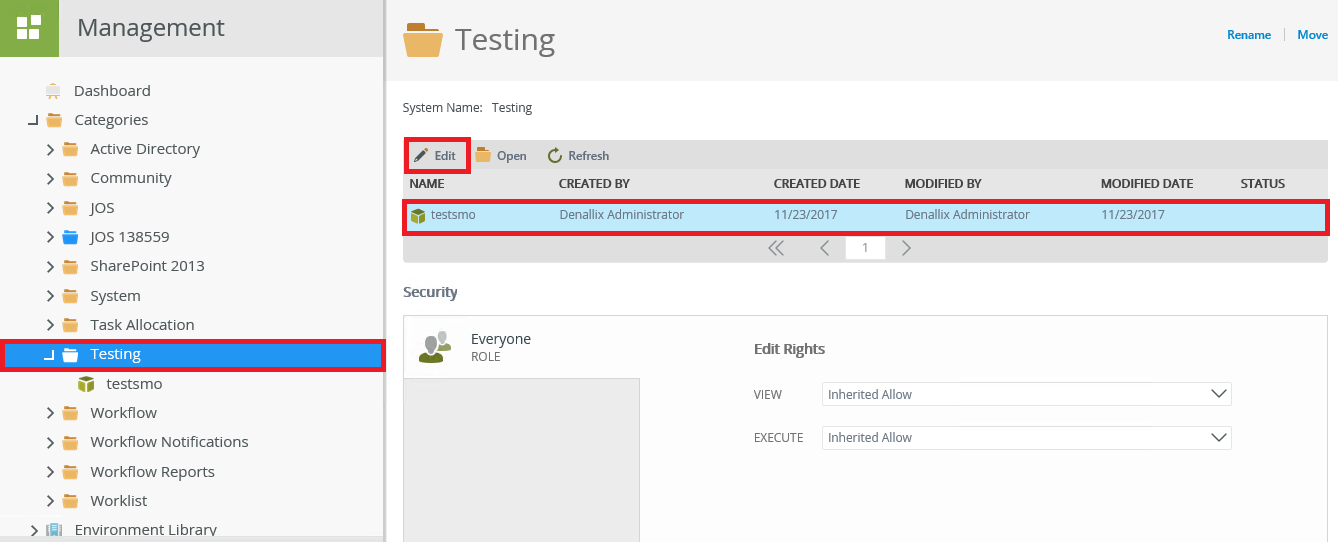
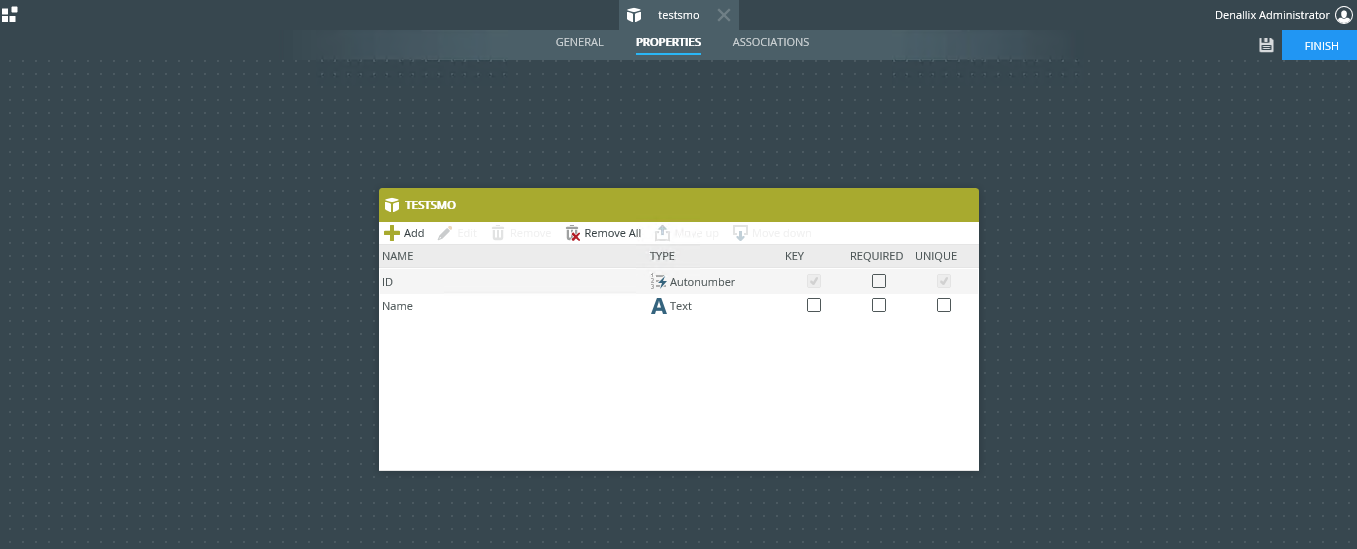
2. The artifact opens in K2 Designer for editing.