




K2 for SharePoint registration wizard ends with message "Unable to connect to the remote server"
kbt153805
PRODUCTK2 Cloud
K2 Five
K2 blackpearl
BASED ONK2 Five (all)
This article was created in response to a support issue logged with K2. The content may include typographical errors and may be revised at any time without notice. This article is not considered official documentation for K2 software and is provided "as is" with no warranties.
Issue
When clicking on the next button of K2 for SharePoint registration, you will be presented after 3-5 minutes with "Unable to connect to the remote server" on the Working on it screen in SharePoint.
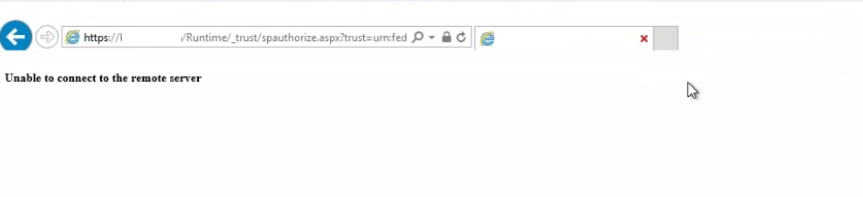
Symptoms
You will be unable to register the K2 for SharePoint App and you will not be able to utilize the Product as expected.Resolution
The cause of this behaviour is related to infrastructure configuration on the network that will prevent the K2 Registration to complete. This is caused by blocked internet access or firewall restrictions.
It will be adviseable from a K2 for SharePoint registration perspective that the needed internet connectivity is allowed to activate the K2 For SharePoint App.