


Topic
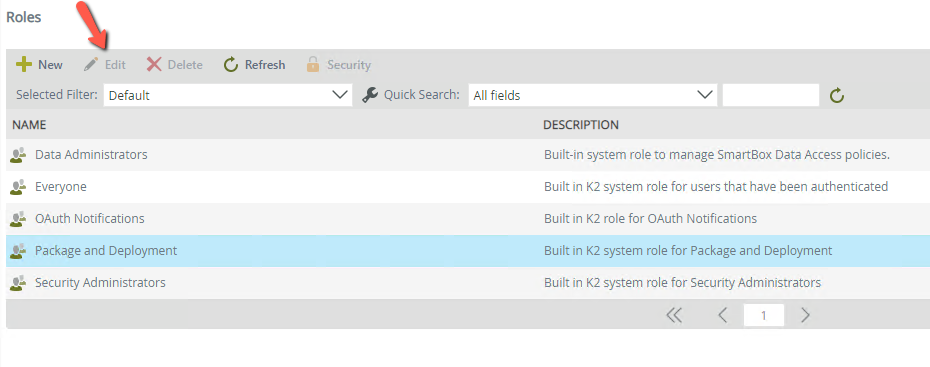
Unable to edit a K2 role. The button is 'greyed out' and not clickable.
Instructions
In K2 Five and K2 Cloud, role membership can only be granted or removed by members in the role itself. To resolve this issue, a member of the role must grant the user role membership. This will allow for the original user to edit the role.
Additional Information
Members of the 'Security Administrator' role can also edit other roles. If unsure of which users are in a particular role, the 'UMUser' SmartObject's 'Get Role Users' method can be used to view the membership.