



Topic
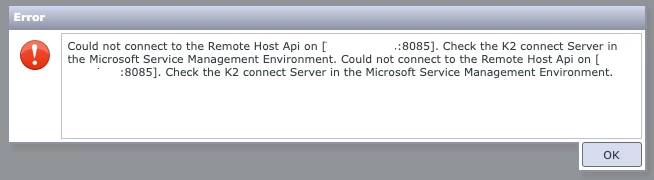
Forms that execute K2 Connect SmartObjects start throwing the following error:
Could not connect to the Remote Host APi on [K2ConnectServer:8085]. Check the K2 Connect Server in the Microsoft Service Management Environment.
Instructions
This error can occur when K2 is unable to reach the K2 Connect service. The first thing to check when encountering this error, is to log on to the K2 Connect server, and check if the K2 Connect service is running. If the service is not running, restart it, ensure it stays running, and check whether your forms are working again.
If the K2 Connect service is running, yet the same error message still shows up, check if there is any network issue blocking the connection between the K2 server and K2 Connect server. K2 Connect service runs on port 8085, so make sure nothing is blocking the connection to the K2 Connect server on port 8085.