



Topic
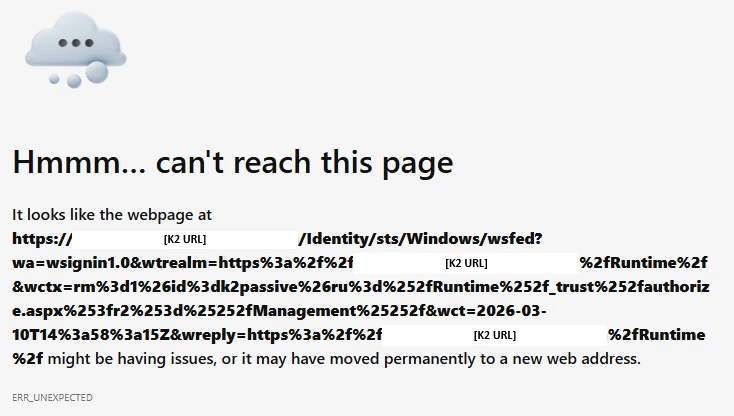
When logging into K2, a brief error may show while the Windows STS authentication is processing before the authentication completes and the user is redirected back to the page they were attempting to load. The error would look like as follows:
"Hmmm... can't reach this page
It looks like the webpage at https://[K2_URL]/Identity/sts/Windows/wsfed?wa=wsignin1.0&wtrealm=... might be having issues, or it may have moved permanently to a new web address.
ERR_UNEXPECTED"
Instructions
This issue can occur when HTTP/2 and Windows Auth/NTLM do not cooperate nicely causing the initial request which starts as HTTP/2 to revert to HTTP/1.1. As a test, you can disable HTTP/2 in Chrome by following the below steps to see if it resolves the issue:
- Right-click the Start Menu in Windows
- Select the Run option
- Enter: chrome.exe --disable-http2
- Click OK
- Navigate to a K2 site and authenticate
If this resolves the issue, you can add the following Registry Keys to the K2 server(s) to disable HTTP/2 server side to fix the issue for all users:
HKLM\SYSTEM\CurrentControlSet\Services\HTTP\Parameters
- EnableHttp2Tls = 0 (DWORD)
- EnableHttp2Cleartext = 0 (DWORD)