



Topic
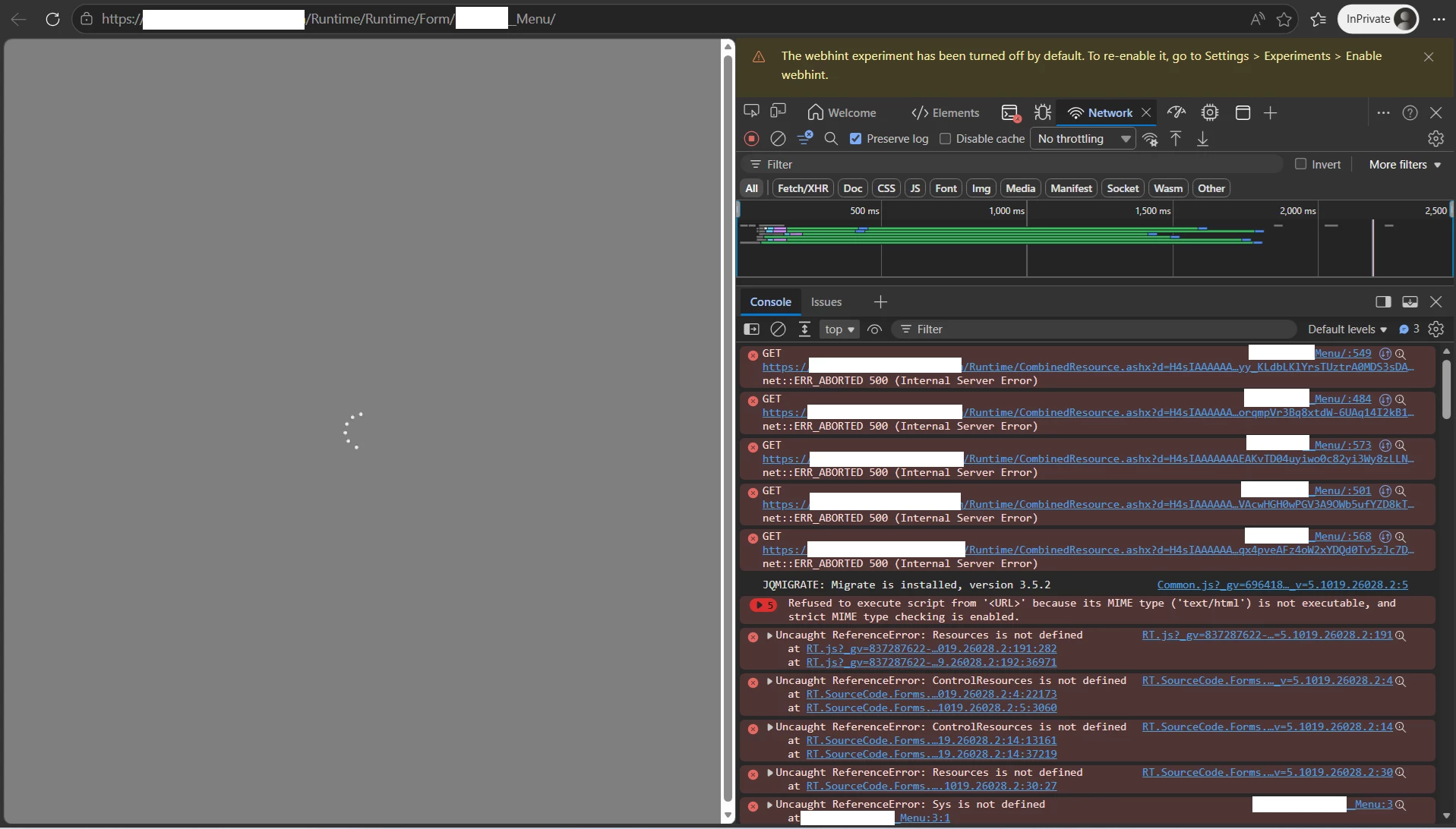
After upgrading to 5.9, forms and views stopped loading properly. A spinner shows up and the form or view becomes unresponsive.
Errors will also be logged in the browser console:
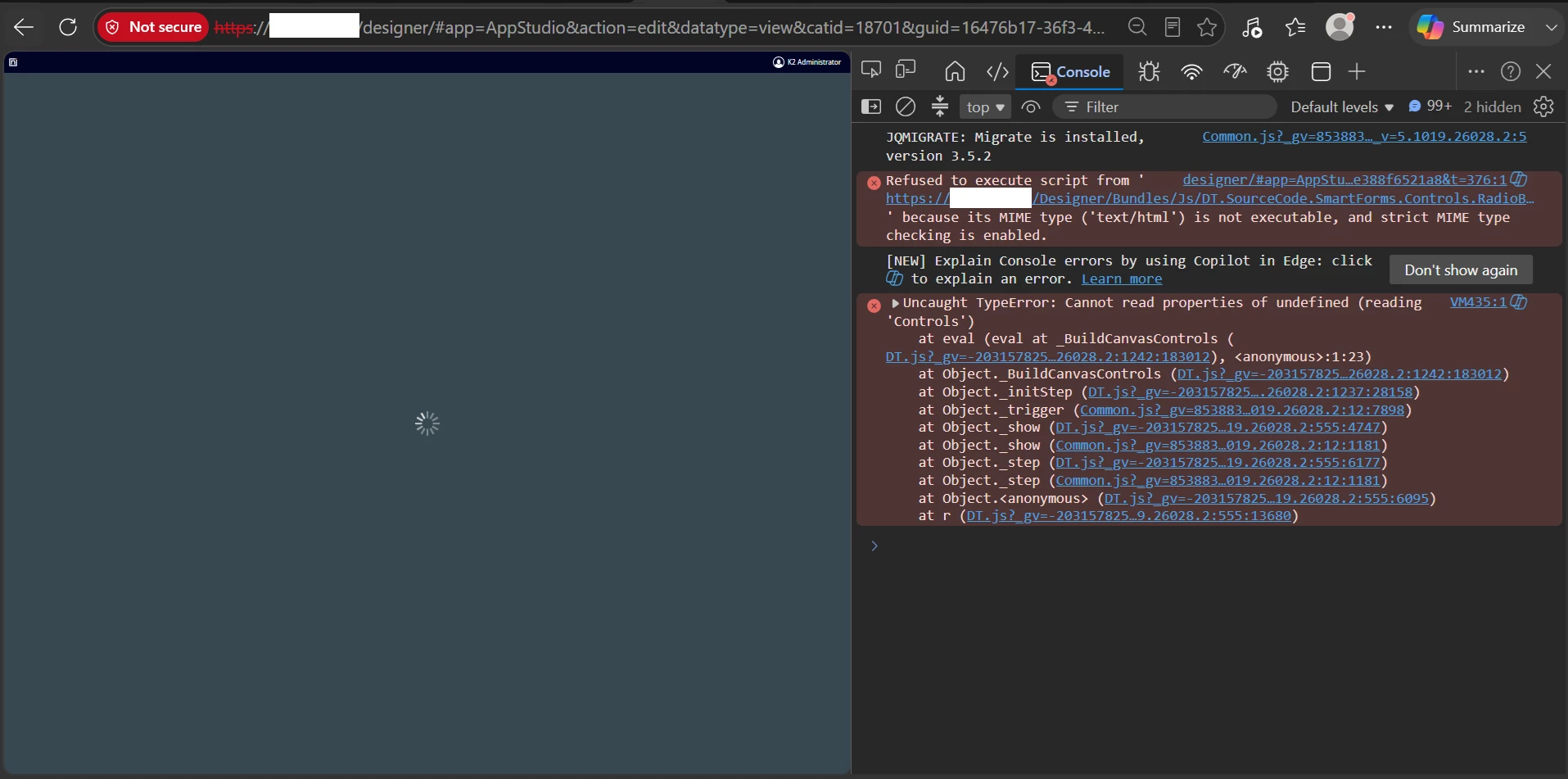
When attempting to edit the form or view in Designer, only a loading spinner shows up, with errors logged in browser console:
After clearing the content cache by removing all contents from [Program Files]\K2\K2 smartforms Runtime\Content folder, this error may show up:
Could not find a part of the path 'C:\Program Files\K2\K2 SmartForms Runtime\Content\Js\nintex.k2test.net\~\Content\Js\Common.js.js'.
Instructions
On the web server hosting K2 smarforms, open Windows Explorer, open the following path. Replace K2WEBSERVICEACCOUNT with the account used to run the K2 site and application pools.
C:\Users\K2WEBSERVICEACCOUNT\AppData\Local\Temp\SourceCode.Forms.Utilities.NodeJS
Perform a quick inspection of this folder. This folder should have the following files and folders:
node_modules
node_modules.zip
node.exe
node.zip
node_script.js
node_modules folder should not be empty, and all subfolders within node_modules folder should not be empty as well.
If you can find node.zip and node_modules.zip, you can perform a repair by following the steps below:
- Open node.zip, and copy node.exe to C:\Users\K2WEBSERVICEACCOUNT\AppData\Local\Temp\SourceCode.Forms.Utilities.NodeJS
- Delete node_modules folder if it exist, then open node_modules.zip, copy node_modules folder inside the zip file to C:\Users\K2WEBSERVICEACCOUNT\AppData\Local\Temp\SourceCode.Forms.Utilities.NodeJS
- Open [Program Files]\K2\K2 smartforms Runtime\Content folder, remove all files within the Content folder
- Perform IISRESET
- Clear browser cache
If you cannot find node.zip and node_modules.zip within C:\Users\K2WEBSERVICEACCOUNT\AppData\Local\Temp\SourceCode.Forms.Utilities.NodeJS, please log a support case with Nintex Support.