

Hi,
I have a K2 list view which uses a list display for one of the column controls. The control is bound to a field called “AnswerID”, and uses a smartobject called “Answers”, which contains the answer ID and description. This all works and displays the answer description when the ID is present in the underlying list view smartobject dataset.
We also want to provide a way to update this answer, so in the Add/Edit row I have a drop-down list which is populated by another smartobject: “QuestionAnswers”. This contains the list of possible Answer IDs given the current Question ID. The display value is looked up from the associated “Answers” smartobject and the ID field is the AnswerID. When a row enters edit mode, this drop-down is populated for the relevant question. This also works.
Where I am running into an issue is when applying the changes to the edited row. It appears that the selected AnswerID is being populated into the underlying smartobject, but the list display control still shows blank instead of the answer description. When I edit the row again, the appropriate option is showing as selected in the drop-down, so that binding is working and if I save these changes, they are committed to the DB.
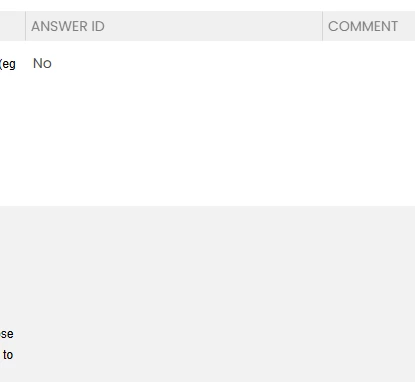
Row 2: Value selected in drop-down, but not showing in list display
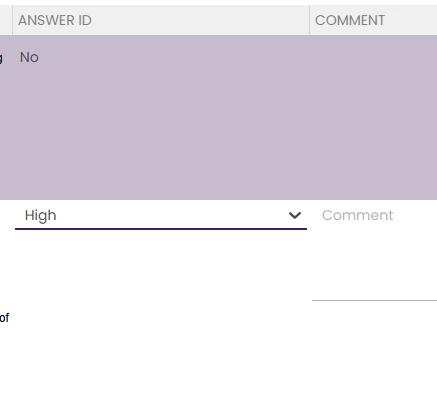
From this point when I edit a row, the answer description does show in the list display control, but only where that answer already exists in the list view dataset. Using the example above, if I then save this row, ‘High’ will now show correctly in the list display control when selected on another question. But when selecting ‘Low’ - if not used before - this shows blank until it is committed to the DB.
Any pointers appreciated.